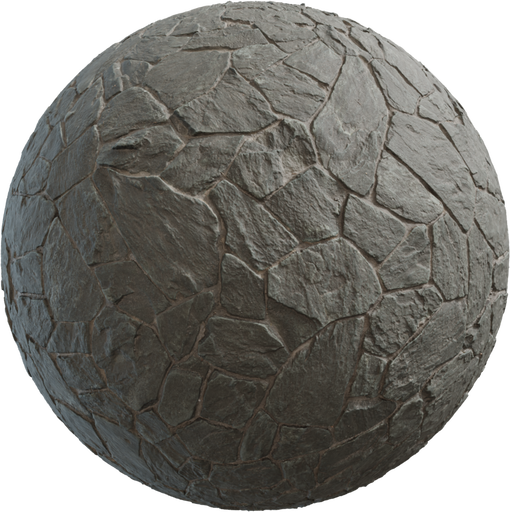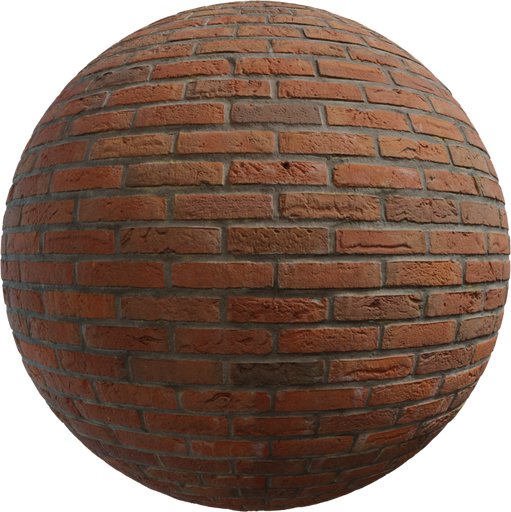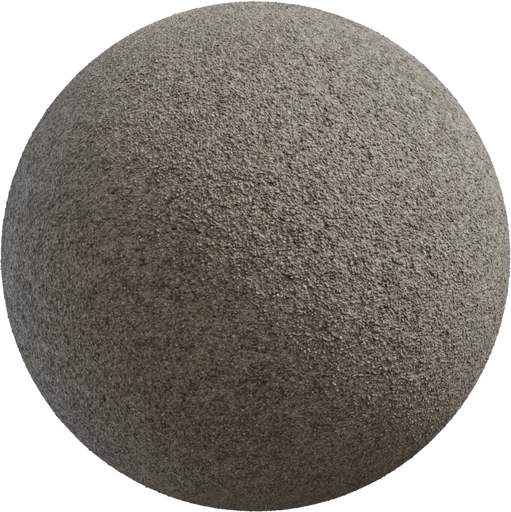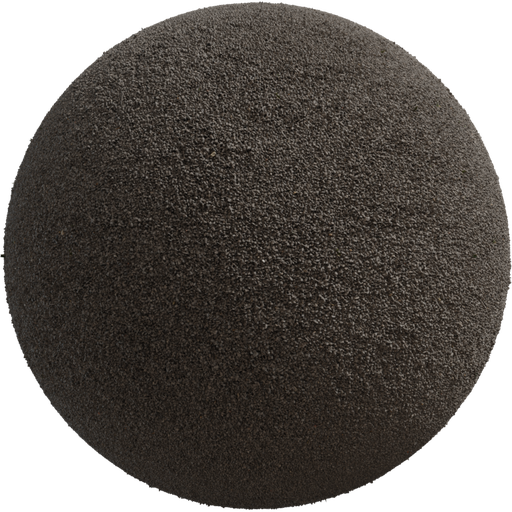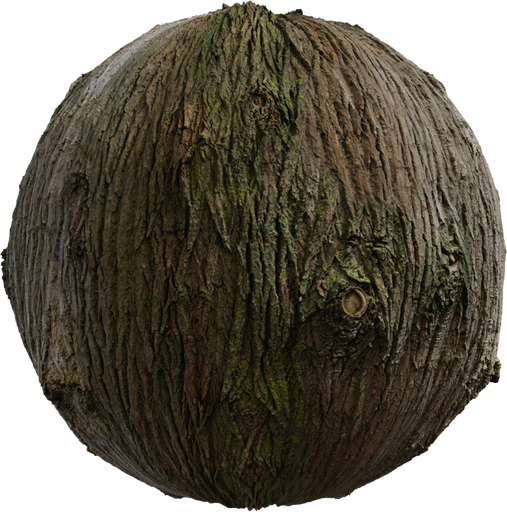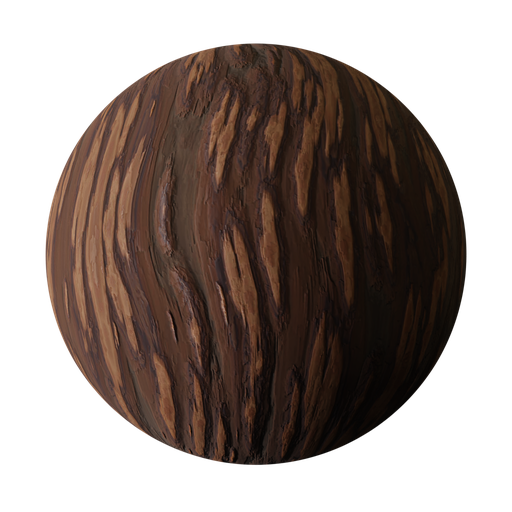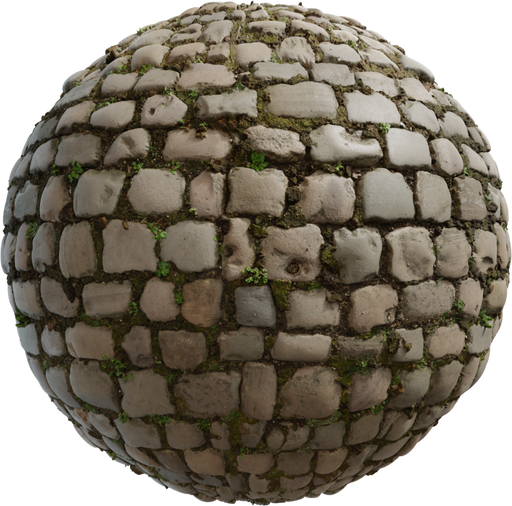
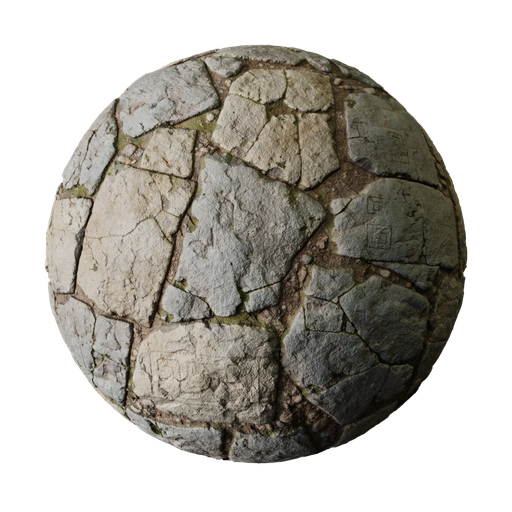

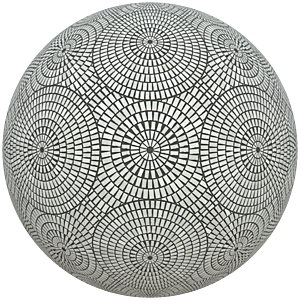


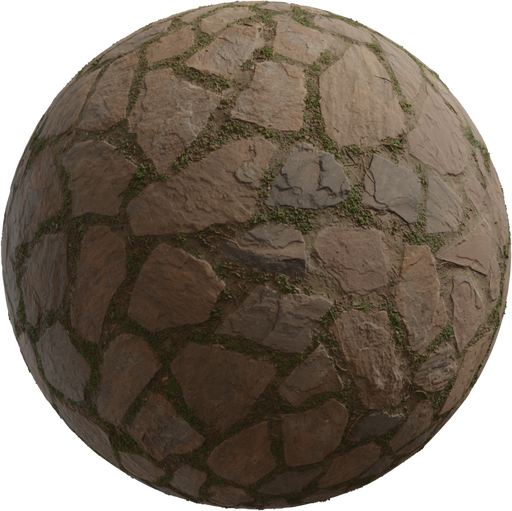
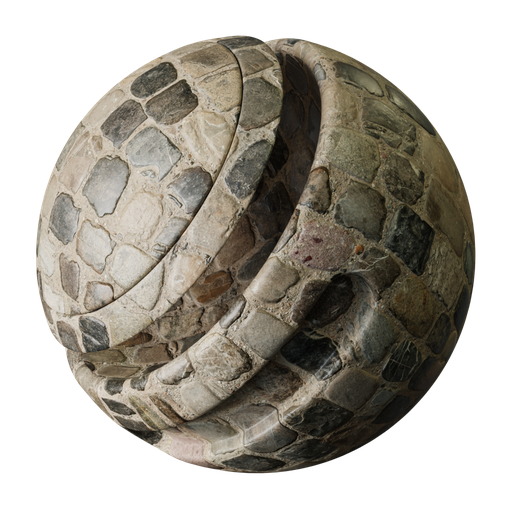


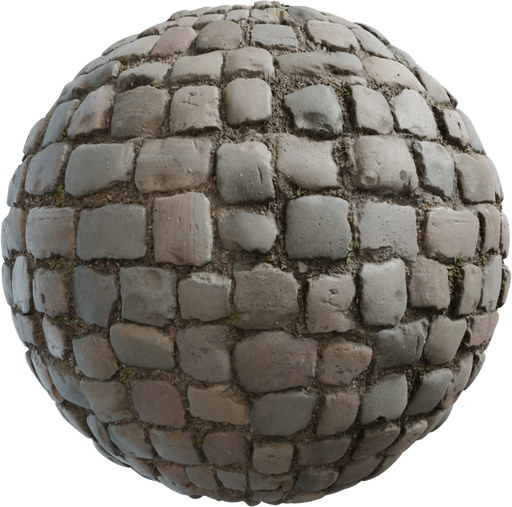
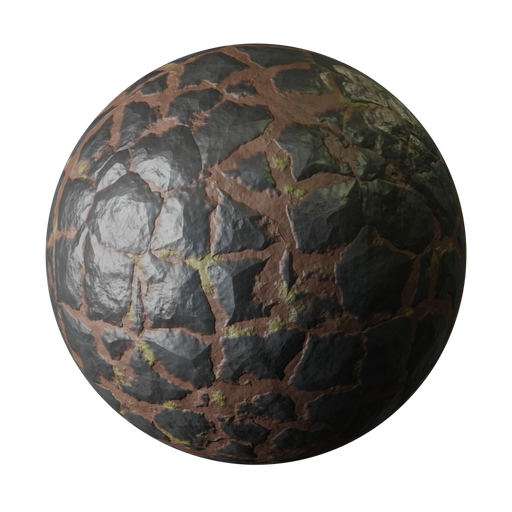




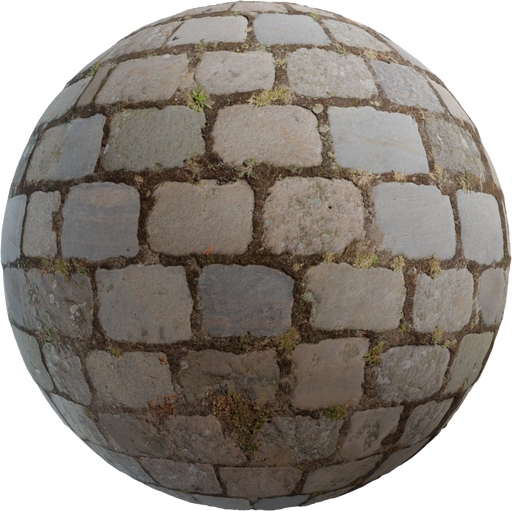
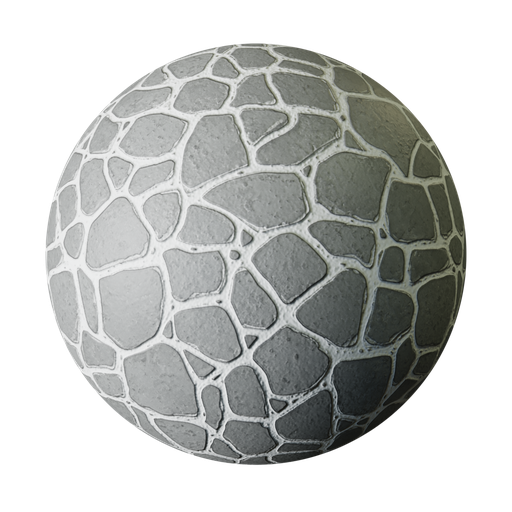


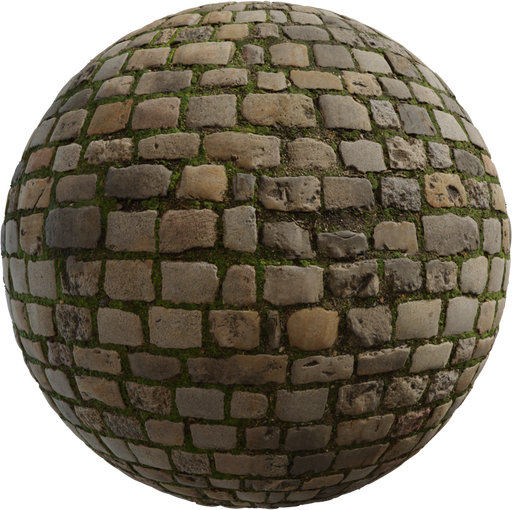
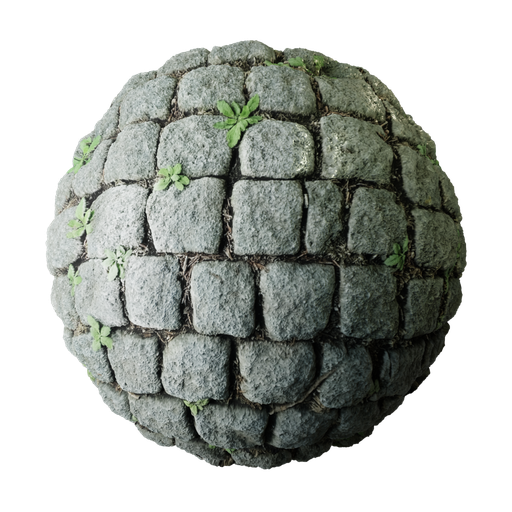


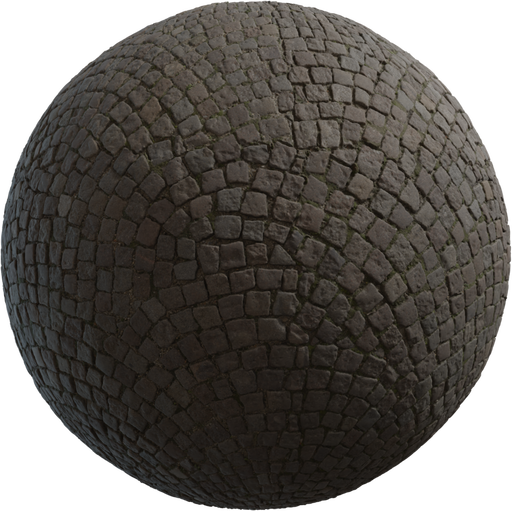
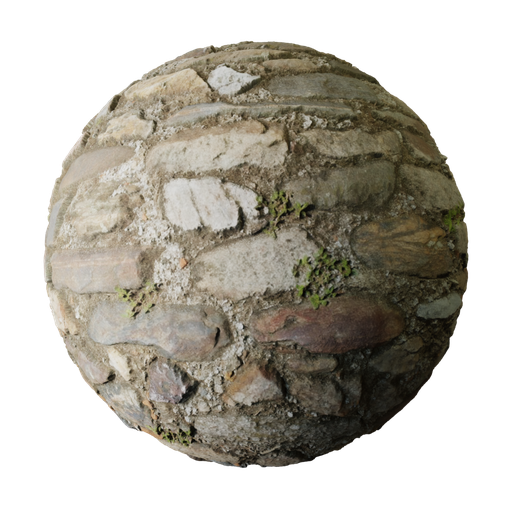
Cobblestone is the classic surface of old towns, courtyards, castle approaches and fantasy villages. A good cobblestone material has rounded, uneven stones, dark gaps where dirt collects, and roughness that changes from worn tops to damp joints.
This page searches many texture sites at once, including Poly Haven, ambientCG, CGBookcase, ThreeDTextures and TextureCan, and refreshes automatically. Each card shows its source and licence. Most PBR materials are CC0, but check each card before shipping.
Choosing a cobblestone material
- Stone shape. Round cobbles suit old streets, and square setts suit modern paving. Fan and circular patterns suit plazas.
- Condition. Some materials show moss, puddles, leaves or grass between the stones, which adds age but also makes repetition easier to spot.
- Scale. Check the real-world size of the tile, so the stones look the right size against your characters.
- Normal map format. Blender, Three.js, Godot and Unity use OpenGL-style normal maps, and Unreal Engine uses DirectX-style. Flip the green channel if the stones look sunken.
Pair cobblestone with medieval assets and stone or brick textures from the related collections.