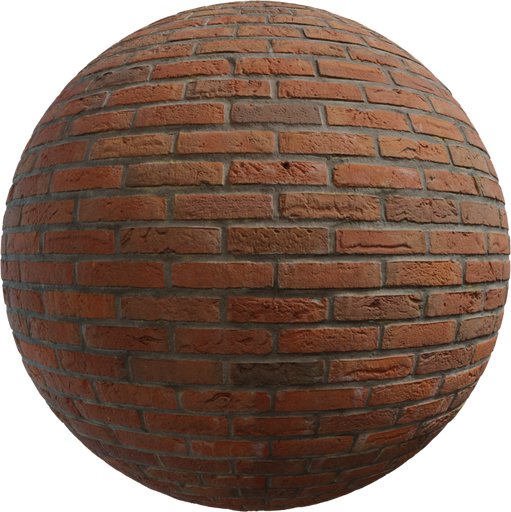
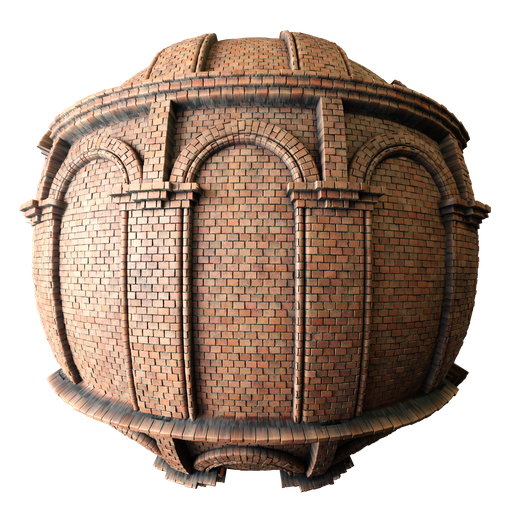


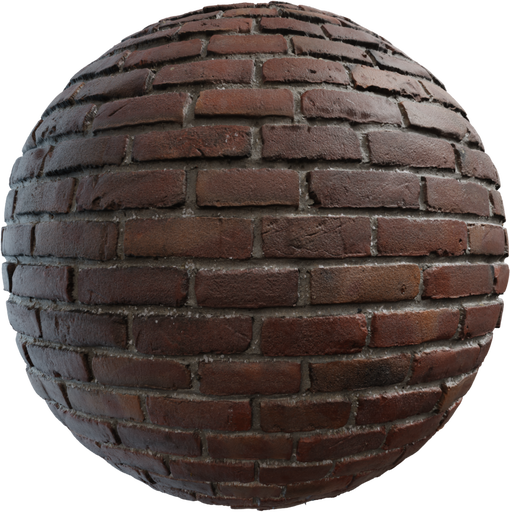


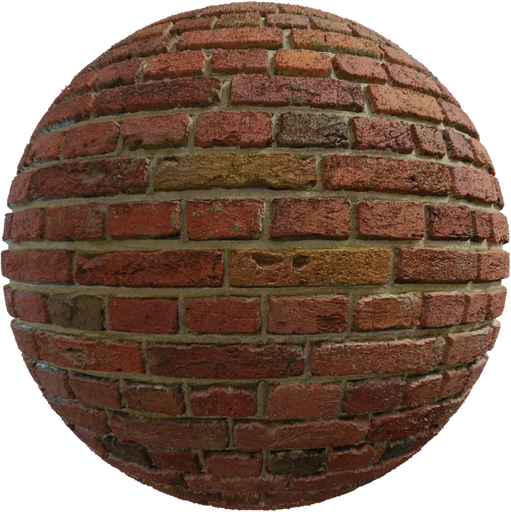
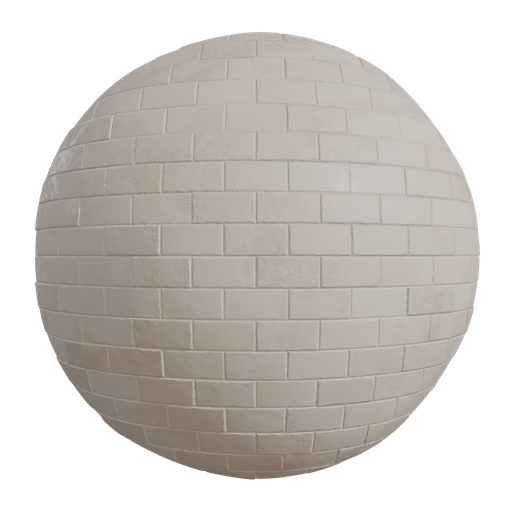


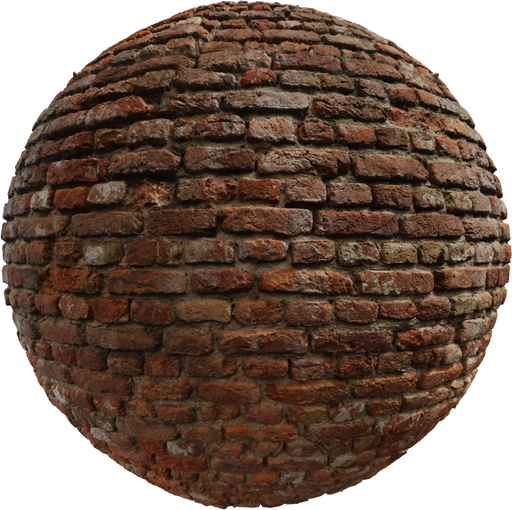


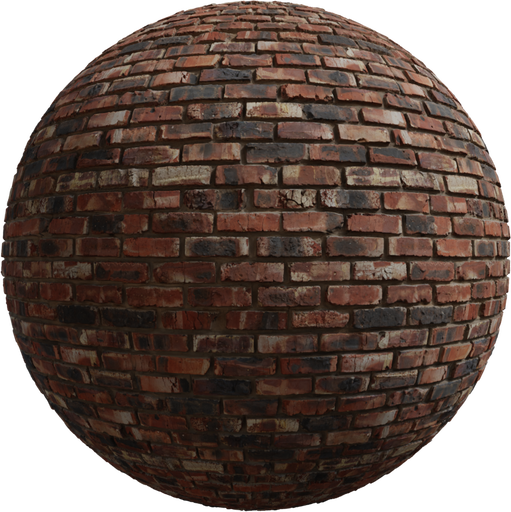


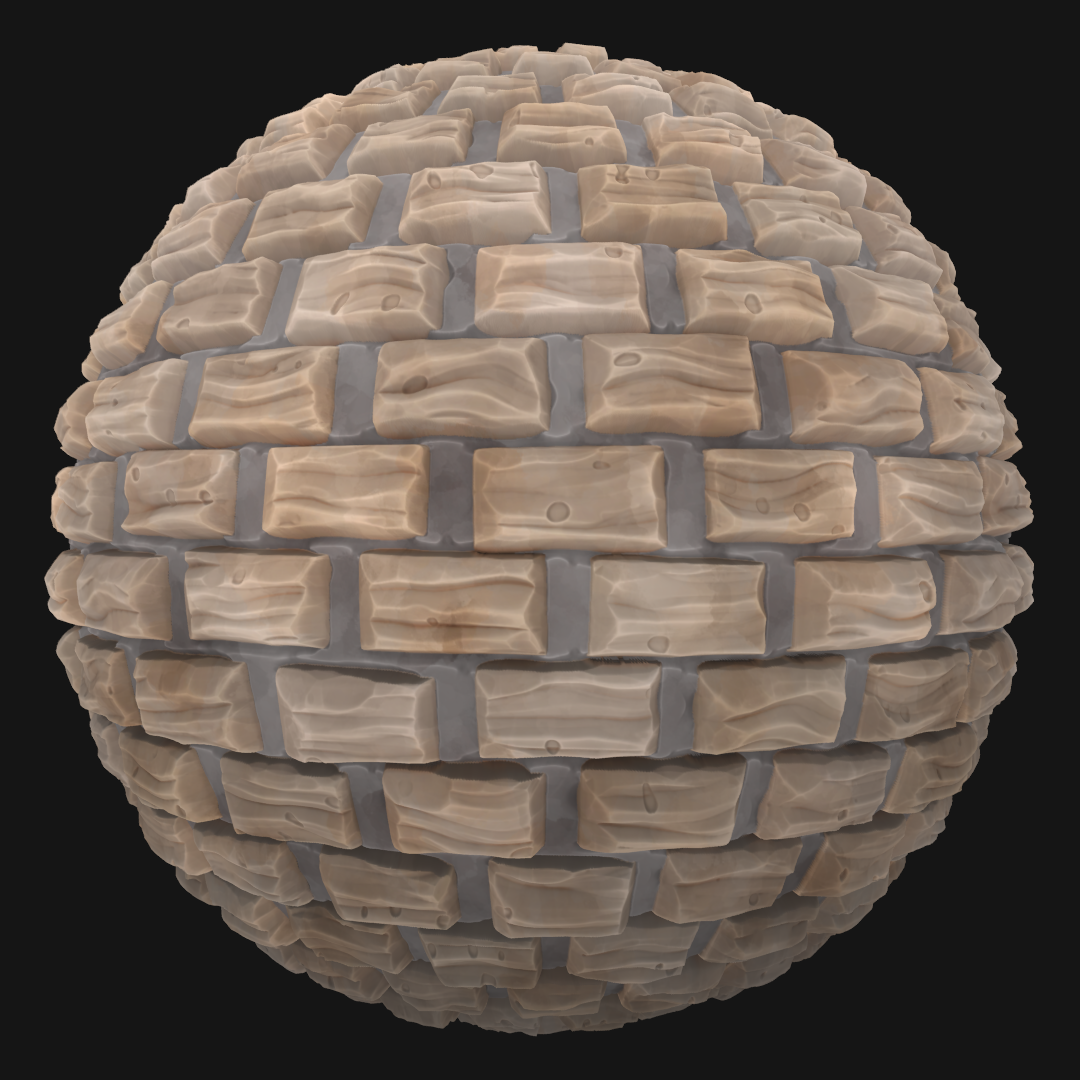
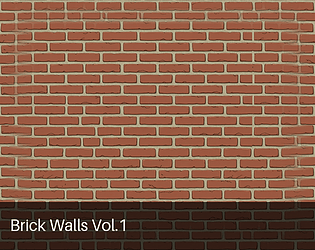
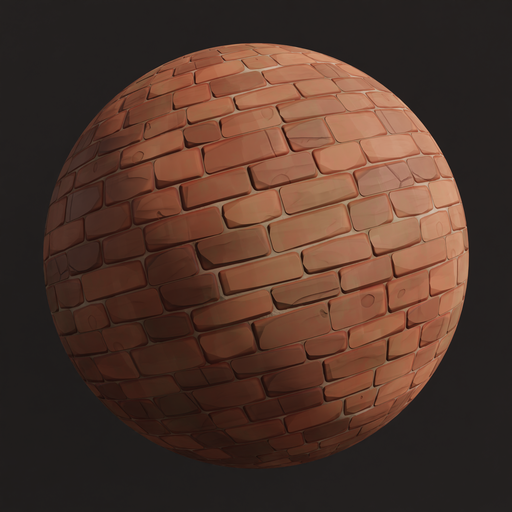
Brick is one of the most used materials in 3D: building facades, garden walls, chimneys, fireplaces and dungeon corridors. A good brick material is more than a photo; it needs depth in the mortar joints, roughness that separates fired clay from crumbly mortar, and variation from brick to brick.
The materials on this page come from twelve texture sites searched at once, including Poly Haven, ambientCG, CGBookcase, TextureCan, ShareTextures and 3DTextures.me, refreshed automatically. Each card shows its source and licence; most are CC0.
What the maps do
- Colour (albedo): the brick and mortar colours without lighting.
- Normal: small surface detail, such as chipped edges and rough clay, without extra geometry.
- Roughness: how glossy each part is. Mortar is usually rougher than the brick face.
- Displacement (height): real depth for the mortar joints when used with tessellation or parallax mapping.
For a game or a website, the colour, normal and roughness maps at 1K or 2K are usually enough. For close-up renders, add displacement and go up to 4K or 8K. Check the scale too: most brick materials cover about one to two metres of wall per tile.