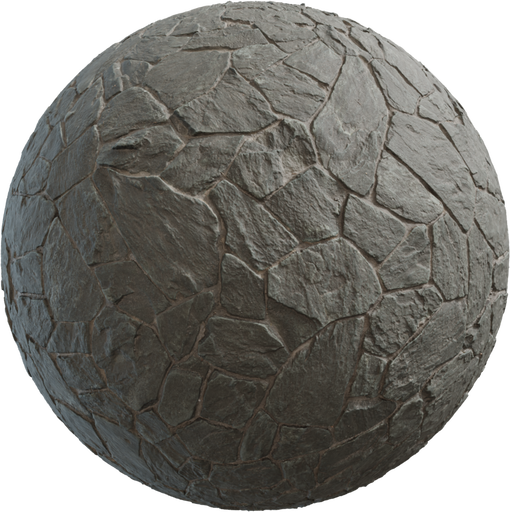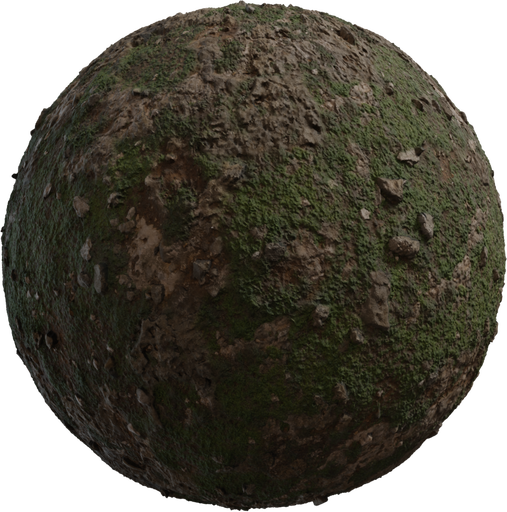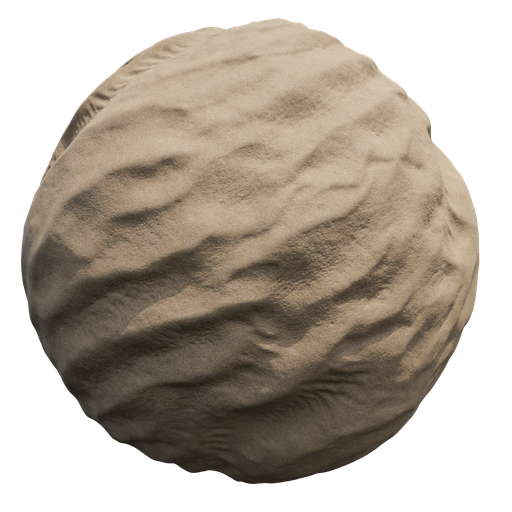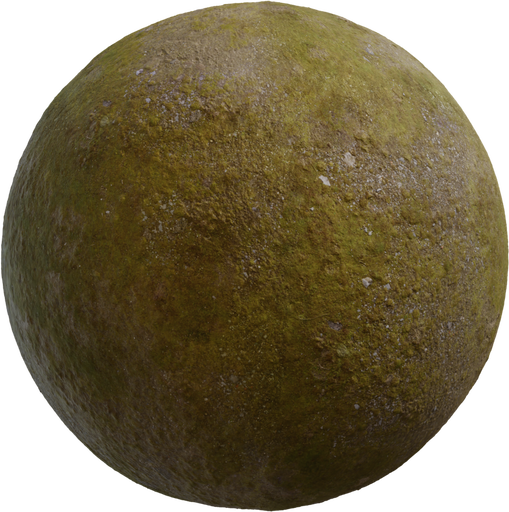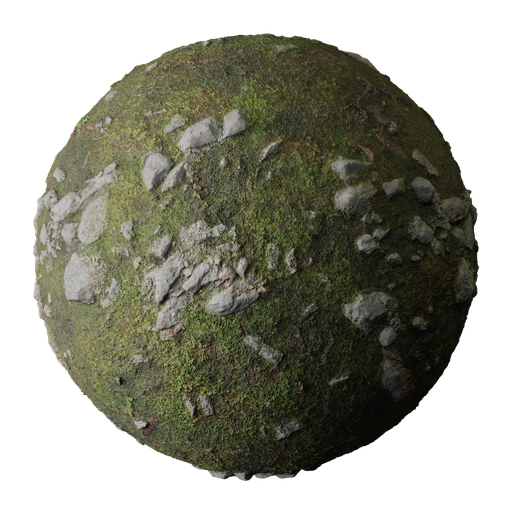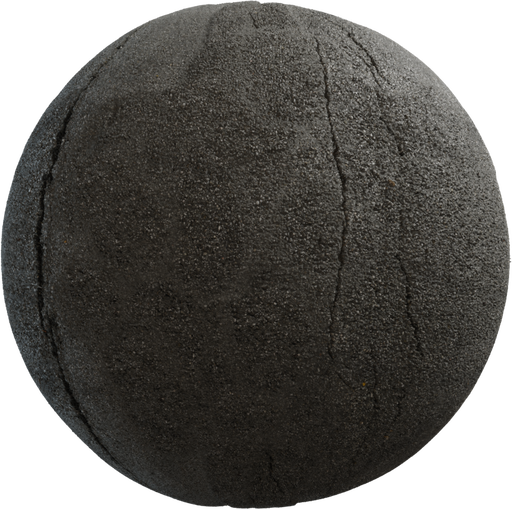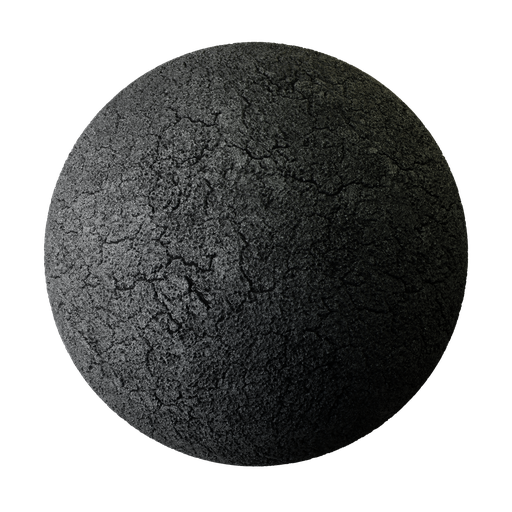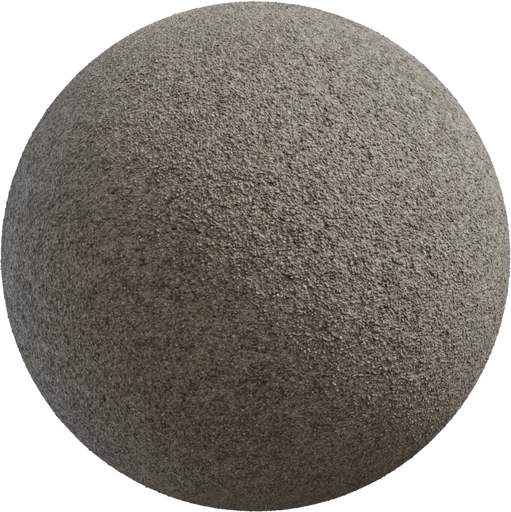
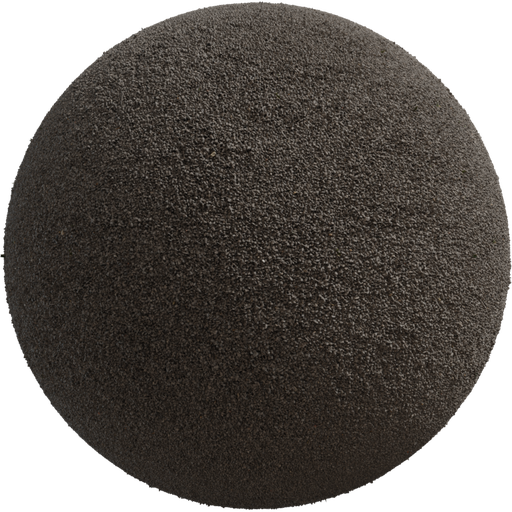


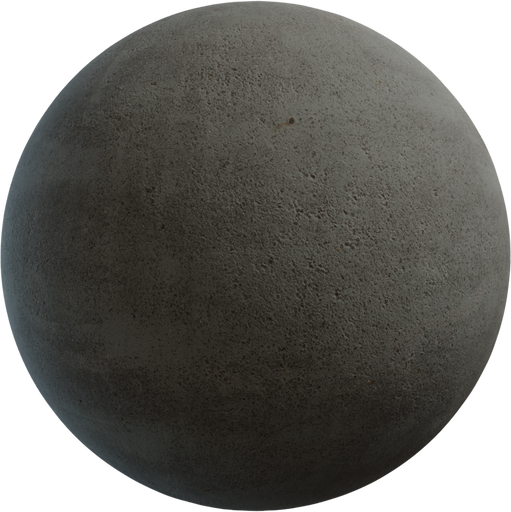
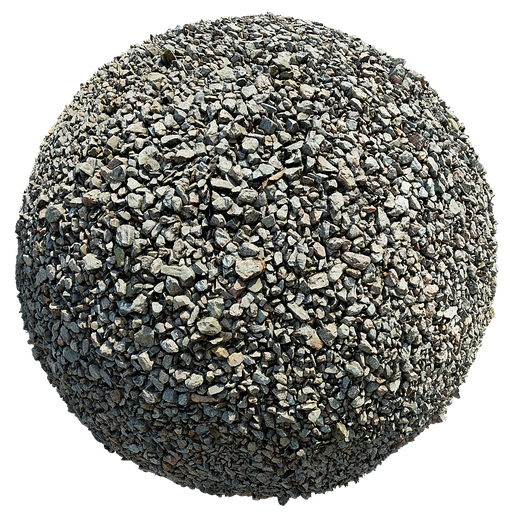


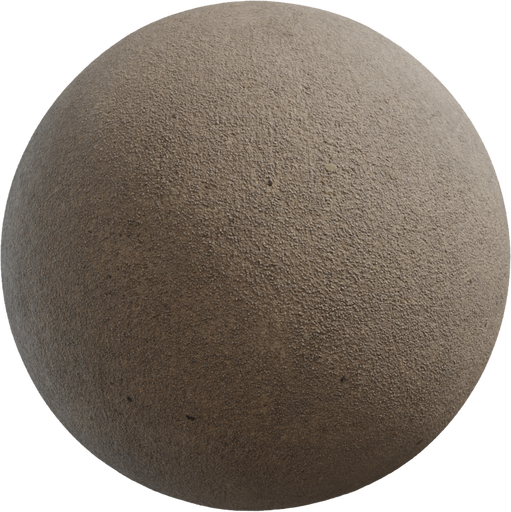
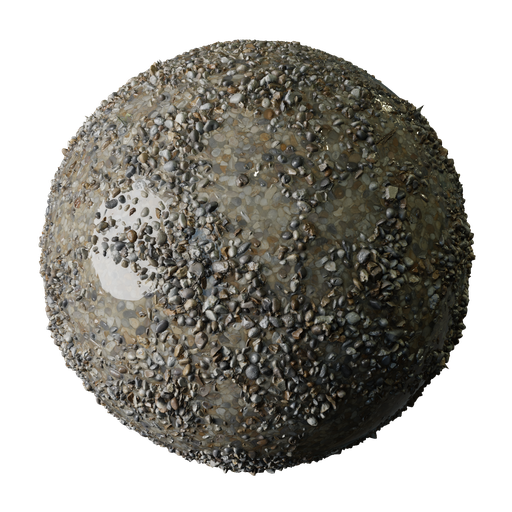


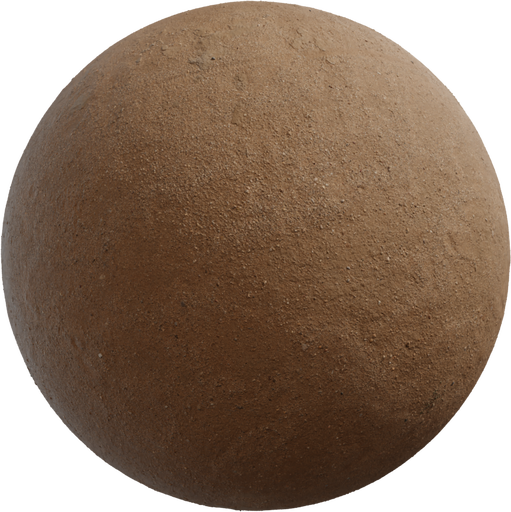
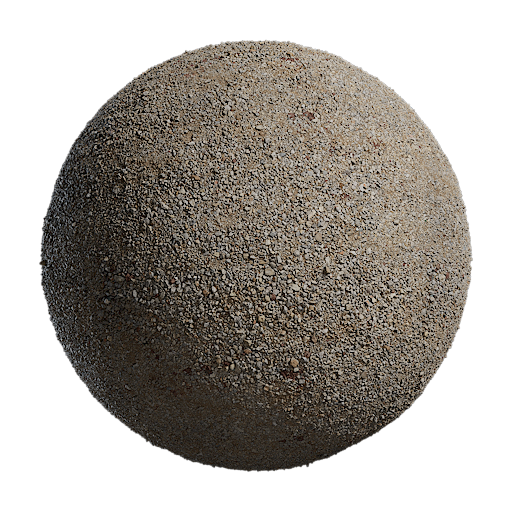


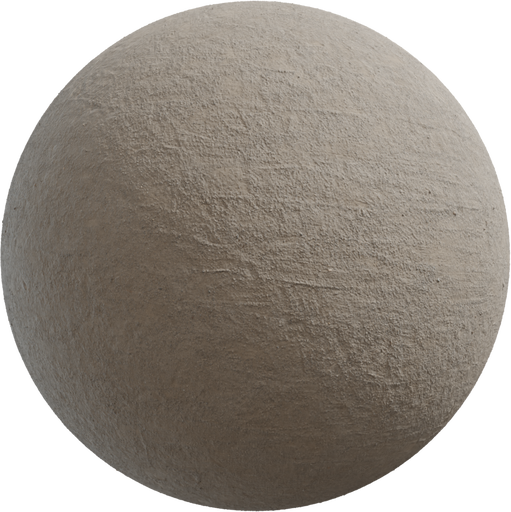


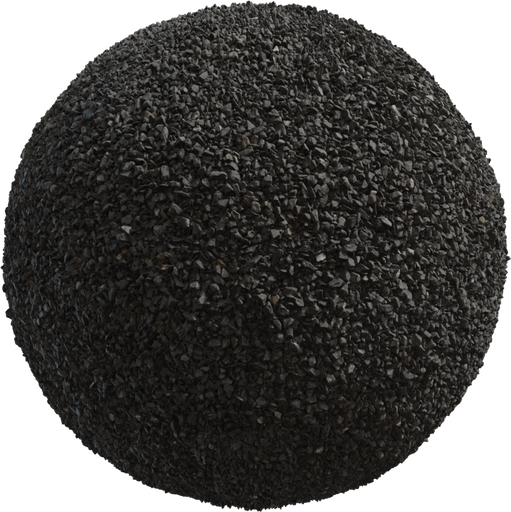


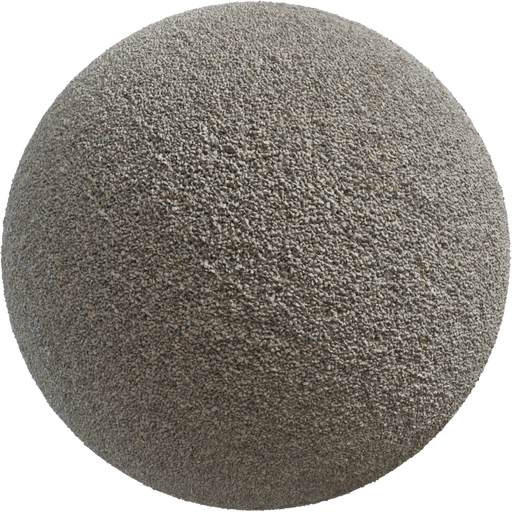

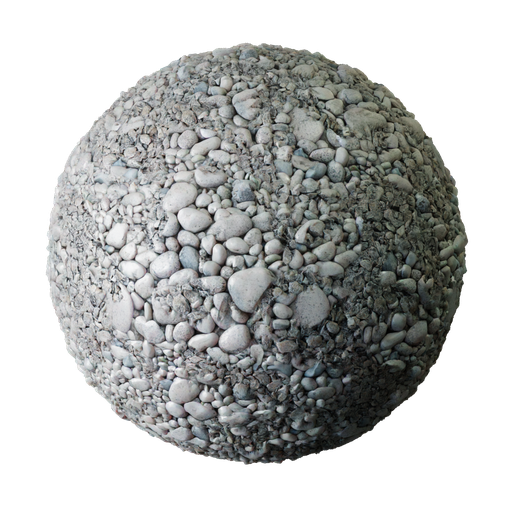

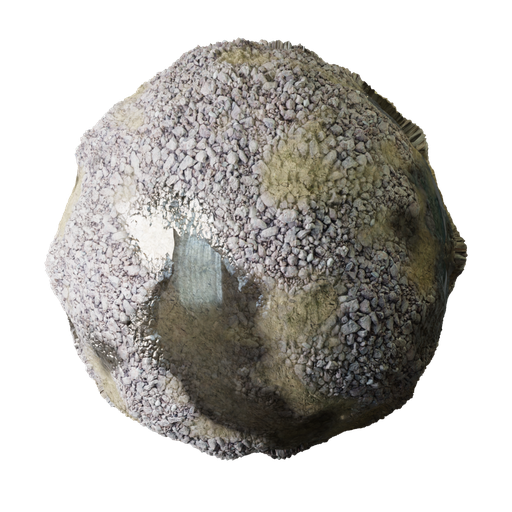
Gravel is the surface of driveways, garden paths, railway beds, car parks and rough roads. In a scene it breaks up flat ground: a band of gravel beside tarmac or grass instantly adds scale and a sense of use, and the loose stones catch light in a way that a plain dirt texture cannot.
This page searches the texture sites at once and lists free gravel materials, refreshed automatically. Each card shows its source and licence; most are CC0, but check before shipping because not every source uses CC0.
What to look for
- Displacement or height. Gravel is all about depth between the stones. A height map used for parallax or tessellation makes it far more convincing than a normal map alone.
- Stone size. Check the real-world size of a tile. Fine gravel suits a driveway; larger stones suit a river bed or a rough track.
- Resolution. 1K or 2K is enough for game ground and web scenes. Use 4K or 8K for close-up renders.
- Normal map format. Blender, Three.js, Godot and Unity use OpenGL-style normals; Unreal Engine uses DirectX-style. Flip the green channel if the stones look sunken instead of raised.
Mix gravel with the stone, sand and grass collections, and use a mask to blend the edges of a path into the ground around it.