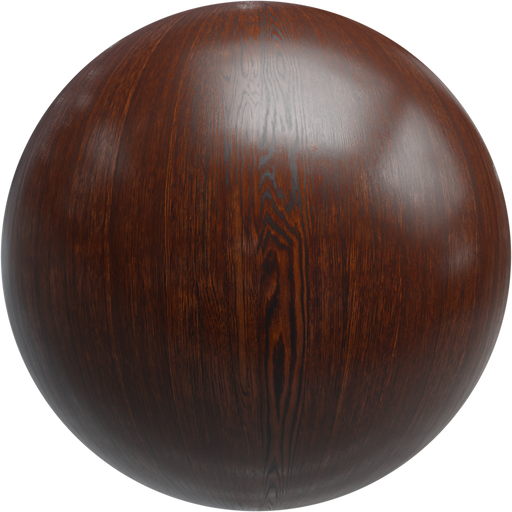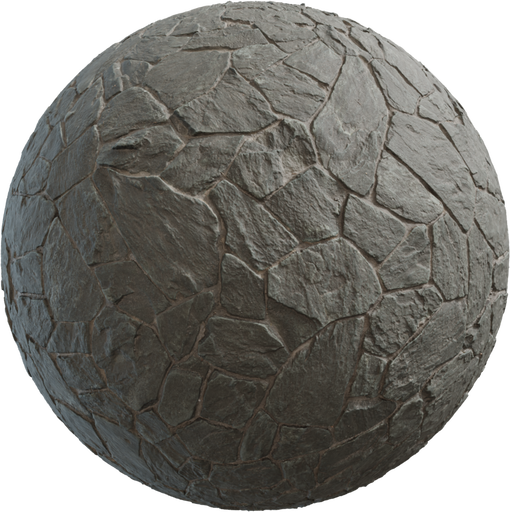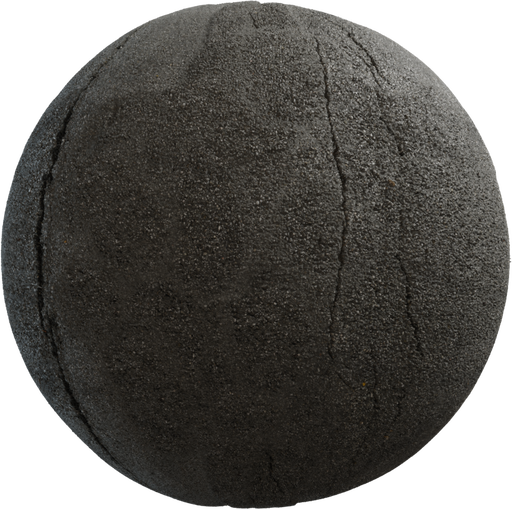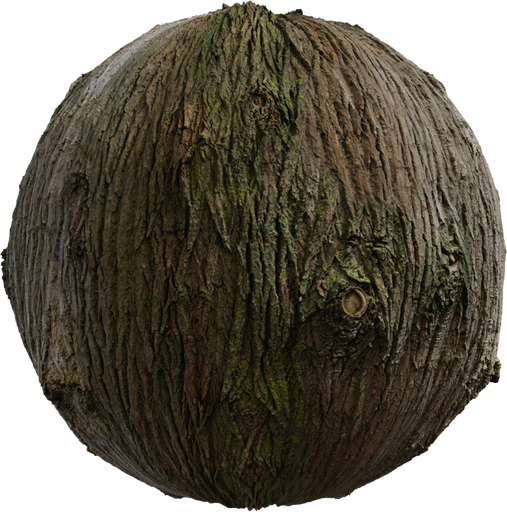
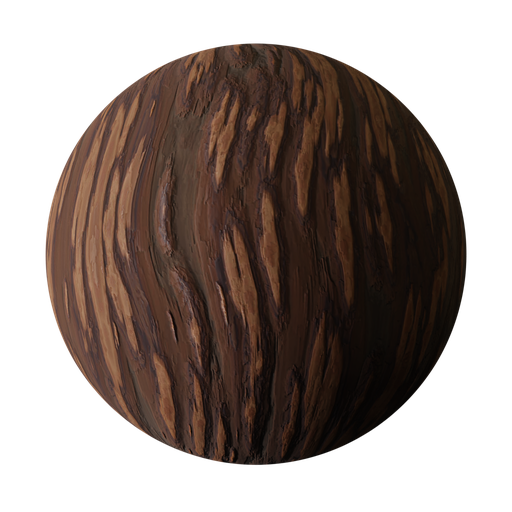


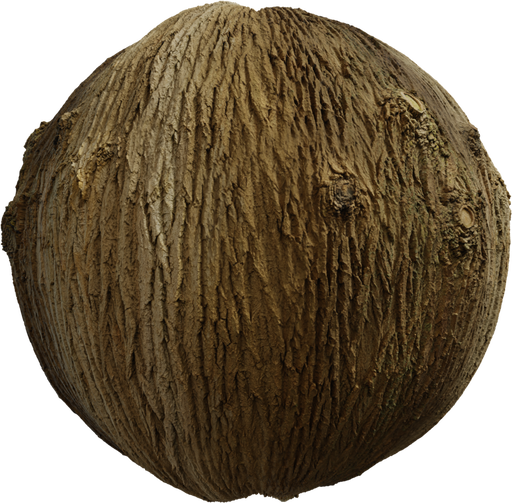
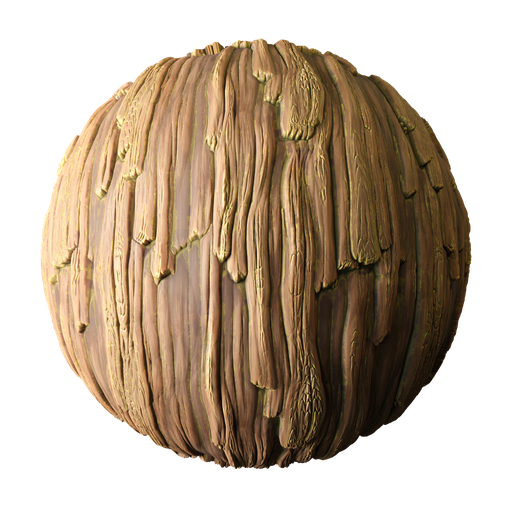


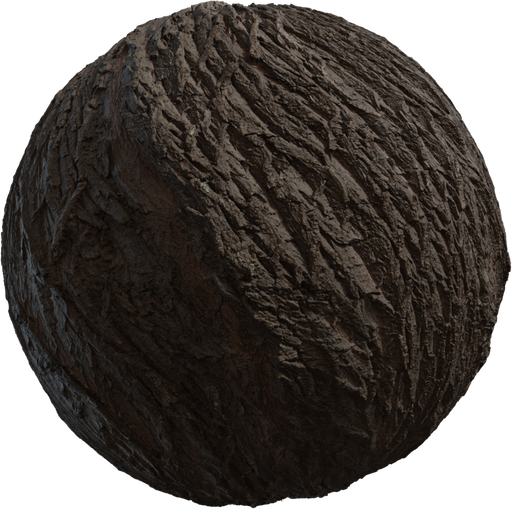
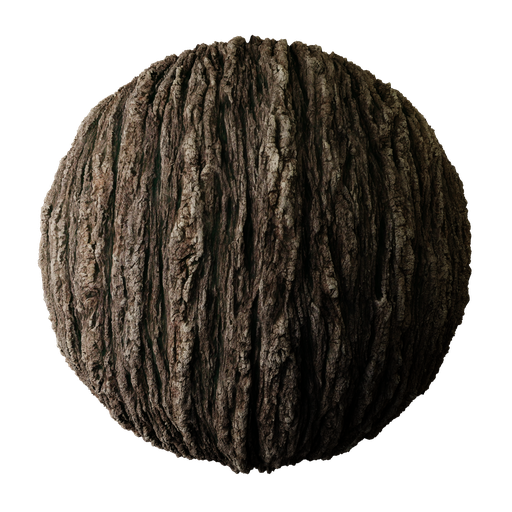


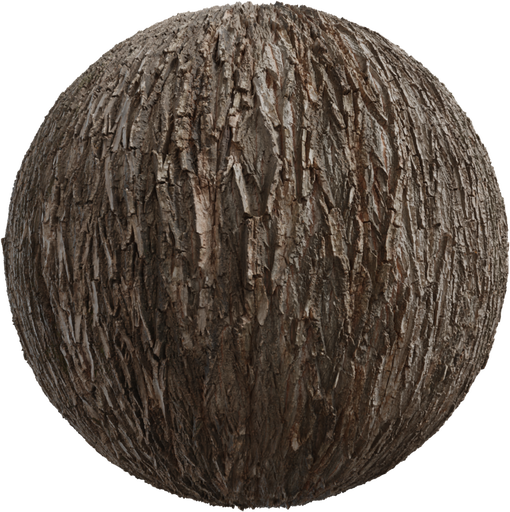
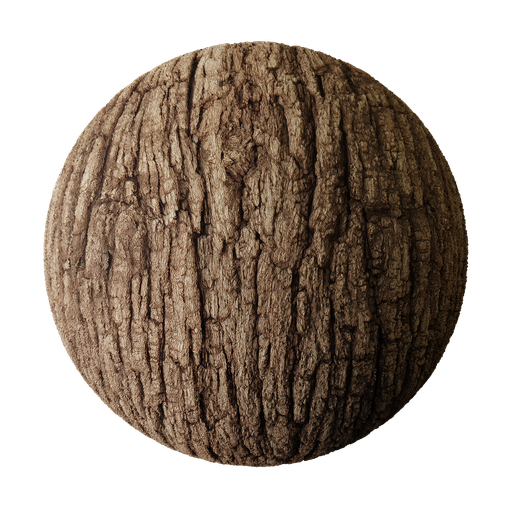


Bark is the skin of a tree, and it varies far more than most people expect: deep furrowed oak, papery birch, scaly pine and smooth beech all look different up close. A convincing trunk needs a bark material with real depth in the ridges and roughness that separates dry outer bark from damp crevices.
This page searches many texture sites at once, including Poly Haven, ambientCG, CGBookcase, ShareTextures and TextureCan, plus stylised bark from sources such as FreeStylized and 3DTextures.me. It refreshes automatically, and each card shows its source and licence. Most PBR materials are CC0, but check each card before shipping.
Choosing a bark material
- Match the species. Pine, birch and willow bark look very different, so pick the one that suits the tree you are building.
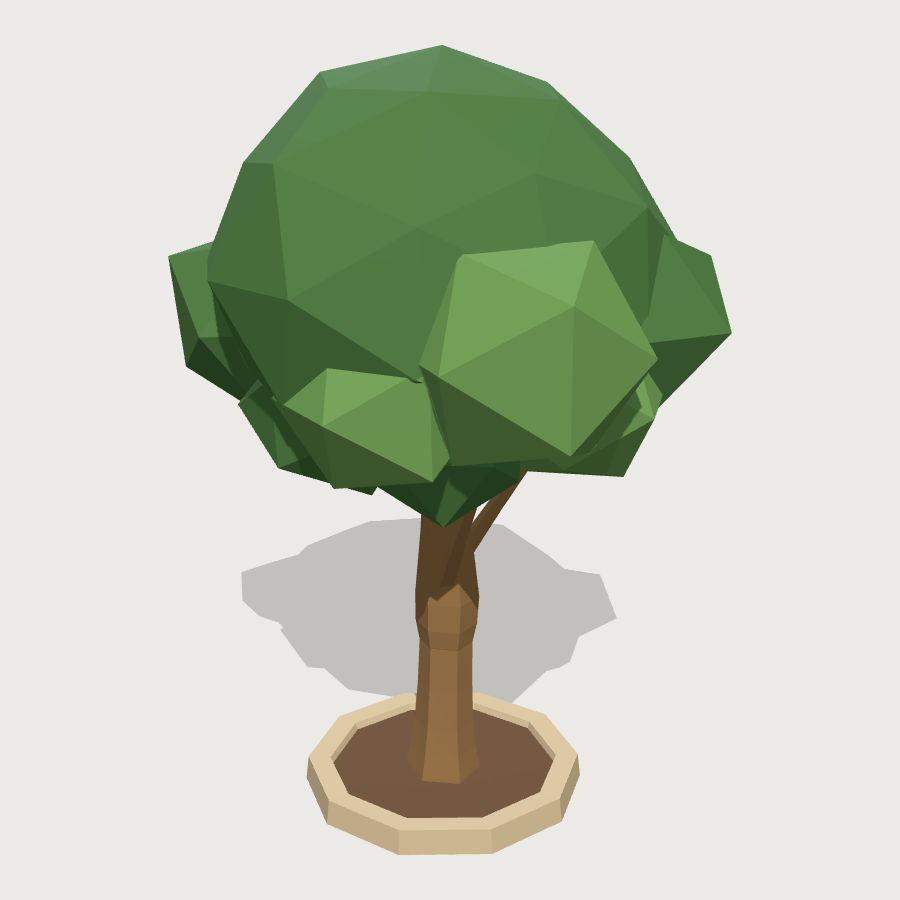
- Realistic or stylised. Photographic scans suit renders and realistic games. Hand-painted bark fits low-poly trees and stylised worlds better.
- Resolution. 1K or 2K is usually enough for game trees. Use 4K or more for hero trees seen close up.
- Normal map format. Blender, Three.js, Godot and Unity use OpenGL-style normal maps, and Unreal Engine uses DirectX-style. Flip the green channel if the ridges look inverted.
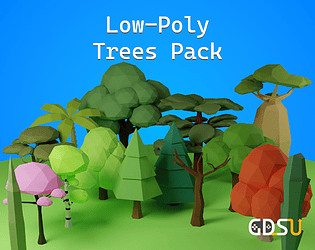
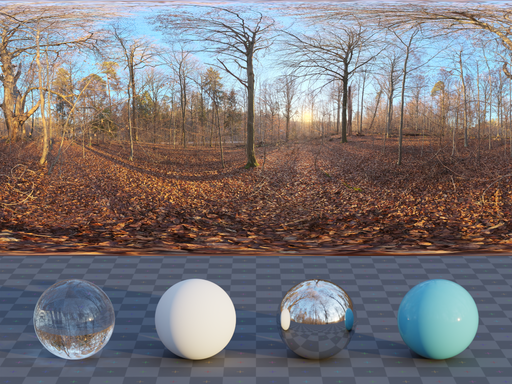
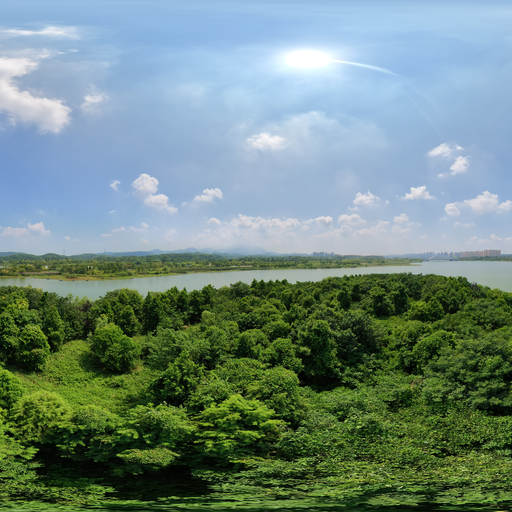
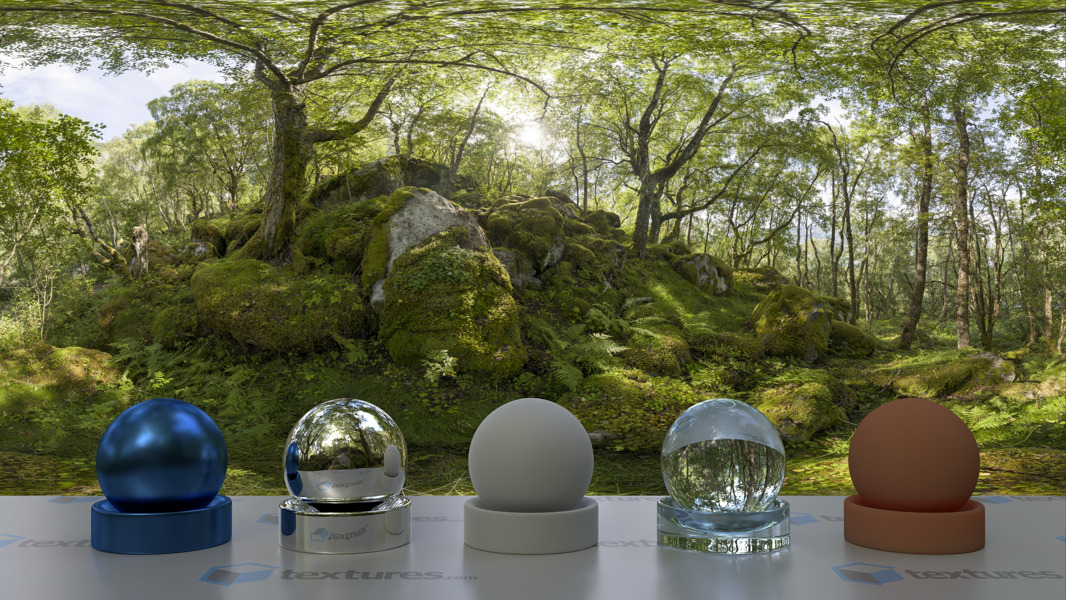
For a complete forest, combine bark with low-poly or realistic tree models and forest HDRIs from the related collections.