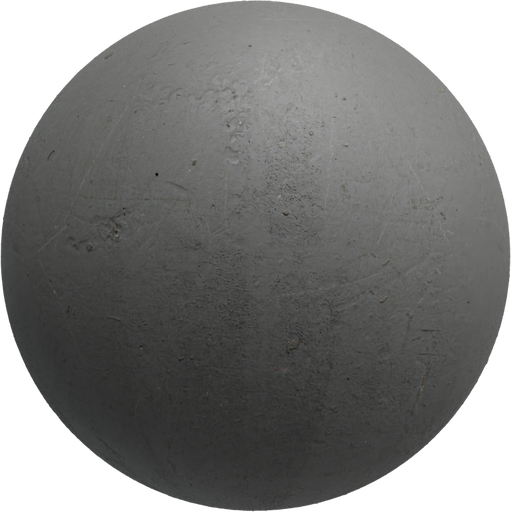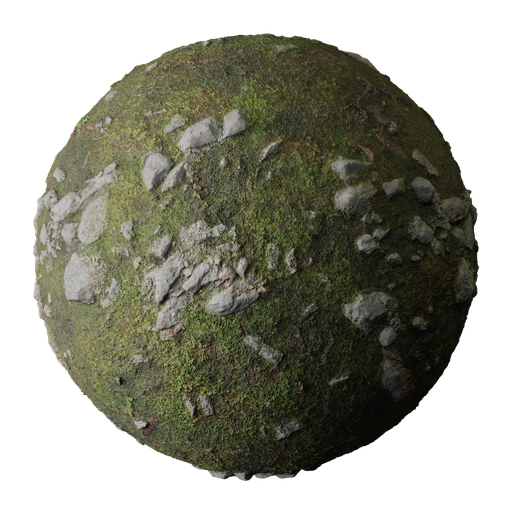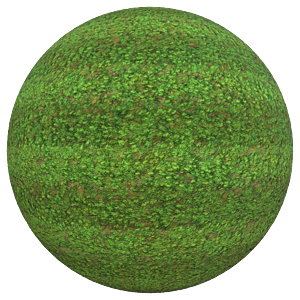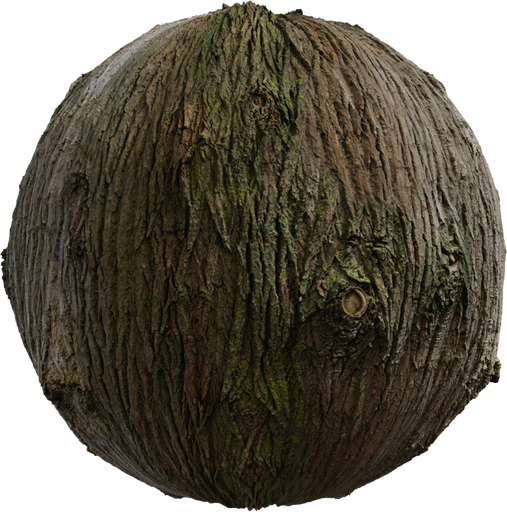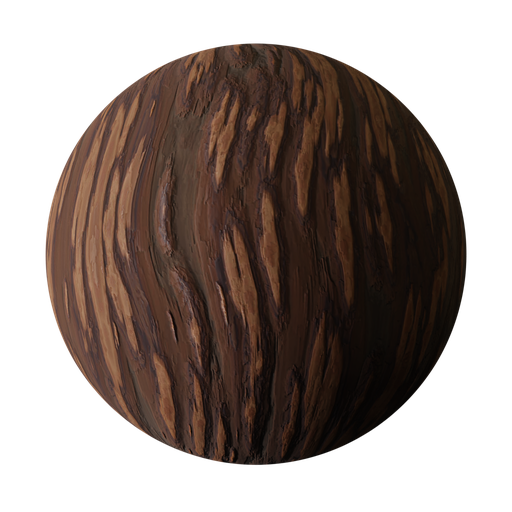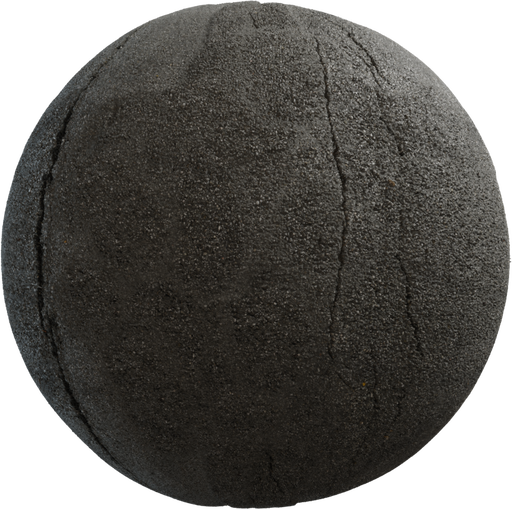
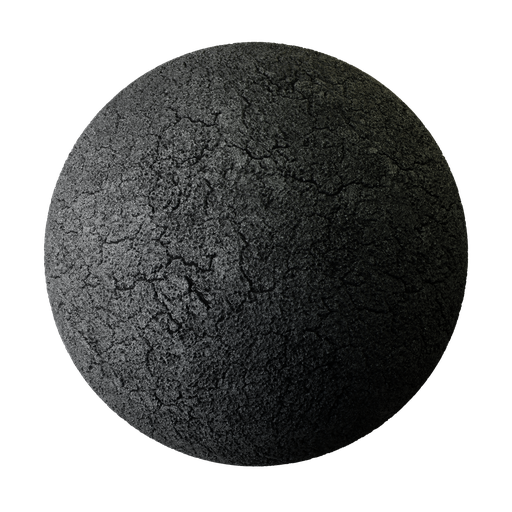


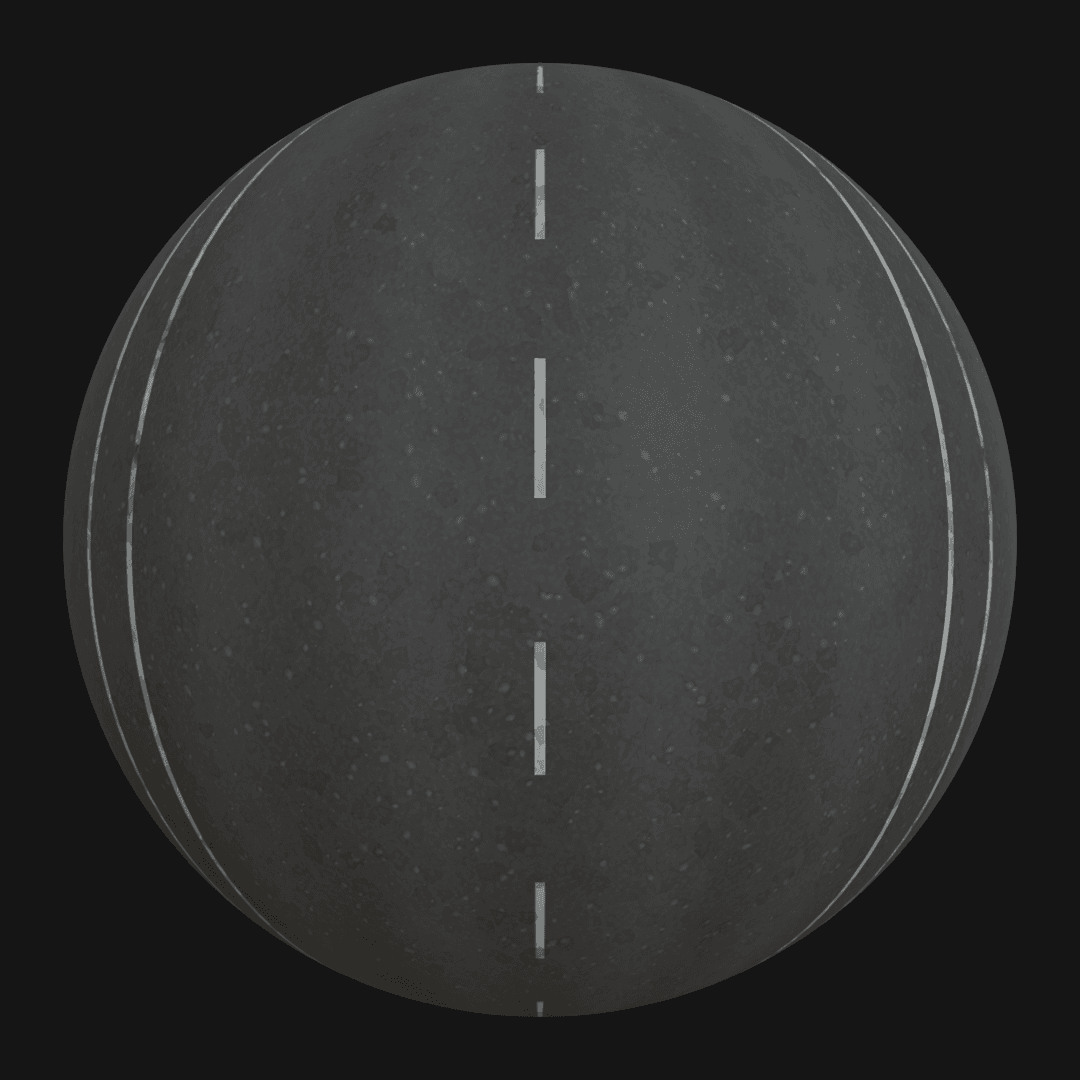


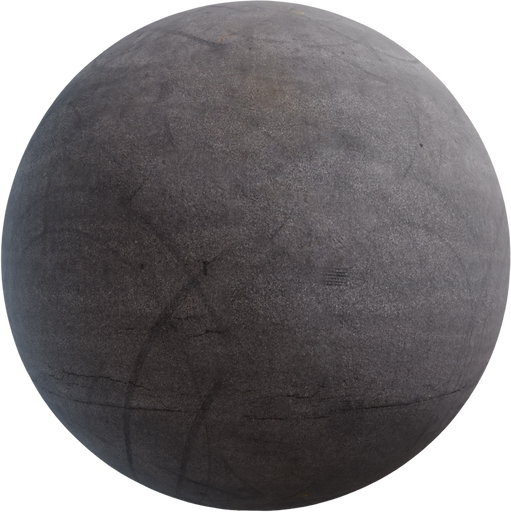
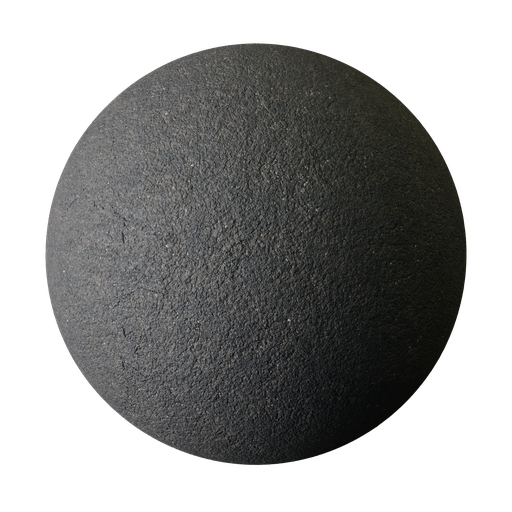


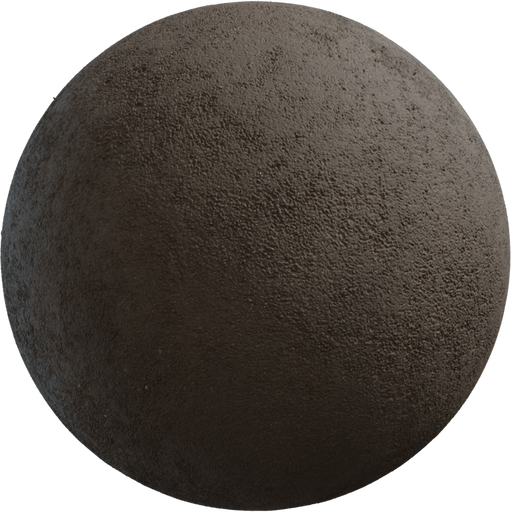


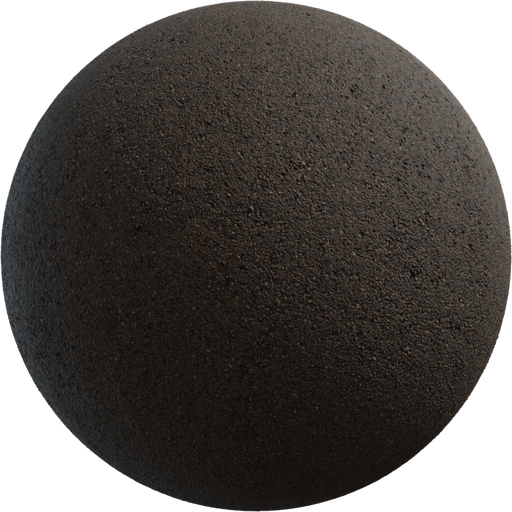
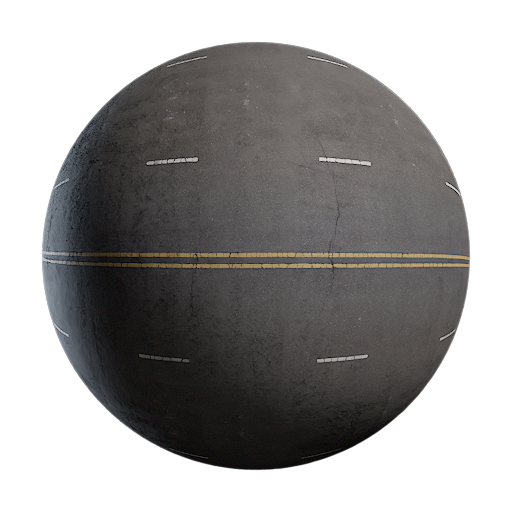


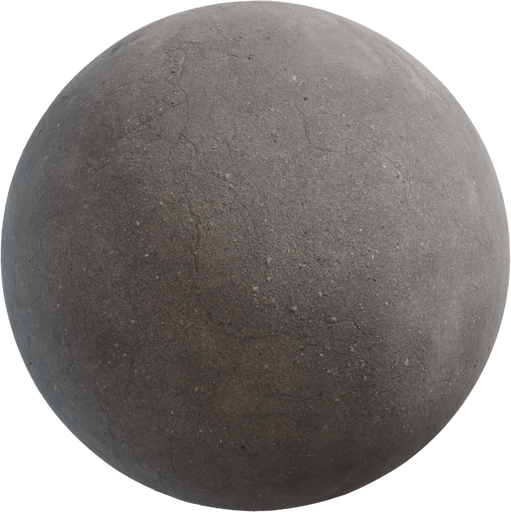


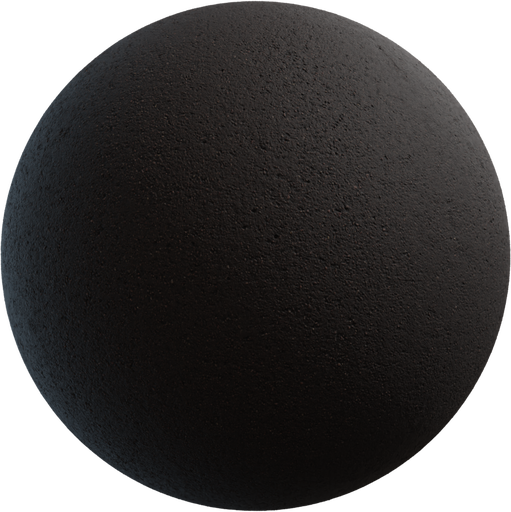
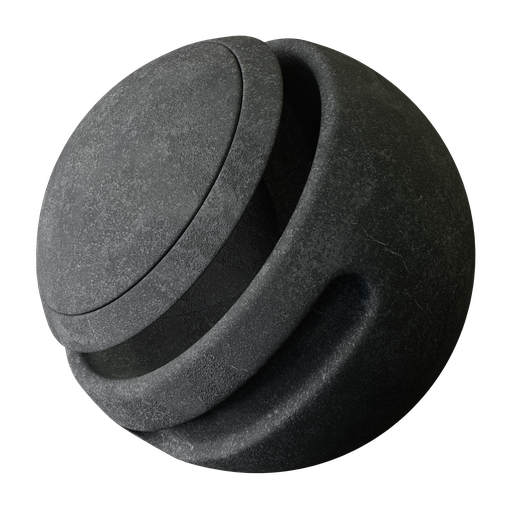

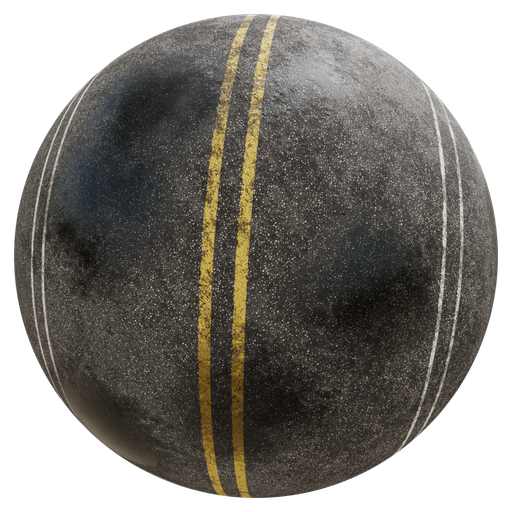
Asphalt is the base of every street, car park, racetrack and runway in a 3D scene. A convincing road material has fine aggregate grain in the normal map, a slightly uneven dark grey colour, and a roughness map that shows polished tyre tracks against rougher edges.
The materials on this page come from several texture sites searched at once and refreshed automatically. Each card shows its source and licence; most are CC0, so no credit is needed, but check the card before you ship.
Choosing an asphalt material
- Wear. New asphalt is dark and uniform; old asphalt is pale, cracked and patched. Pick the one that matches your scene’s age and climate.
- Scale. The aggregate stones are a few millimetres across. If they look like boulders, your tile covers too little ground; if the surface looks smooth, it covers too much.
- Wet roads. Lower the roughness and darken the colour, or use a wet variant if the source offers one, for rainy night scenes.
- Resolution. 2K is a good default for a game road. For close-up renders use 4K.
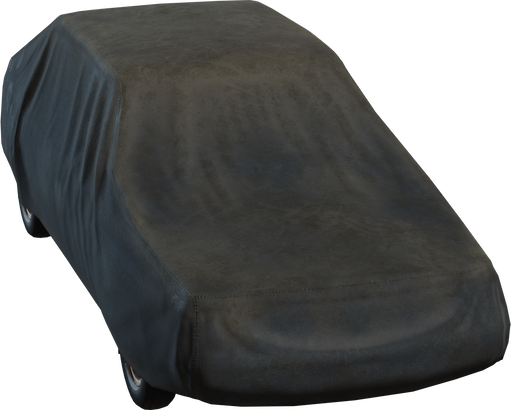
Combine asphalt with concrete pavement textures and car models from the related collections for street scenes.