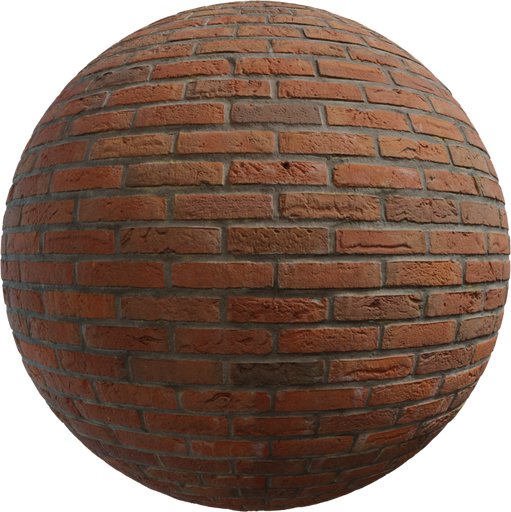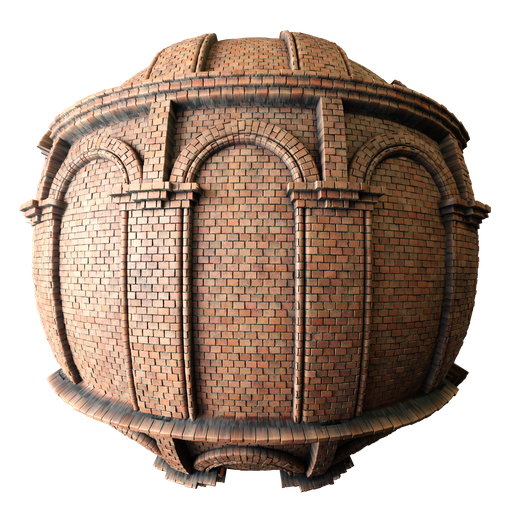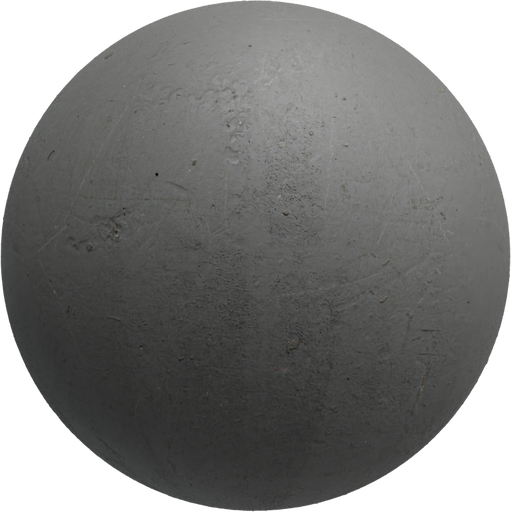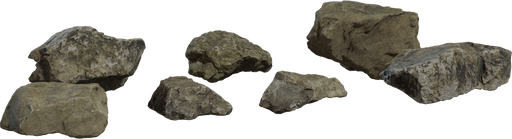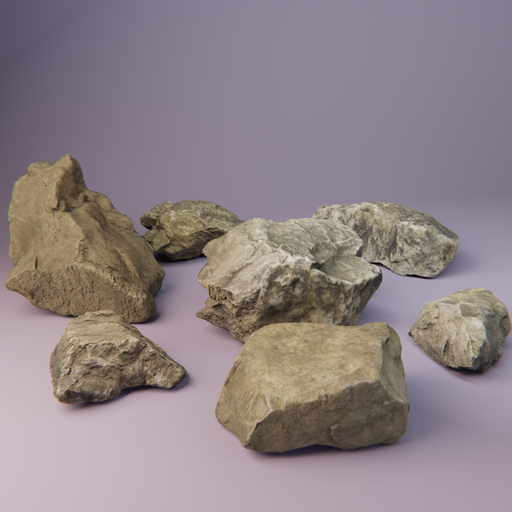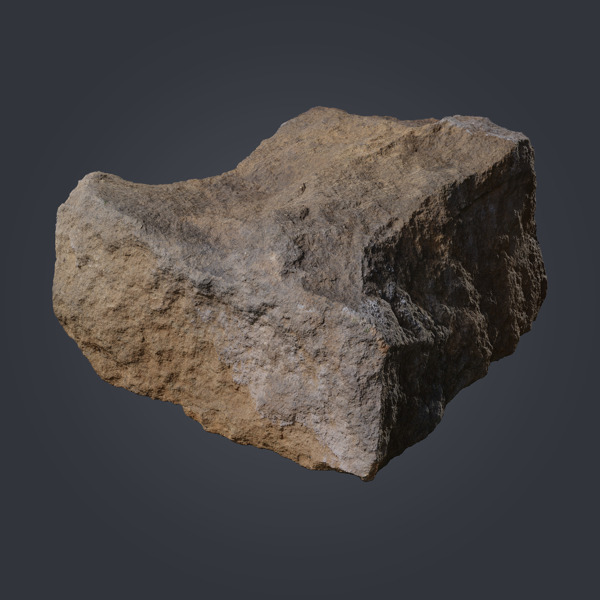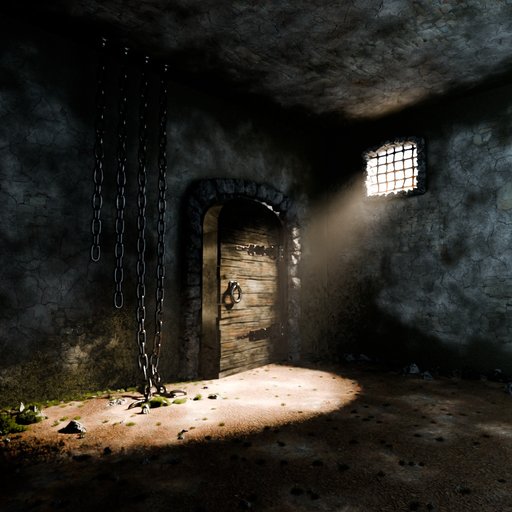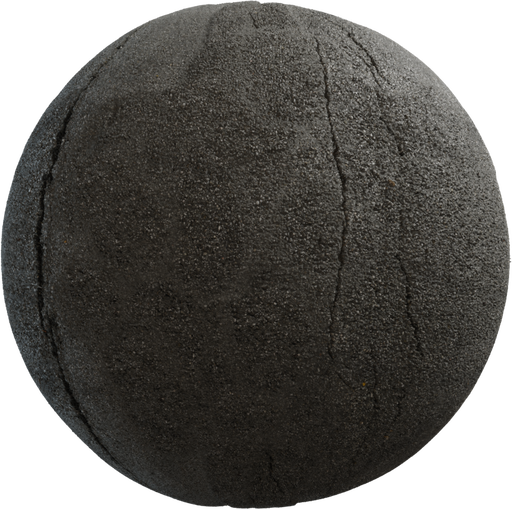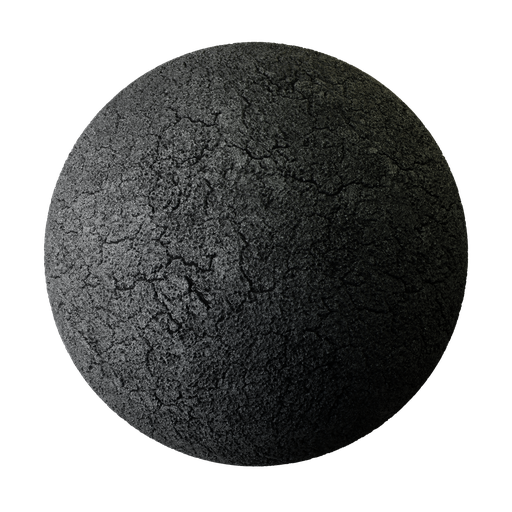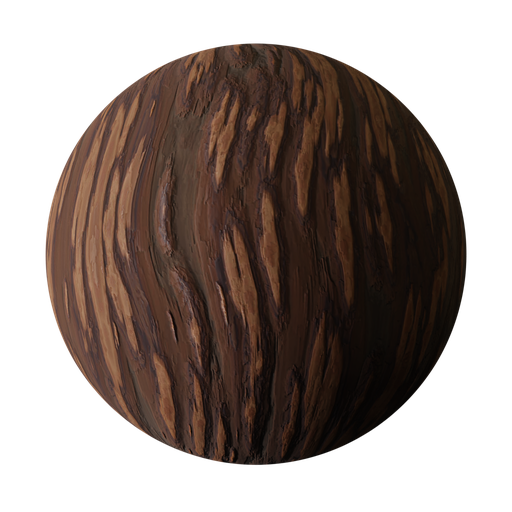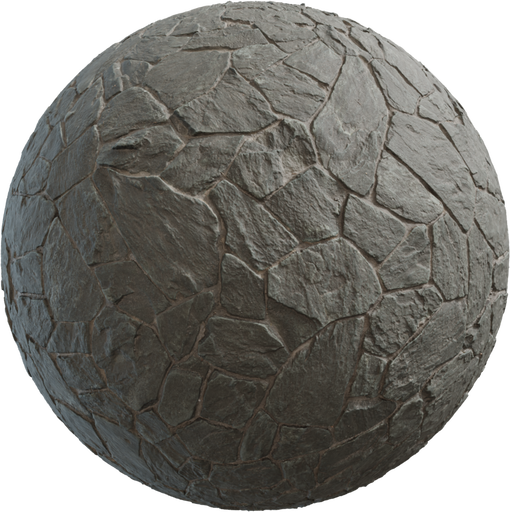


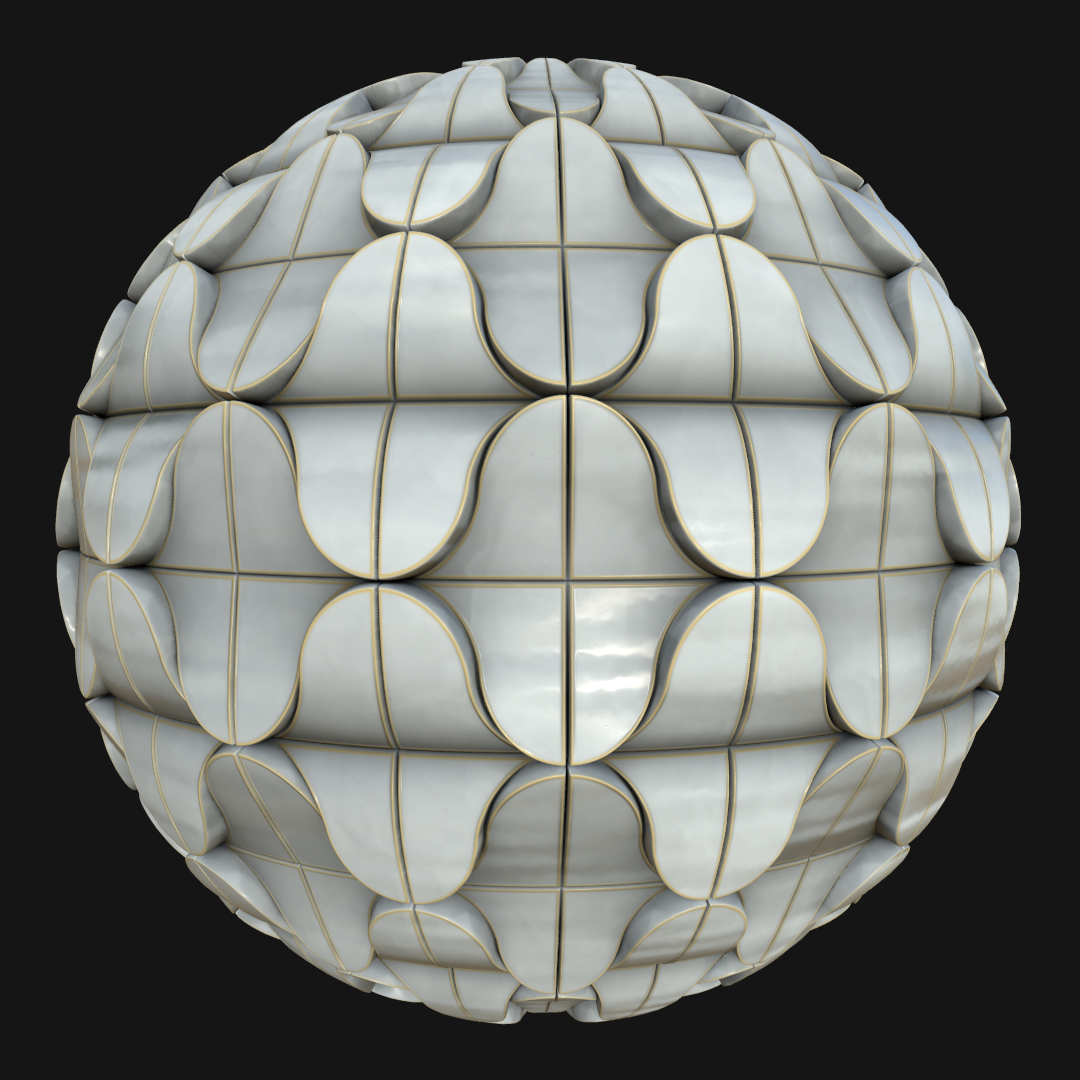
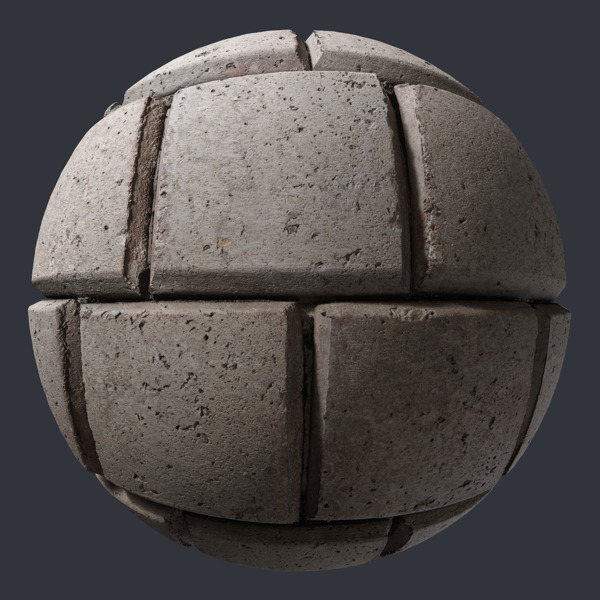

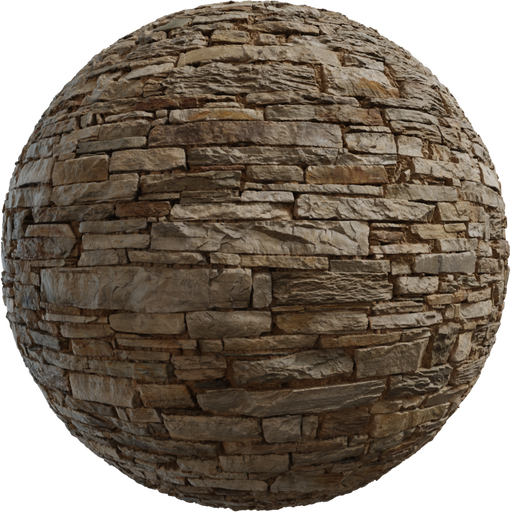


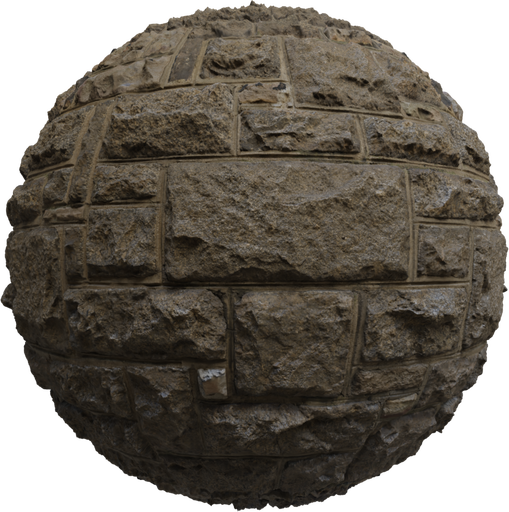
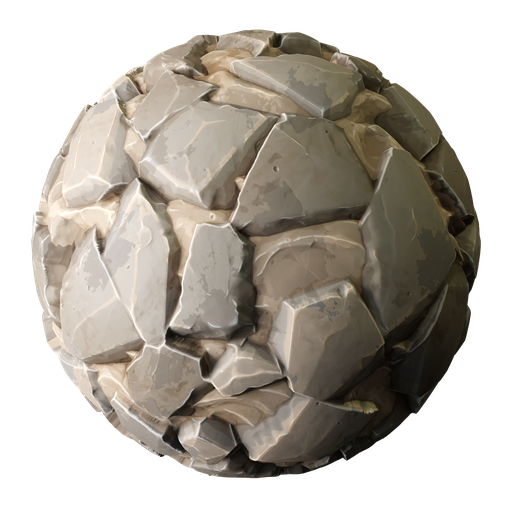


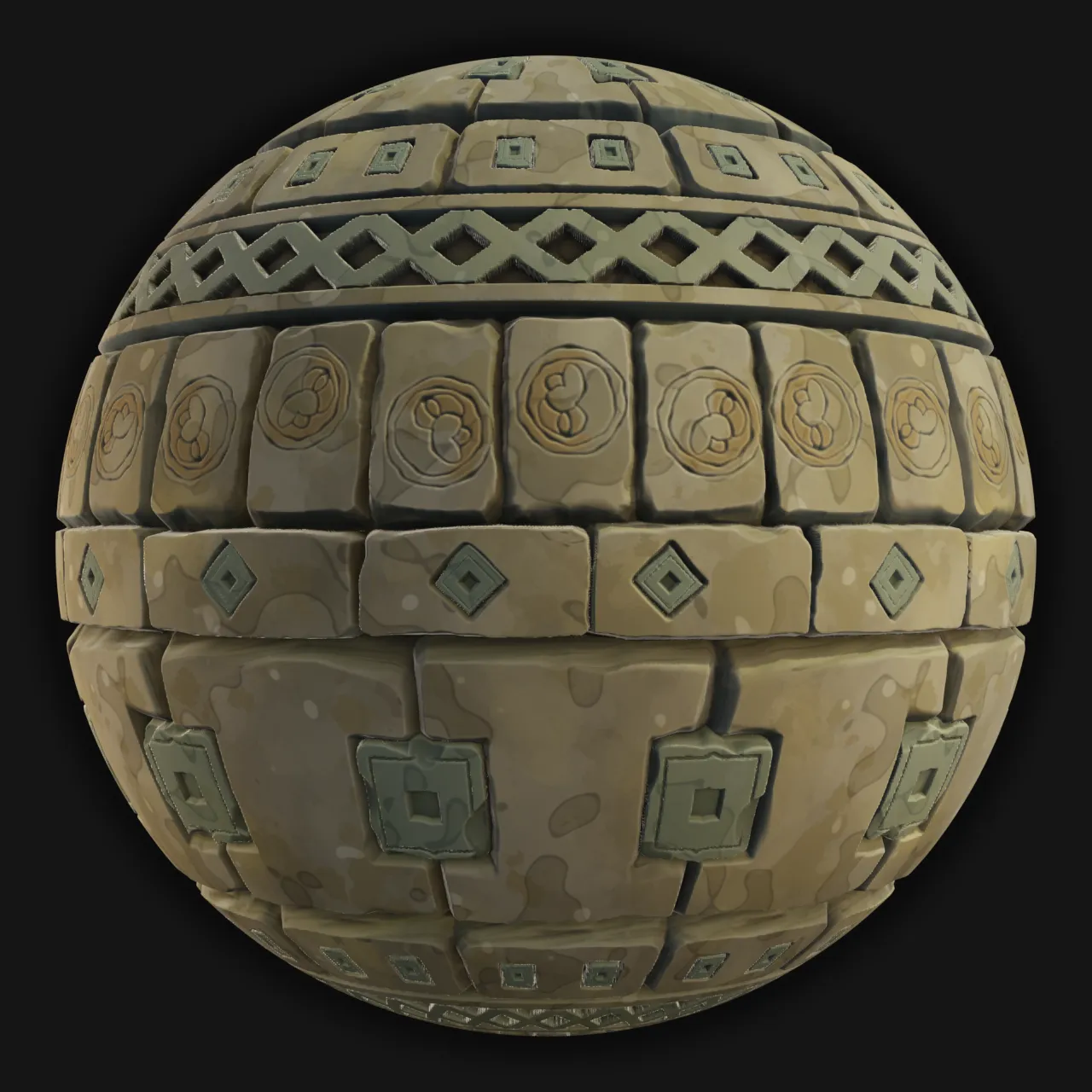
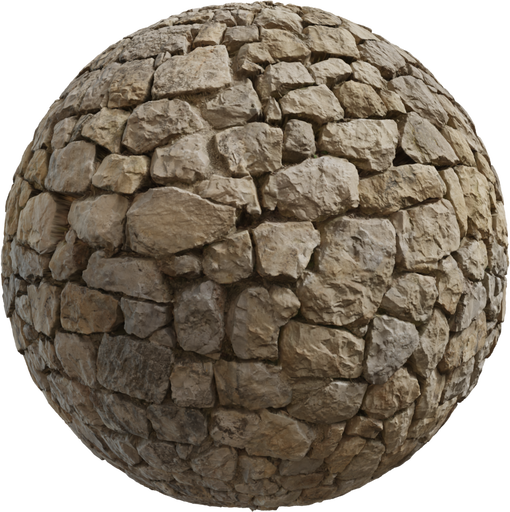


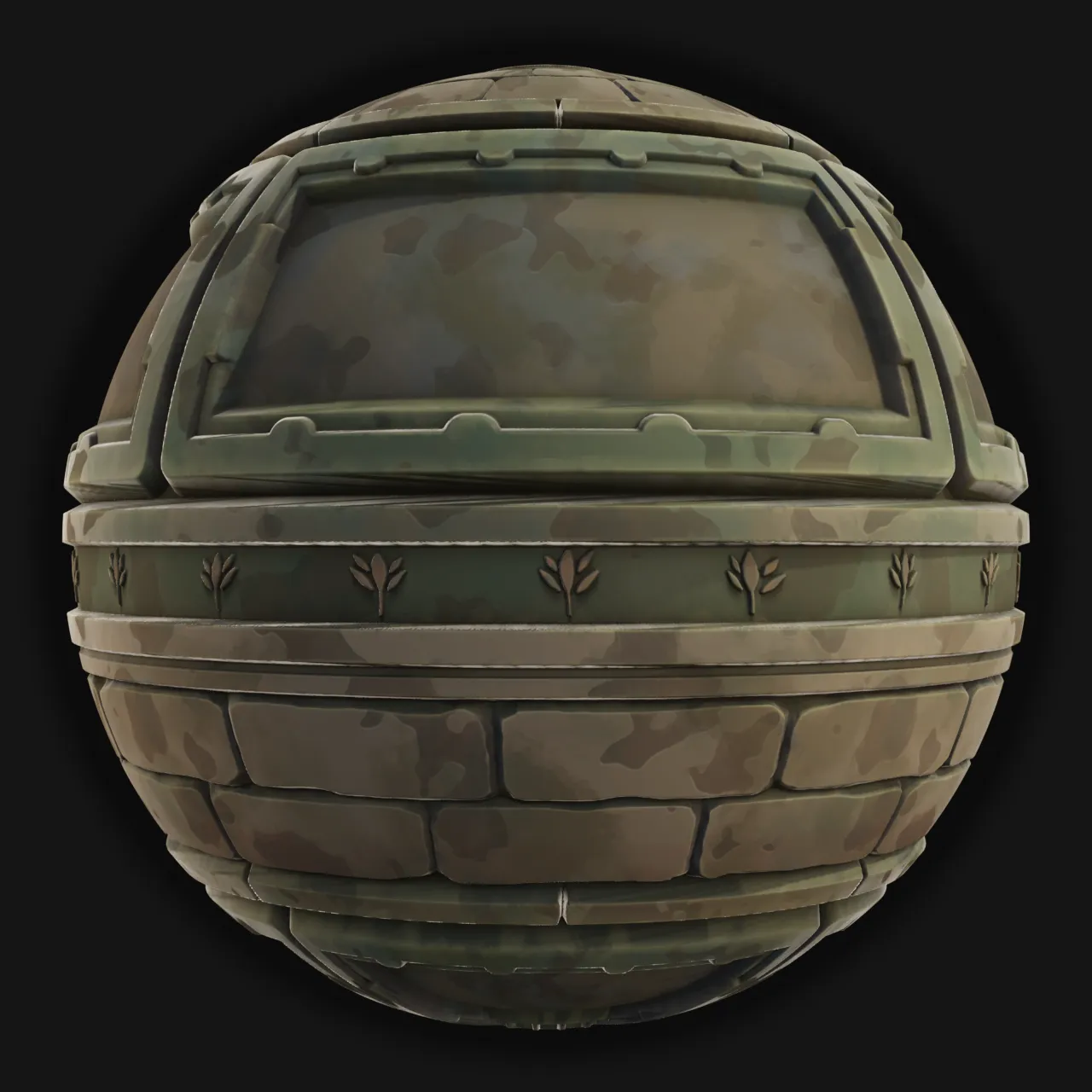
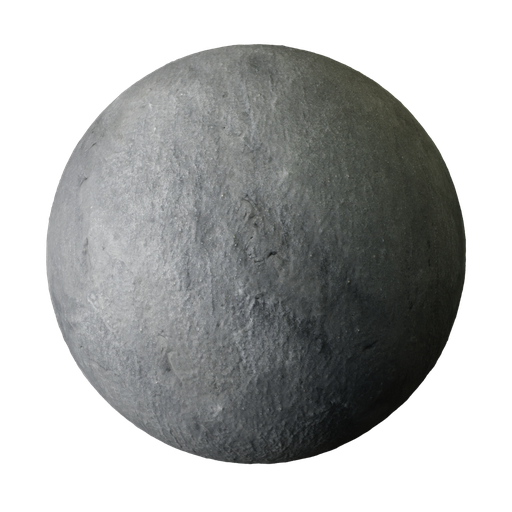
Stone is the material of castle walls, cobbled streets, garden paths, cliffs and ruins. A good stone material shows irregular blocks or pebbles, deep joints and subtle colour variation, so that a large surface does not look like one photo repeated over and over.
The materials on this page come from several texture sites searched at once, refreshed automatically. Each card shows its source and licence, and most are CC0.
Choosing a stone material
- Pattern. Cobblestone, flagstone, ashlar blocks and rubble all read differently. Pick the one that matches the scale and age of your scene.
- Maps. Colour, normal and roughness are enough for most real-time work. Add displacement for close-ups with tessellation or in offline renders.
- Tiling. Look for seamless materials. On big surfaces, blend in a second material or use decals to hide repetition.
- Normal format. Blender, Three.js, Godot and Unity use OpenGL-style normals; Unreal uses DirectX-style. If the joints look raised, flip the green channel.
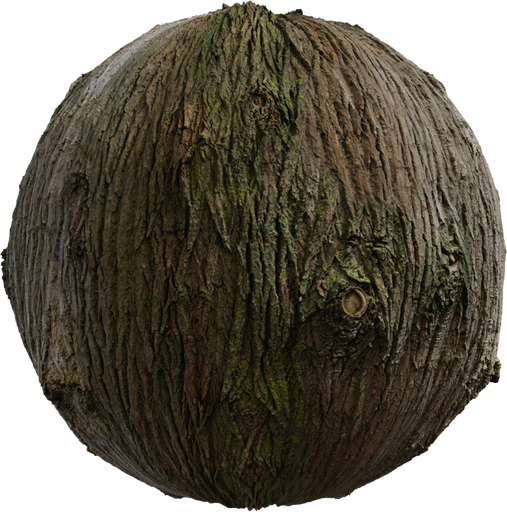
For a medieval scene, combine stone with brick and wood from the related collections.