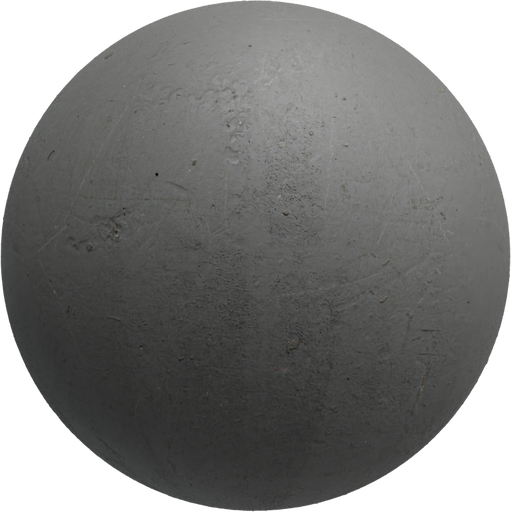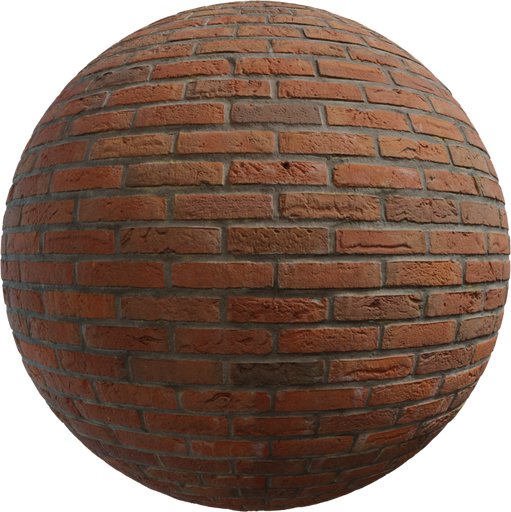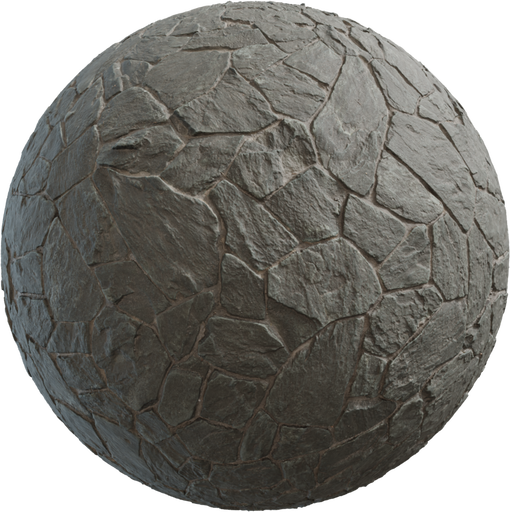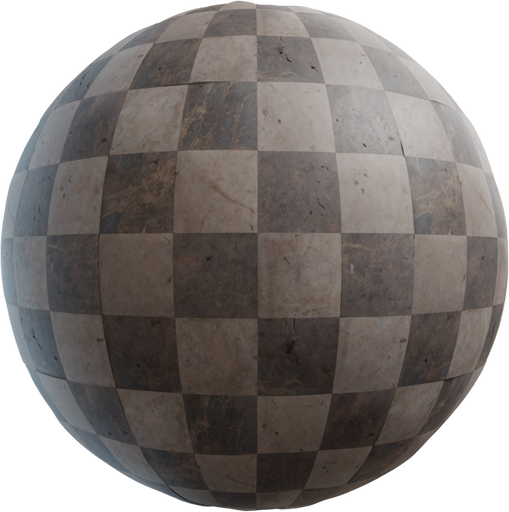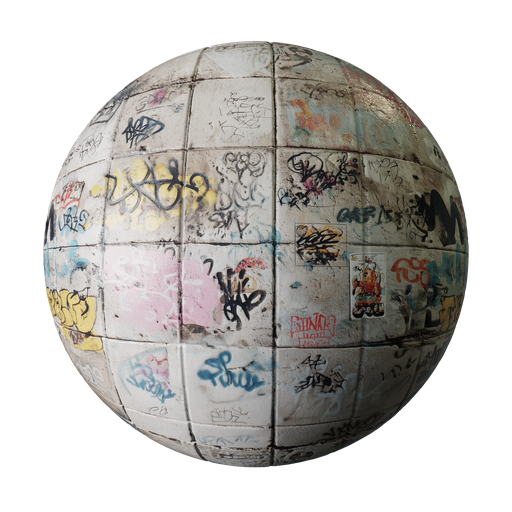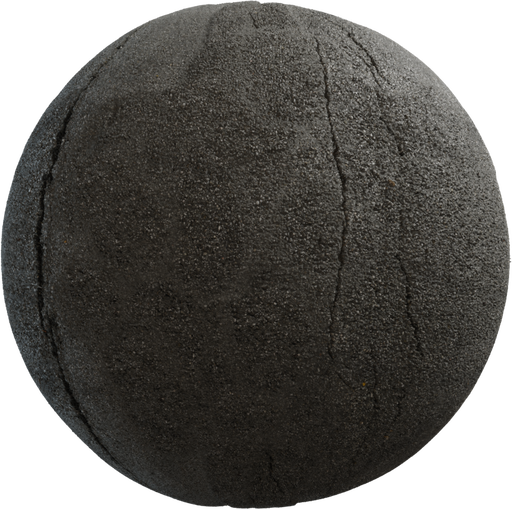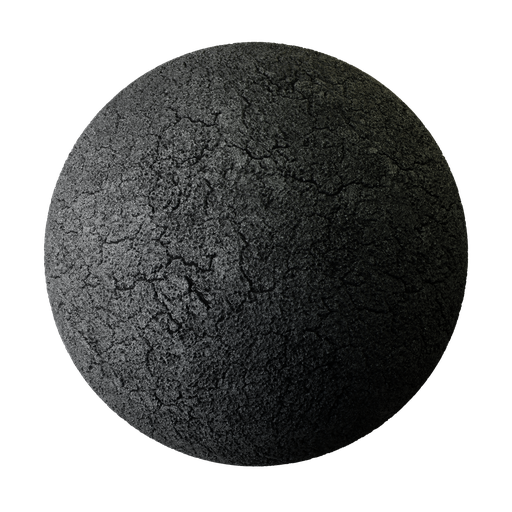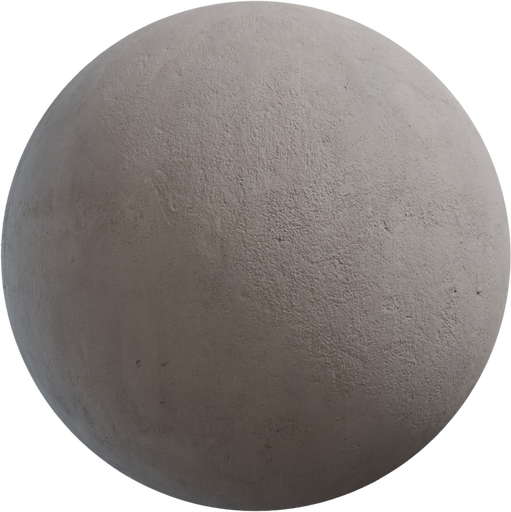
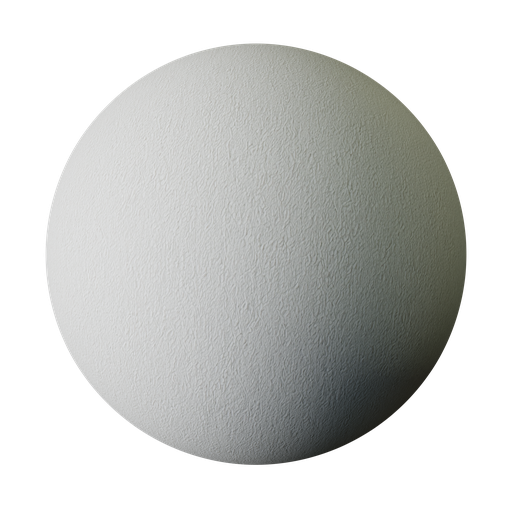


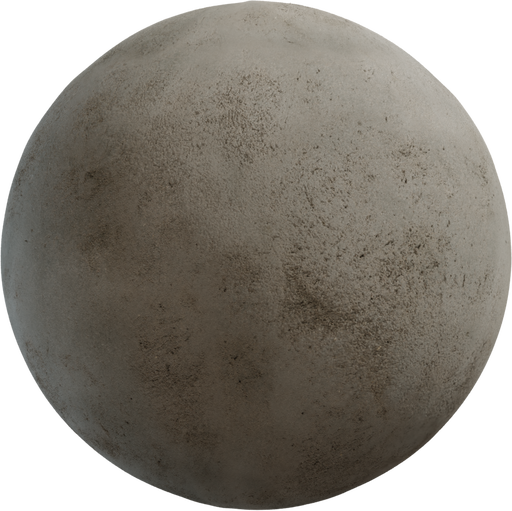
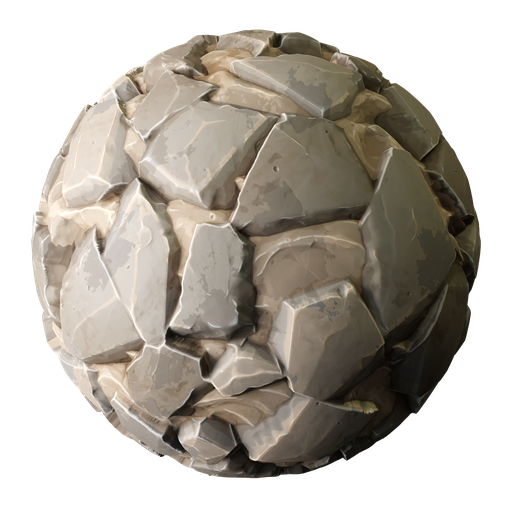
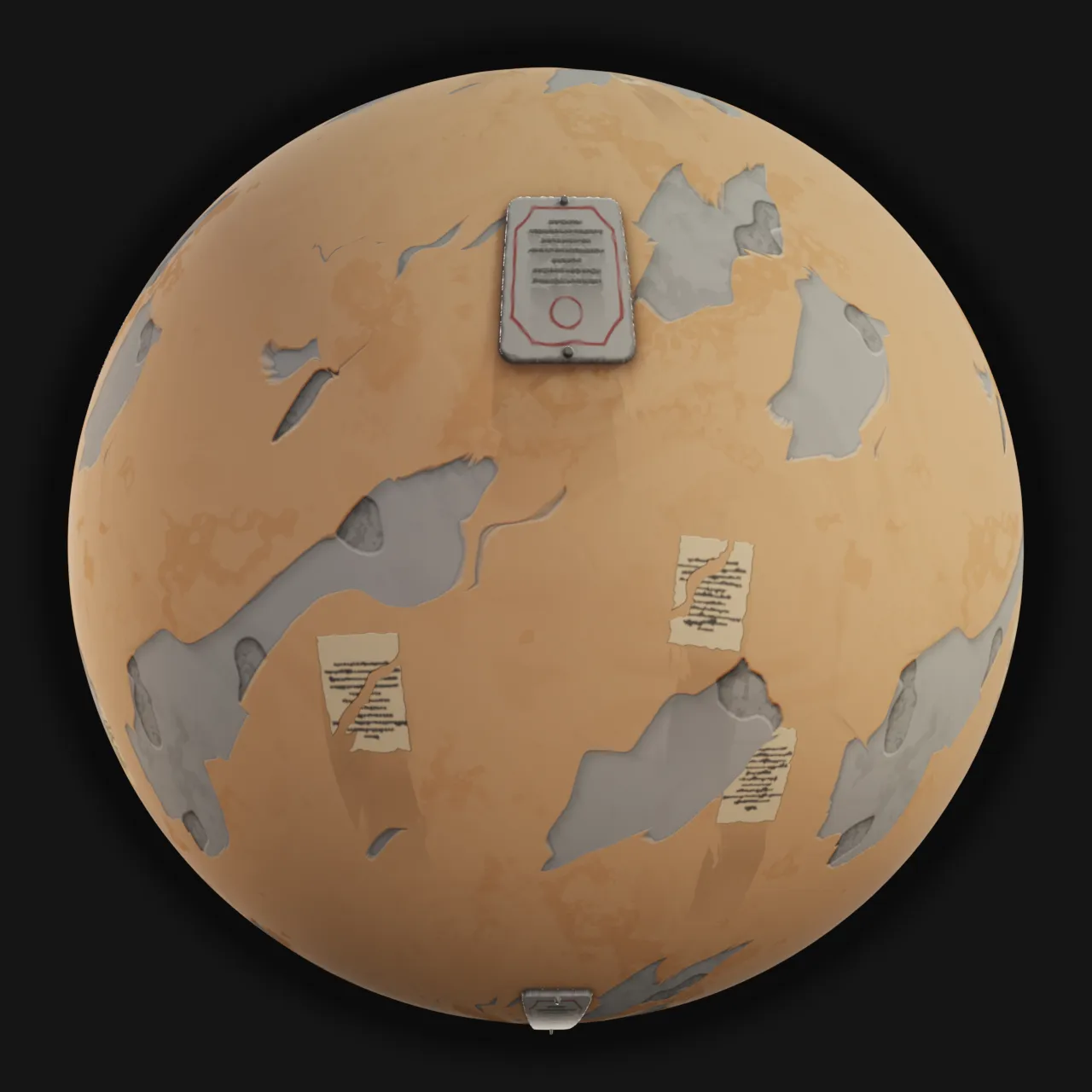


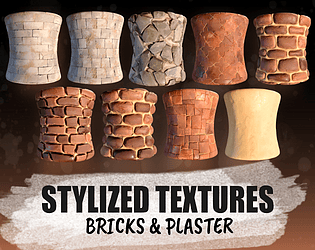

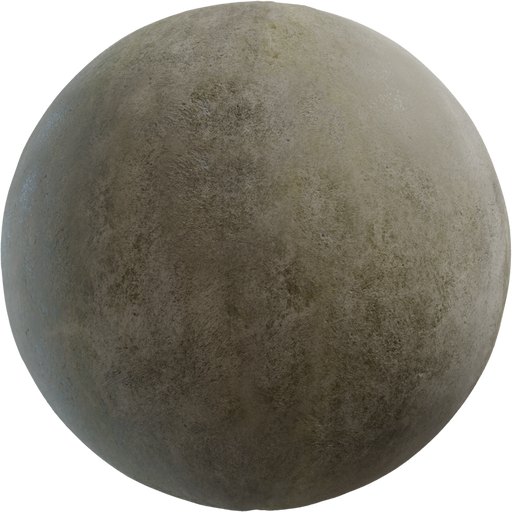
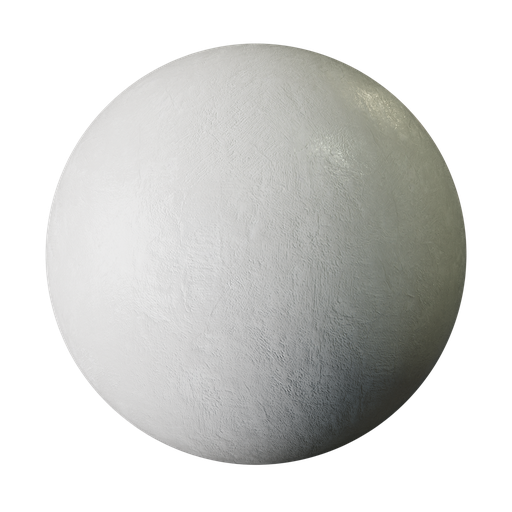

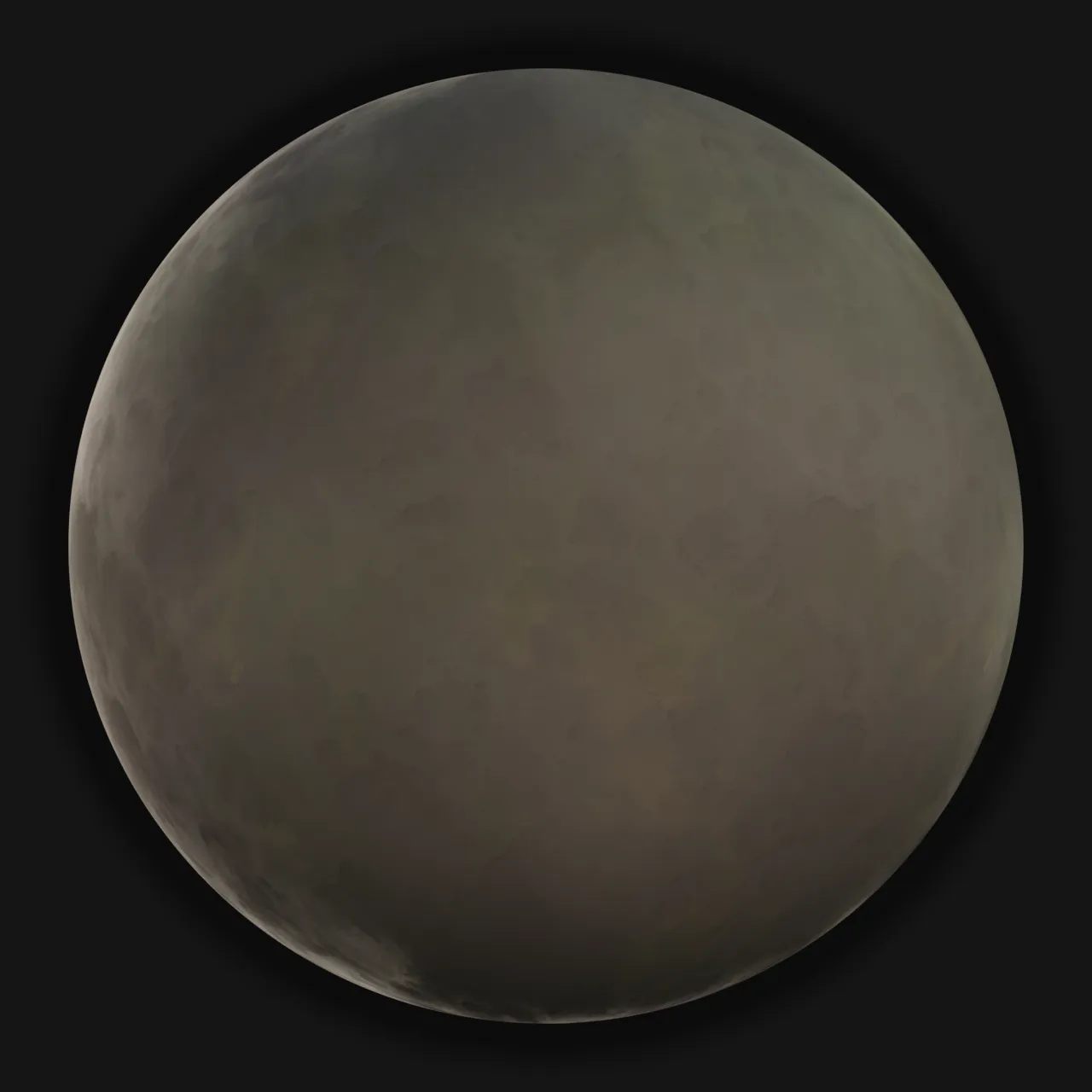


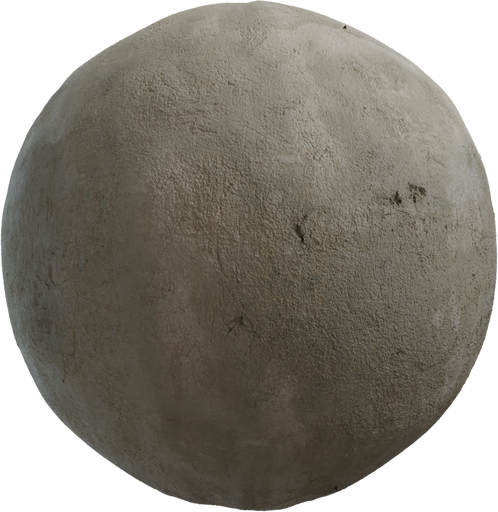



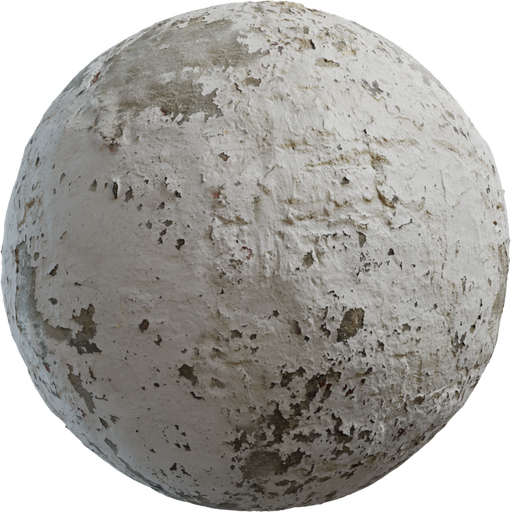
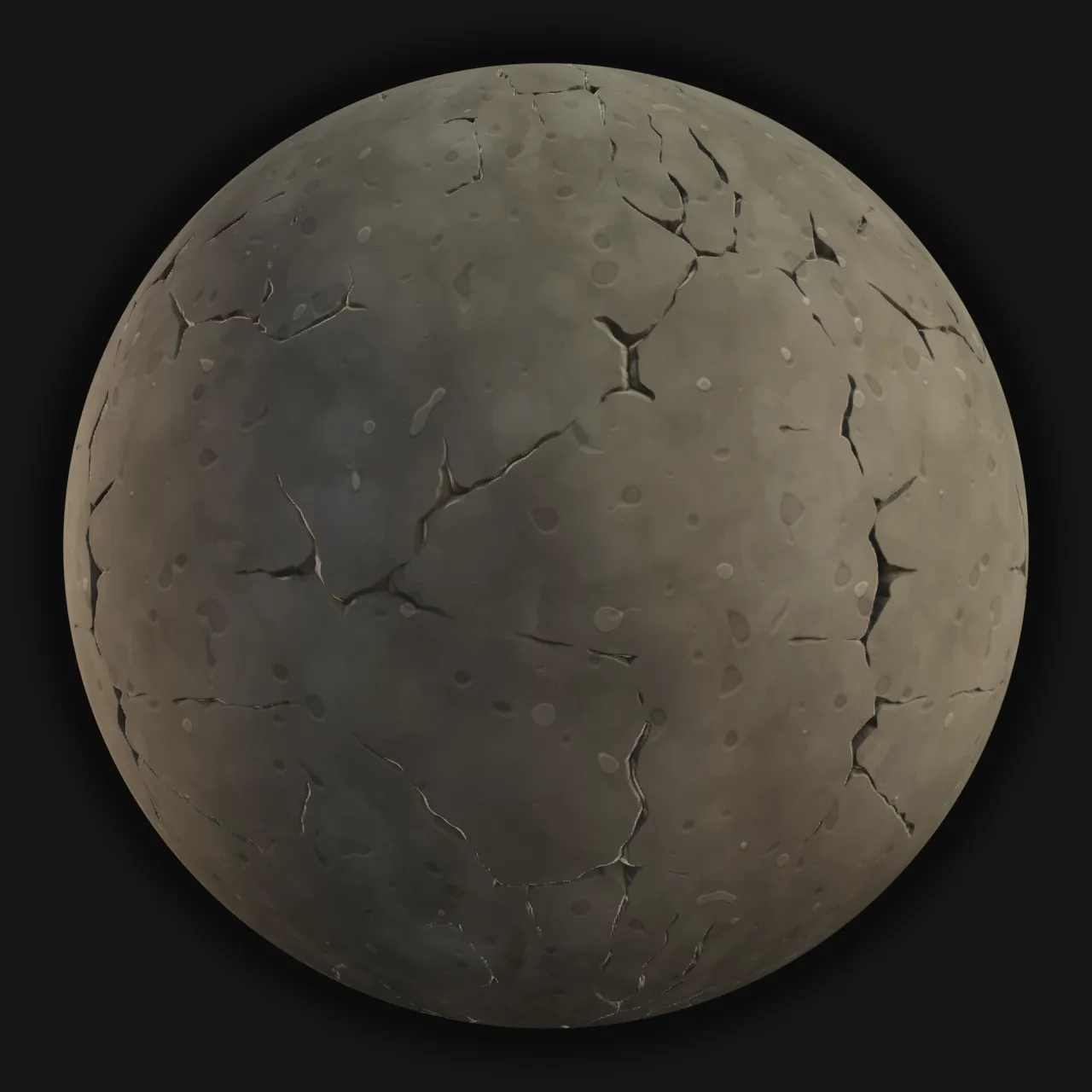


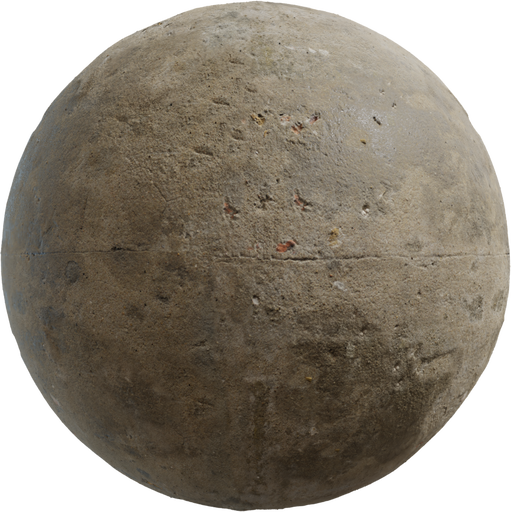
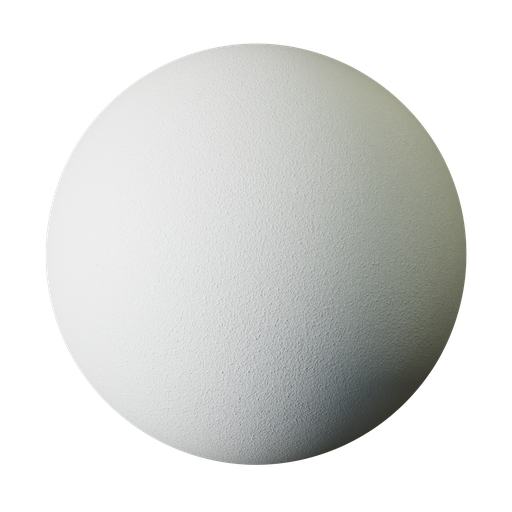
Plaster is the everyday wall surface of houses, shops, corridors and old town streets. Smooth, cracked, painted or crumbling, it gives a scene a believable backdrop without drawing attention to itself, which makes it one of the most reused materials in architectural visualisation and games.
The materials on this page are found by searching the texture sites at once, so you can compare plaster, stucco and rendered wall materials from different libraries in one place. Each card shows its source and licence; many are CC0, which means you can use them in commercial projects without credit.
Choosing a plaster material
- Look at the normal map. Plaster is mostly about subtle relief. A good material has trowel marks or fine grain, not a flat photo.
- Check the roughness. Painted plaster is fairly matte, while polished lime plaster can have a soft sheen.
- Pick the resolution to suit the use. 1K or 2K is usually enough for games and web scenes; go to 4K for close-up renders.
- Mind the scale. Most wall materials cover about one to two metres per tile, so set the UV scale to match your walls.
In Blender, plug the colour map into Base Colour, the roughness map into Roughness, and the normal map through a Normal Map node. In Three.js, Godot, Unity and Unreal, assign the same maps in the standard material slots; remember that Unreal expects DirectX-style normals.