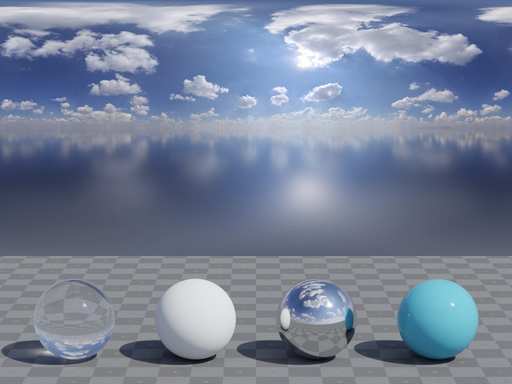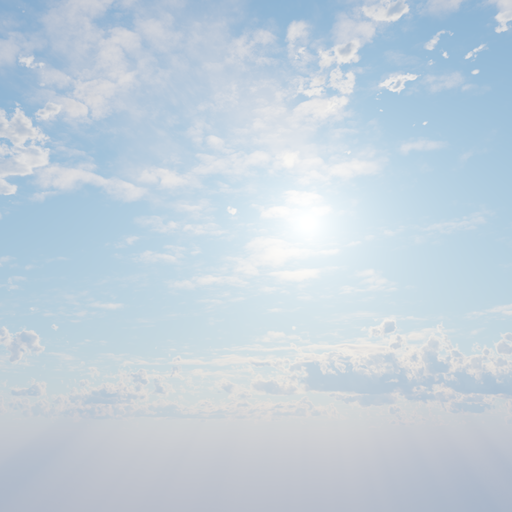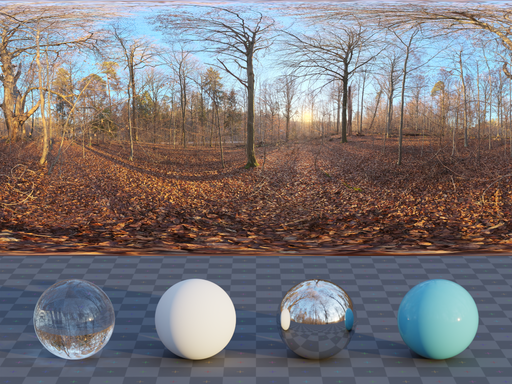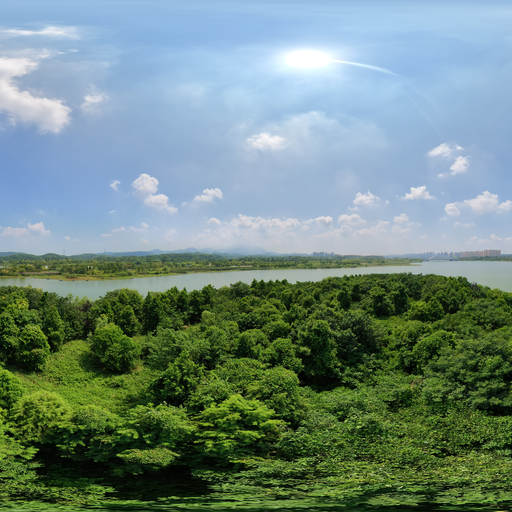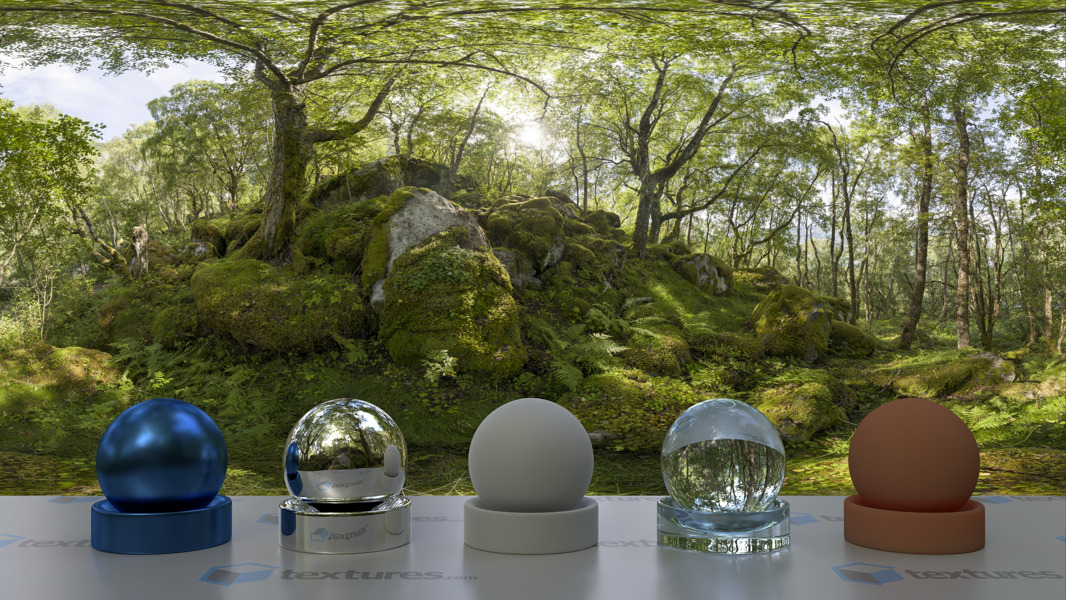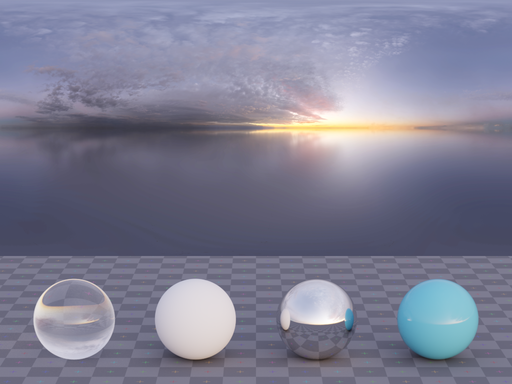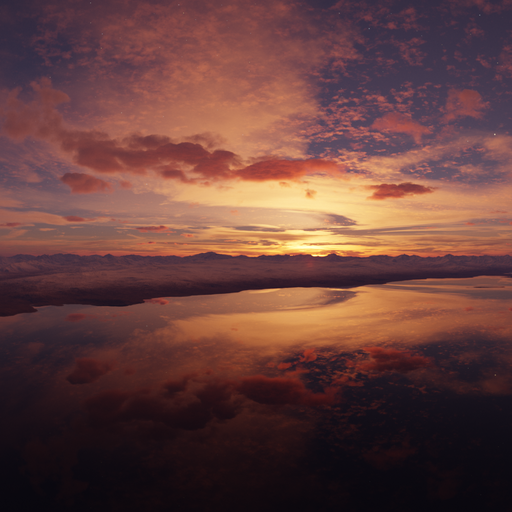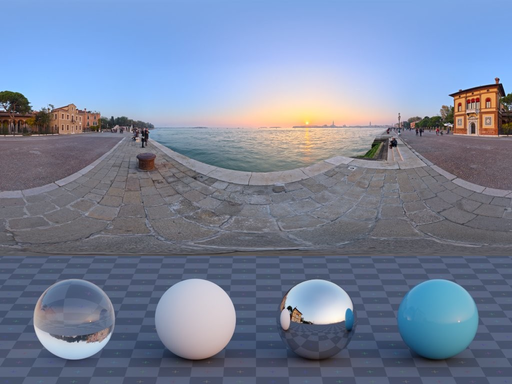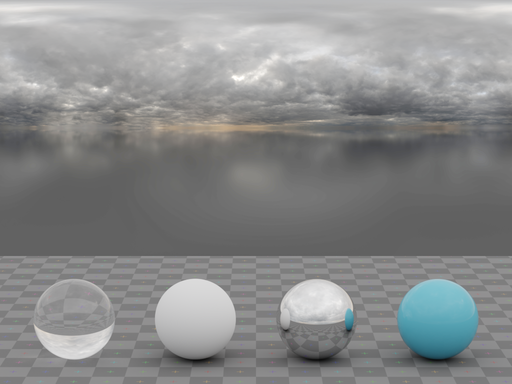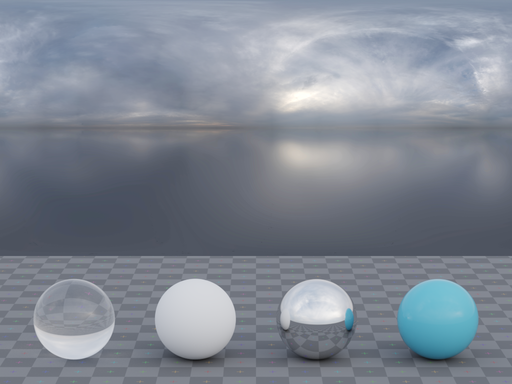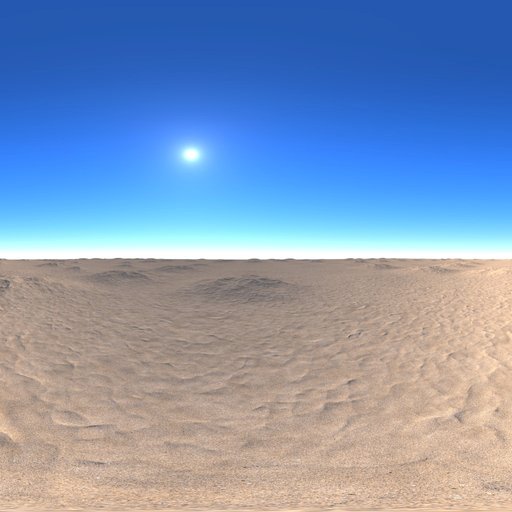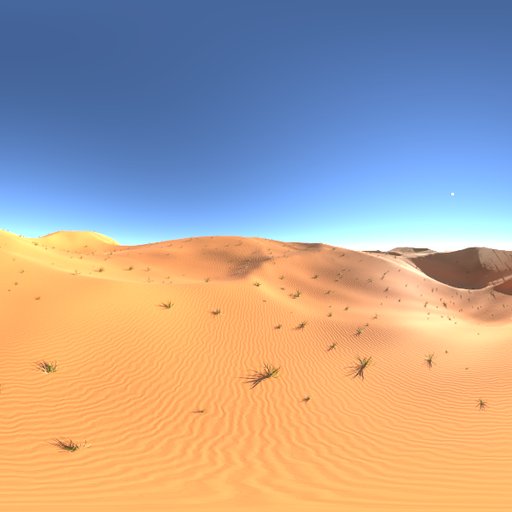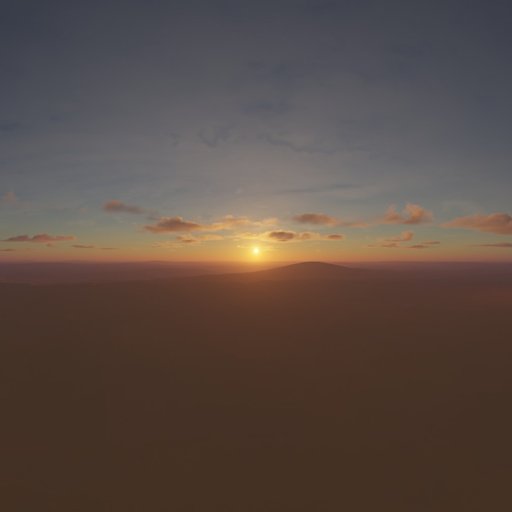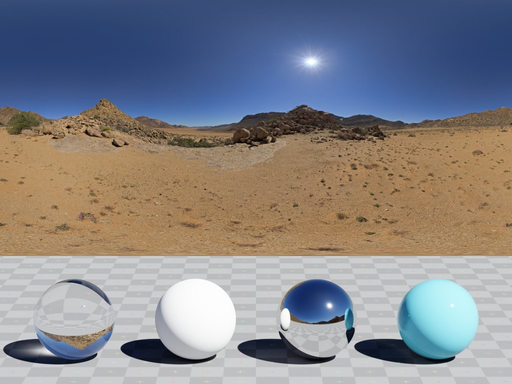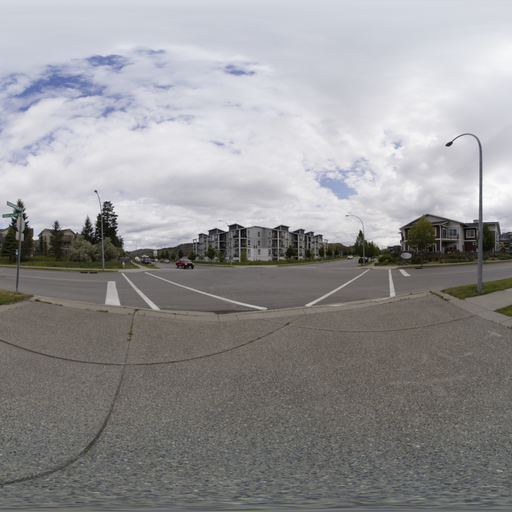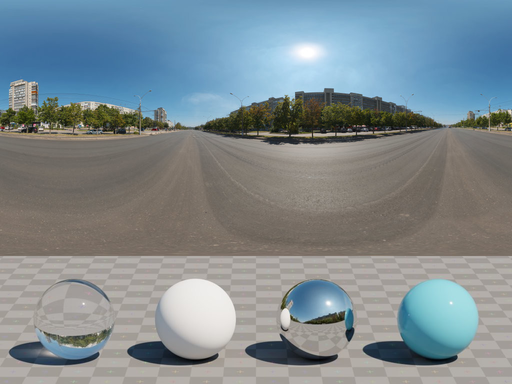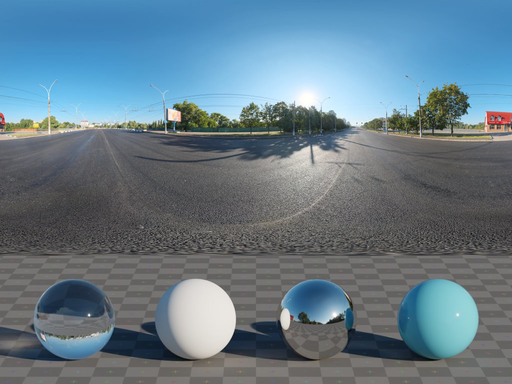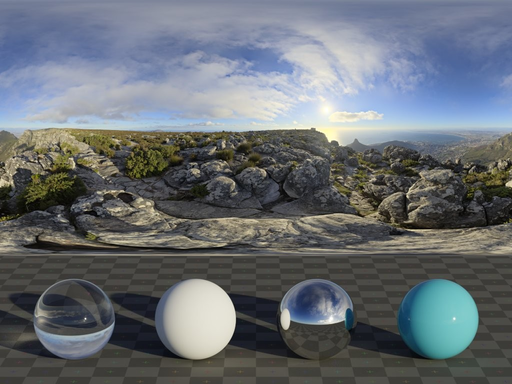
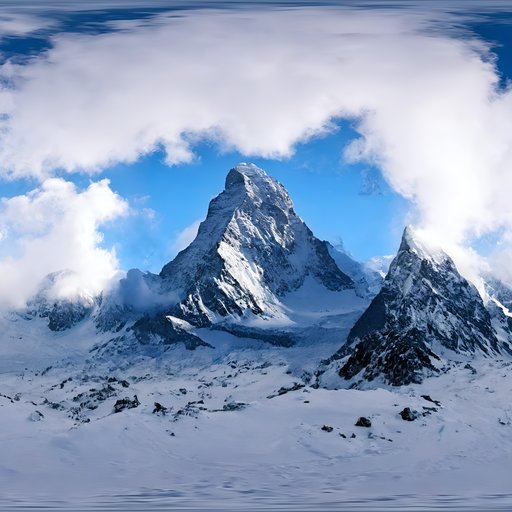

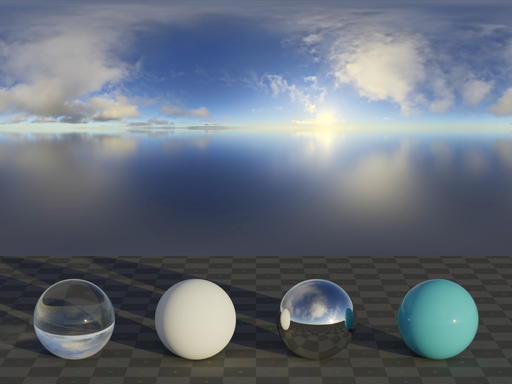
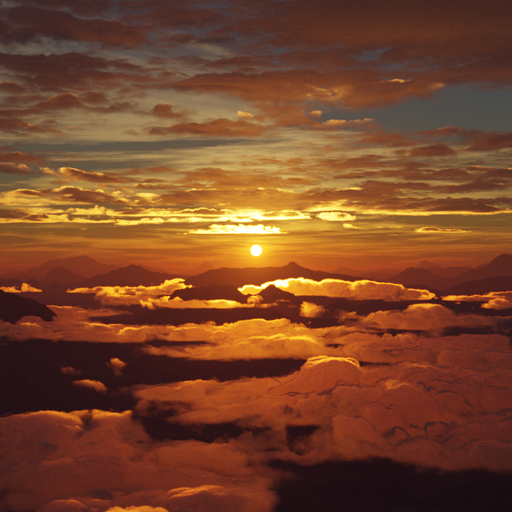

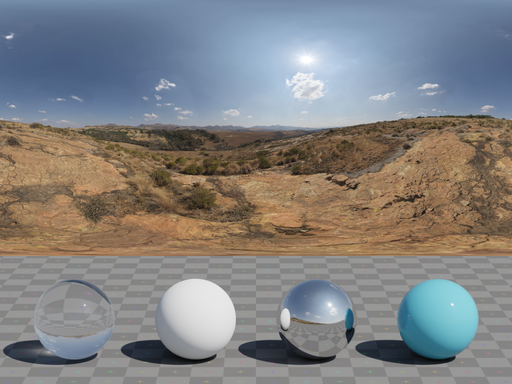
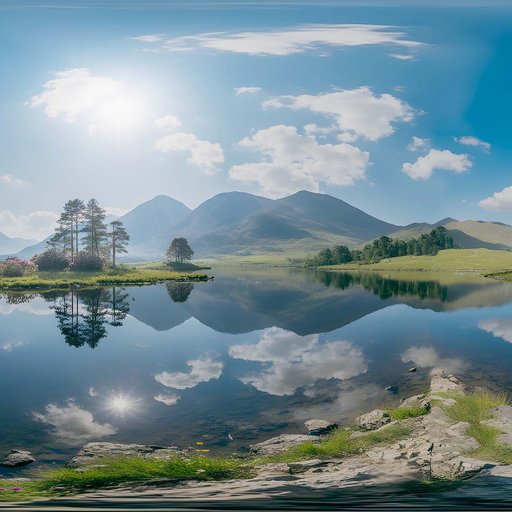

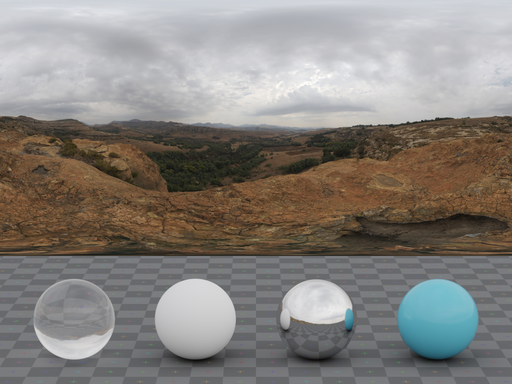
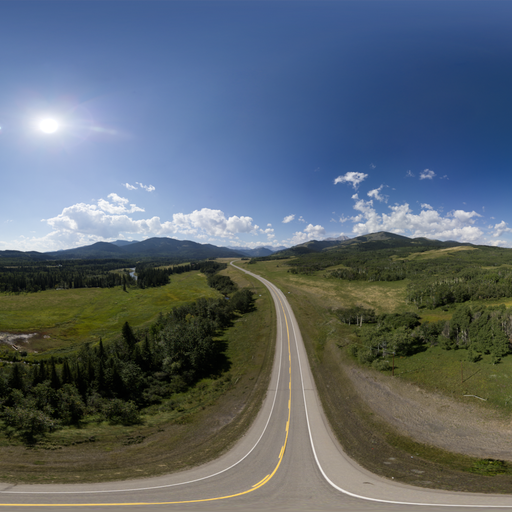

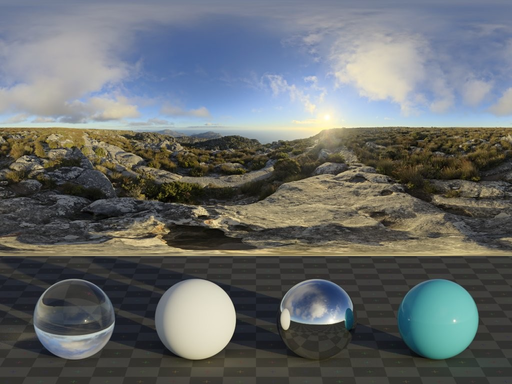
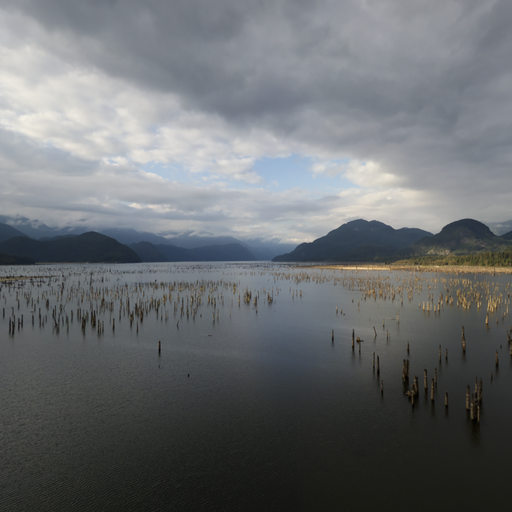

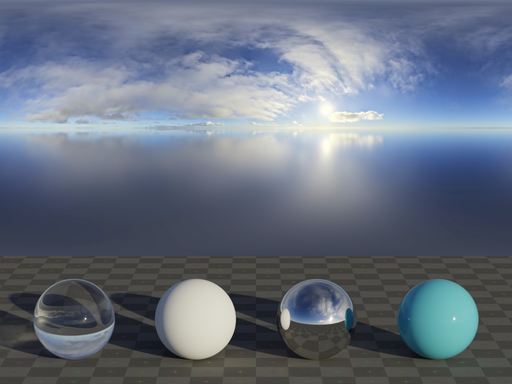
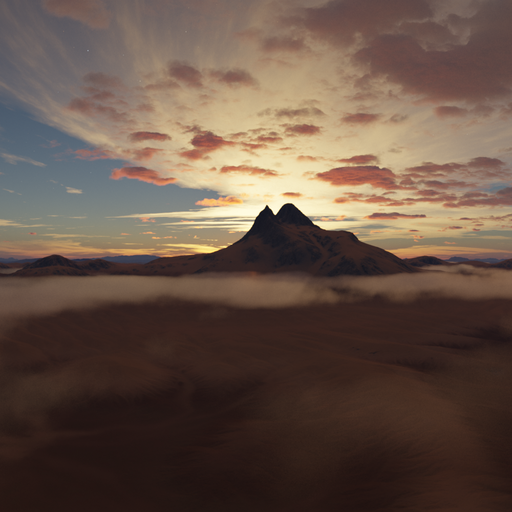

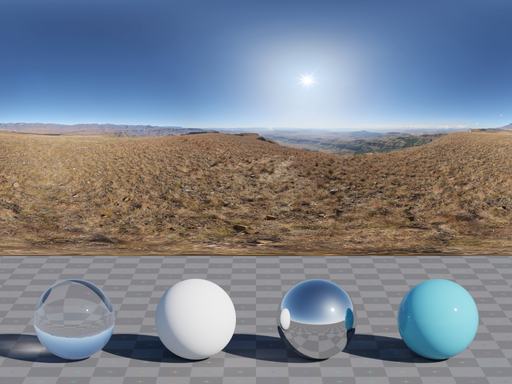
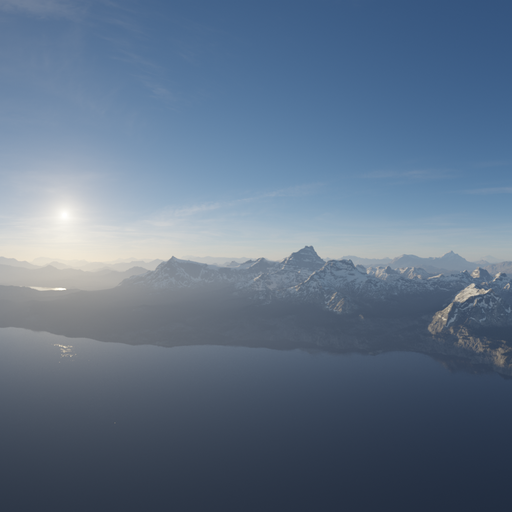

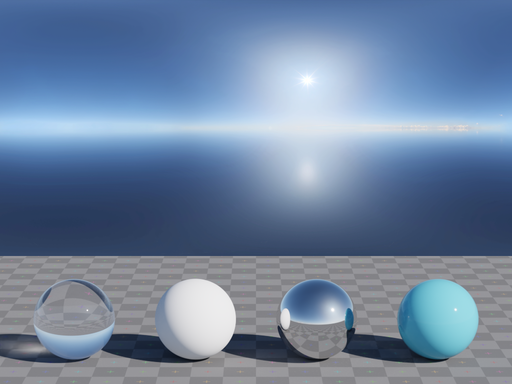
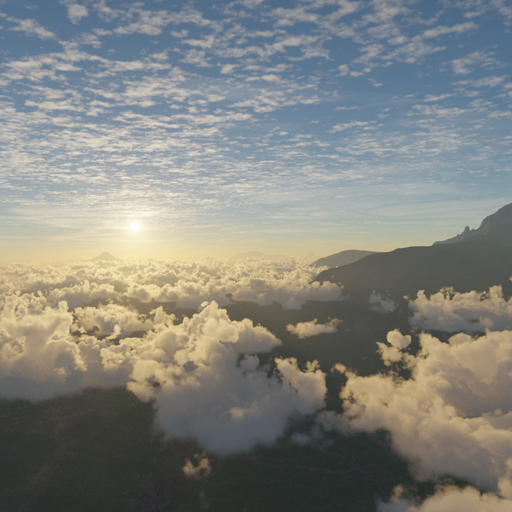

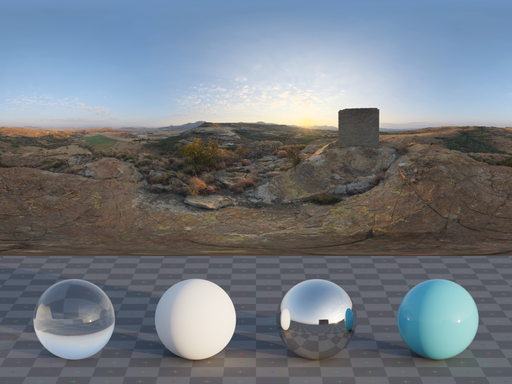
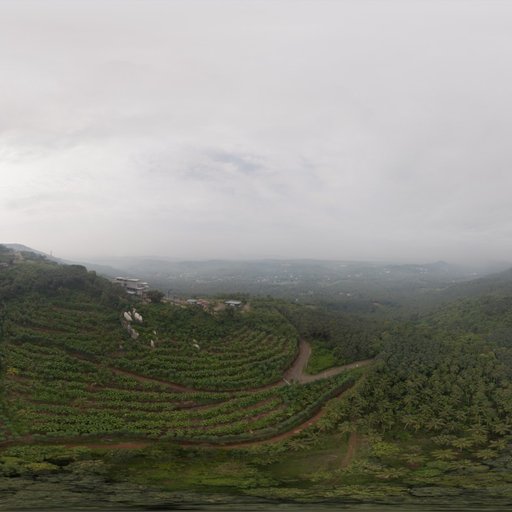

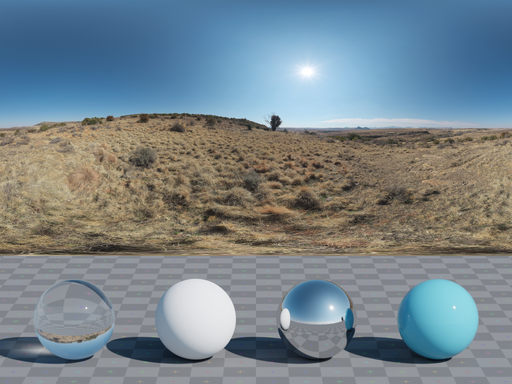
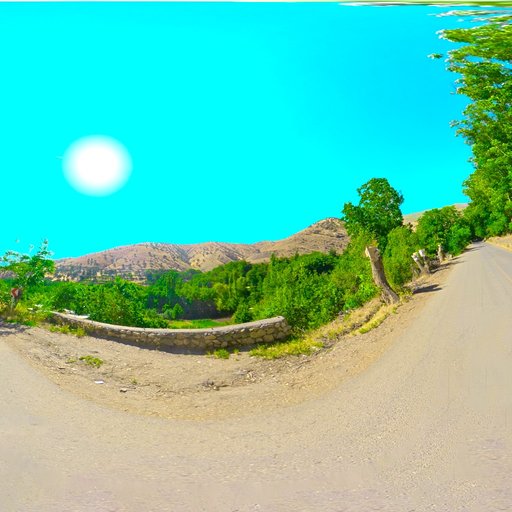

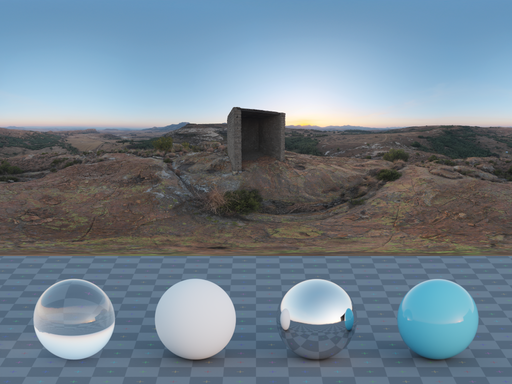
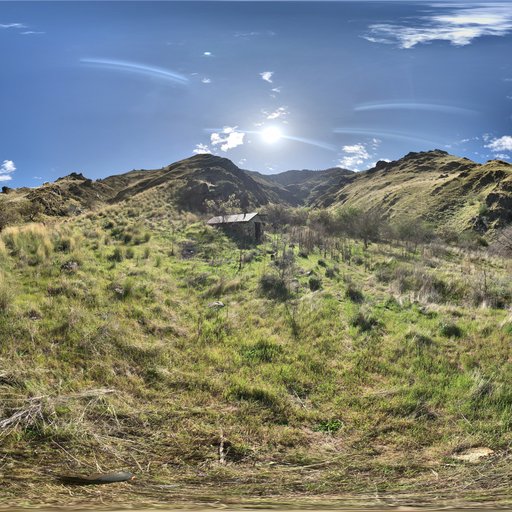

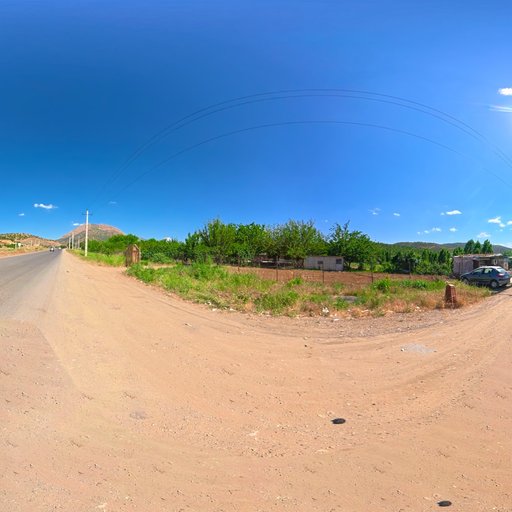

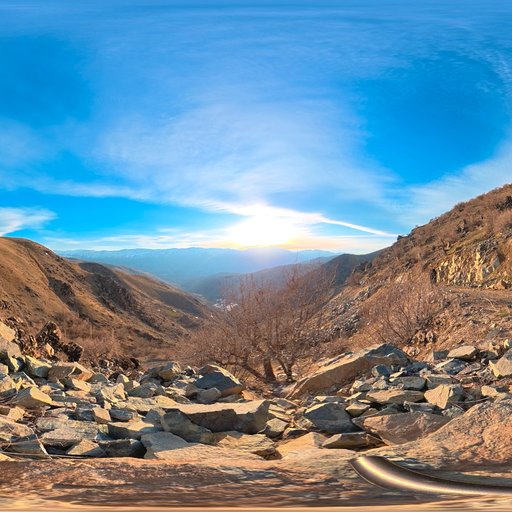
A mountain HDRI is a panoramic photograph of high ground: ridges on the horizon, open sky and the cool, directional light of an alpine day. It lights a scene and also serves as its background, which makes it a quick way to set a vehicle, a character or a product against a dramatic landscape.
This page searches several HDRI sources at once, including Poly Haven, HDRMaps and BlenderKit, and refreshes automatically. Each card shows its source and licence. Poly Haven maps are CC0, but other sources set their own terms, so check each card before shipping.
Choosing a mountain HDRI
- Time of day. Midday maps give hard, clear light, cloudy ones give soft fill, and sunrise or sunset maps give warm side lighting.
- Sun position. A visible sun casts sharp shadows. Pick an overcast map if you want gentle, even light.
- Resolution. Use 2K for lighting and 8K or above when the horizon shows in the render.
- Using them. Load HDR or EXR files as the world texture in Blender, with an environment map in Three.js, or as a sky in Godot, Unity and Unreal.
Browse the related sky, sunset and forest collections when you need a different mood.