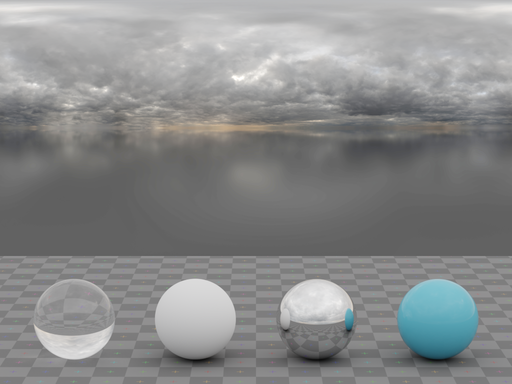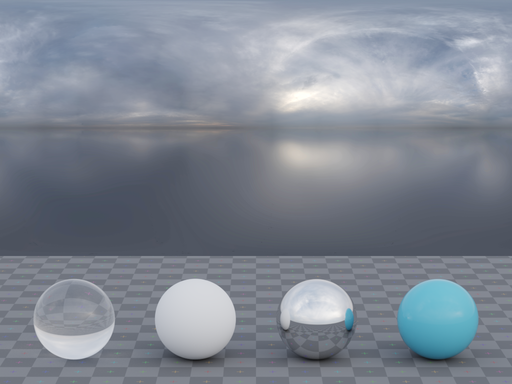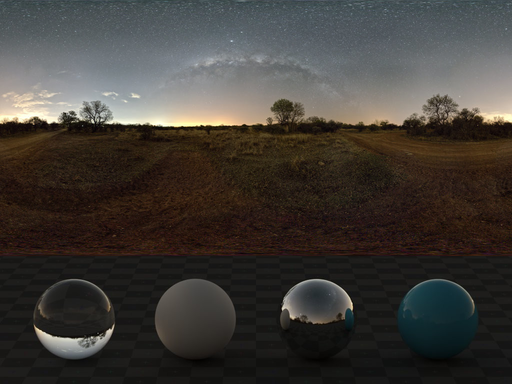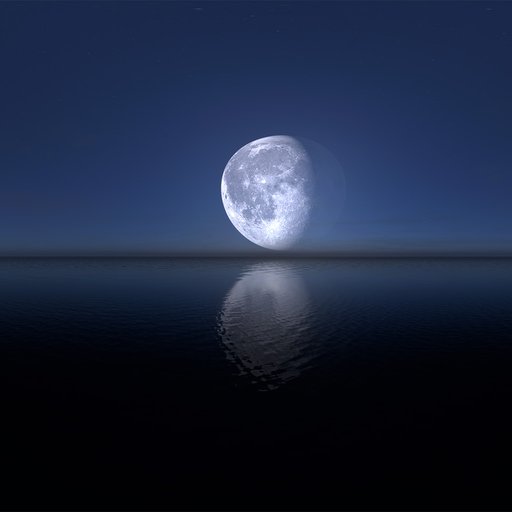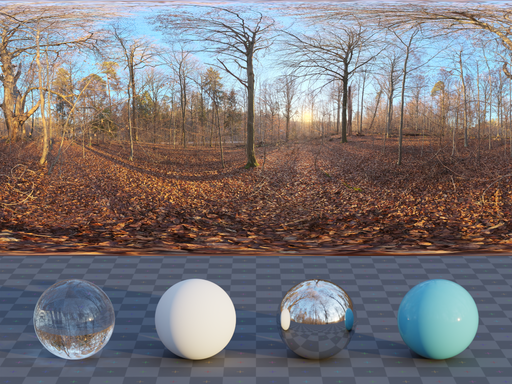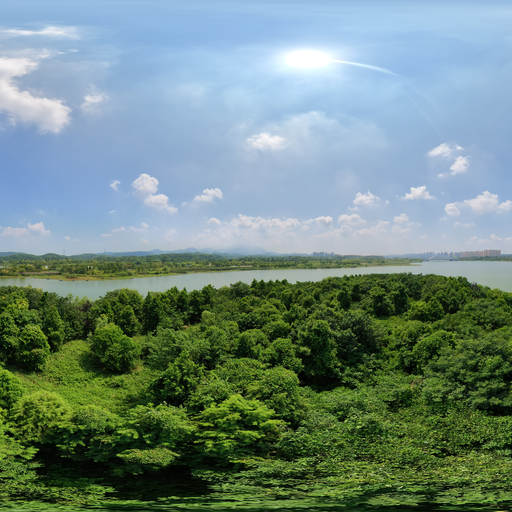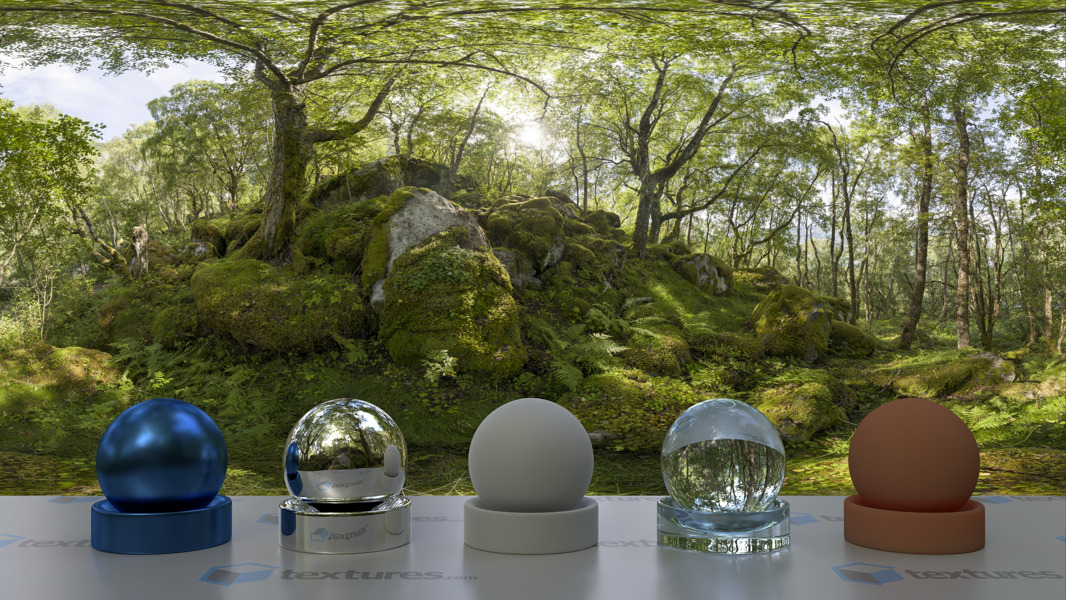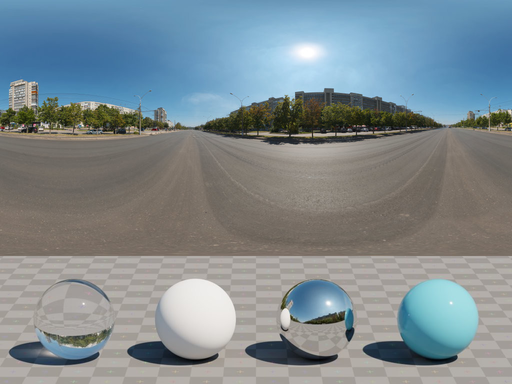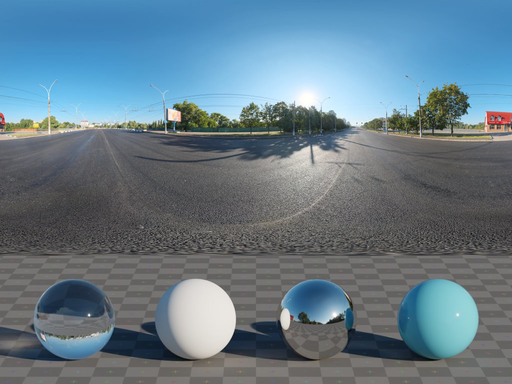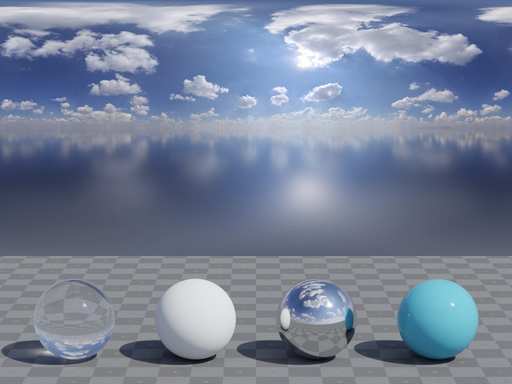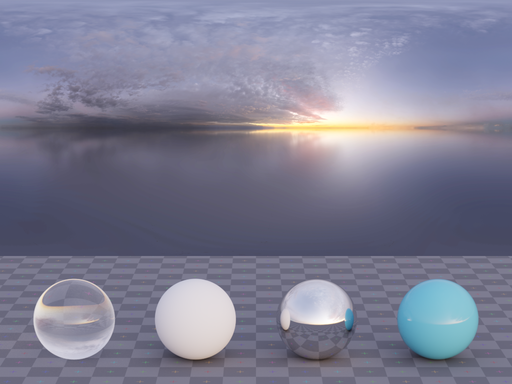
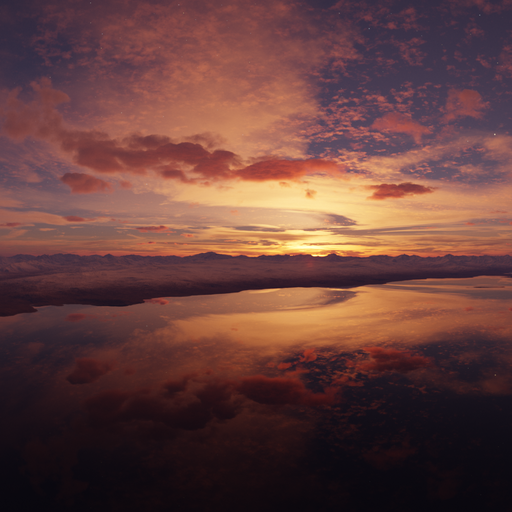

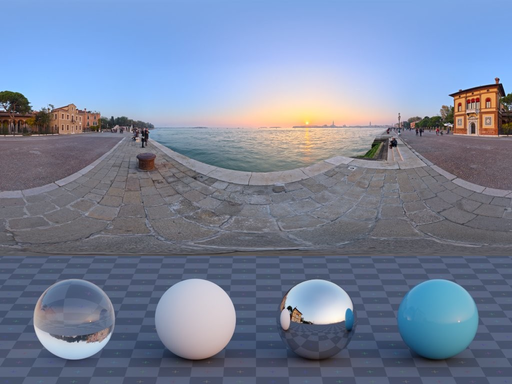
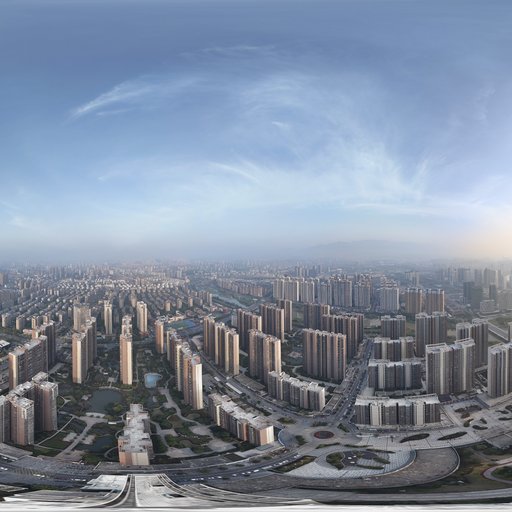

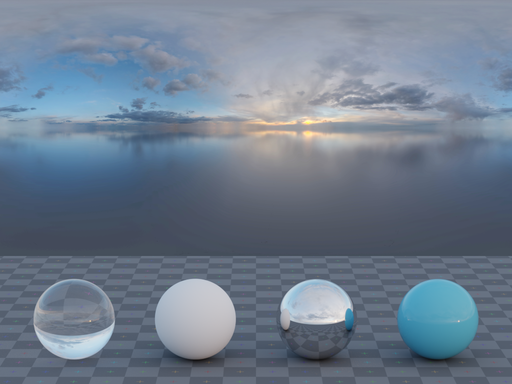
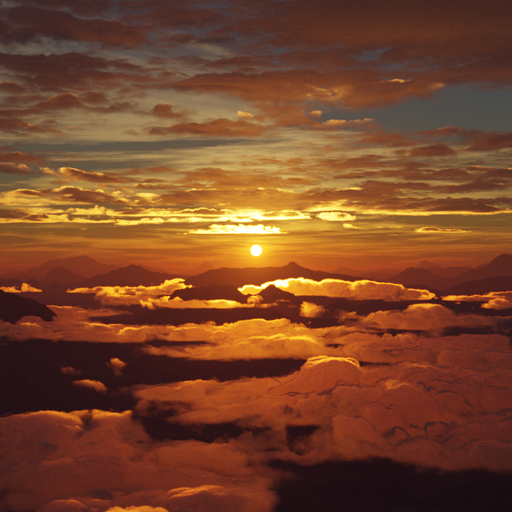


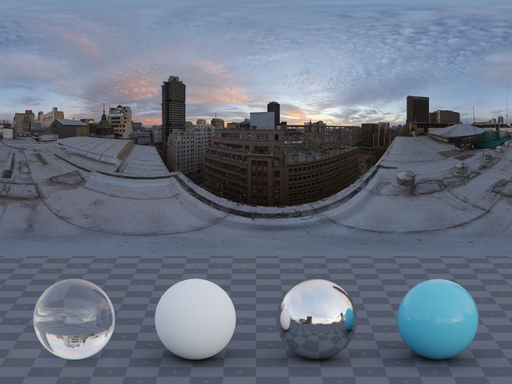
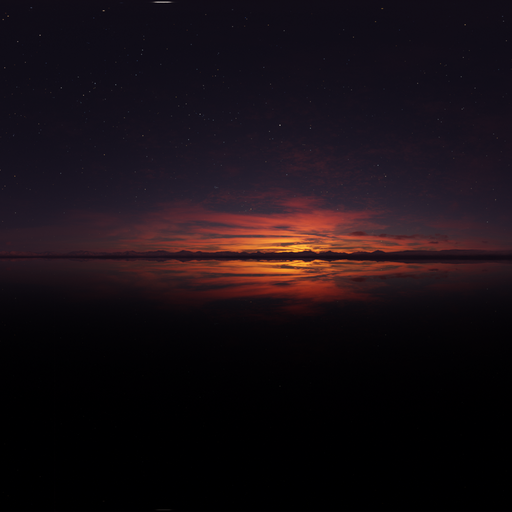


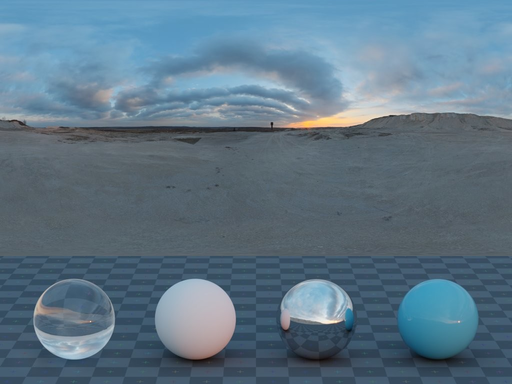
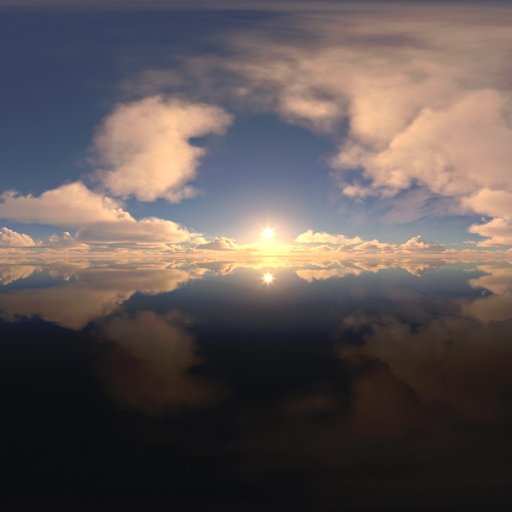

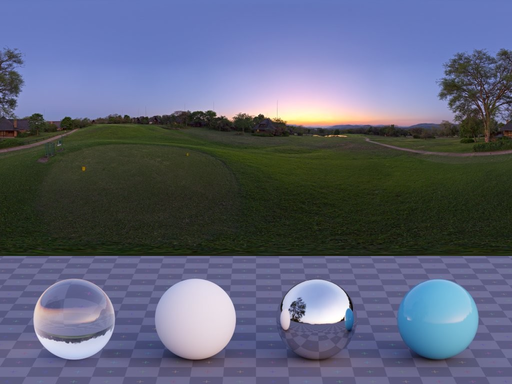

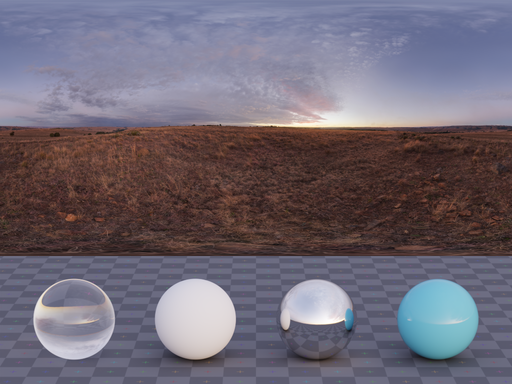

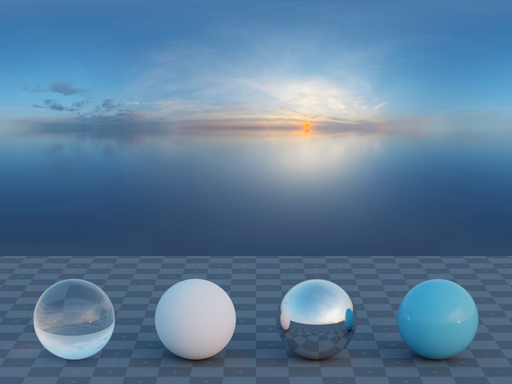

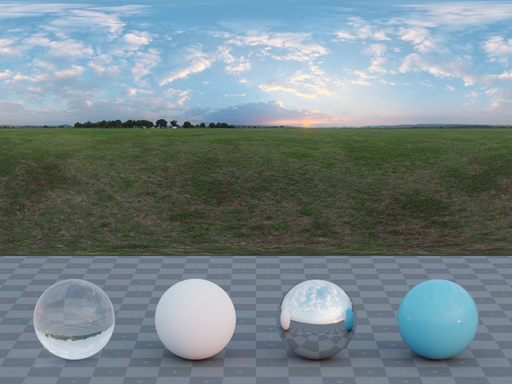

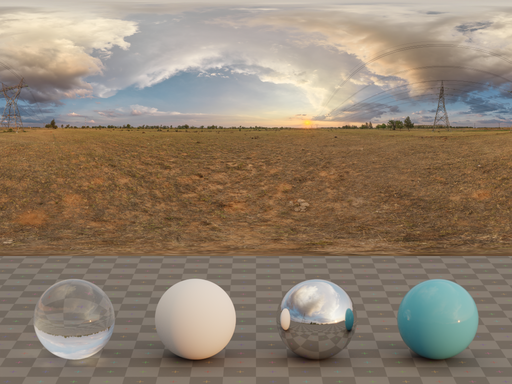

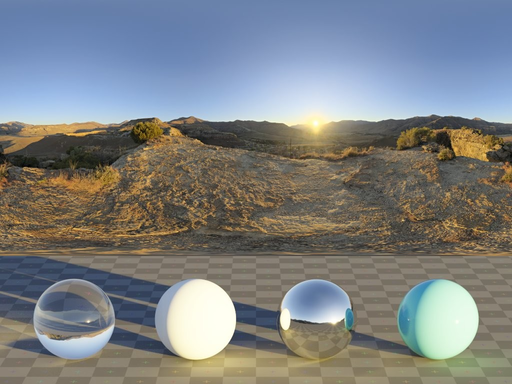

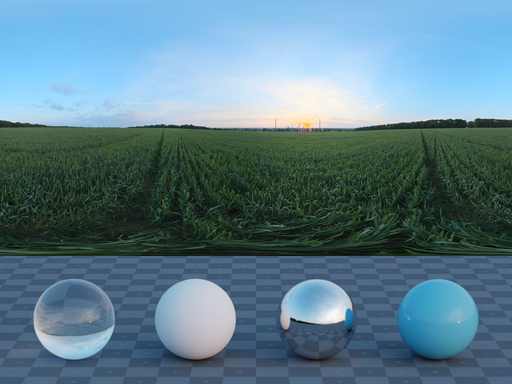

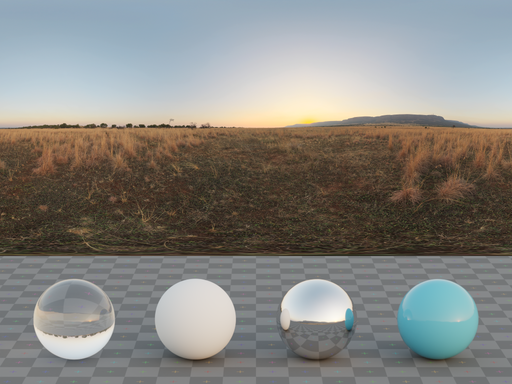
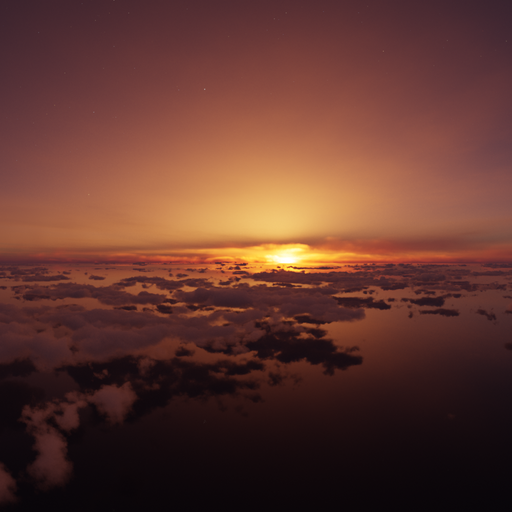

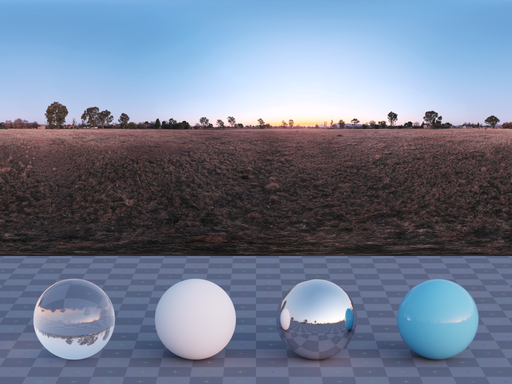

A sunset HDRI lights a scene with a low, warm sun and long shadows, and puts a glowing sky behind your model. It is the quickest way to give a product shot, an architectural render or a game level a golden-hour mood without placing a single light.
This page collects free sunset and golden-hour HDRIs from several libraries at once and is refreshed from a live search. Most come from Poly Haven and ambientCG, which shoot their own panoramas and release them under CC0, alongside BlenderKit and other sources.
How to choose one
- Sun in frame or just set. With the sun disc visible you get crisp, directional shadows. Once the sun has dipped below the horizon the light turns soft and orange, with almost no shadows.
- What is on the ground. Panoramas shot on open fields, beaches or rooftops leave the lower half clean, which helps when you add your own ground plane.
- Resolution. For lighting alone, 1K or 2K is plenty. If the sky fills the background at full screen, use 8K or larger.
In Three.js, load an .hdr file with RGBELoader (or an .exr with EXRLoader) and assign it to scene.environment. In Blender, connect it to an Environment Texture node in the World shader and rotate it with a Mapping node until the sun sits where you want it.