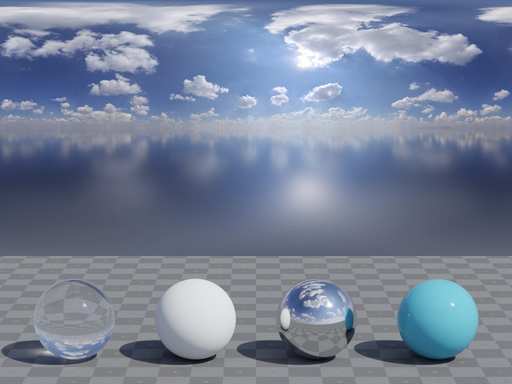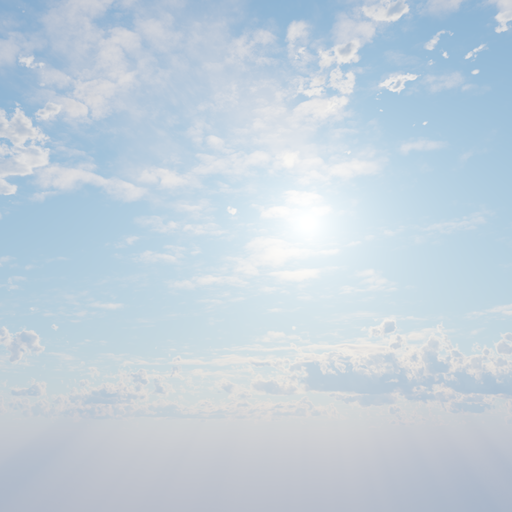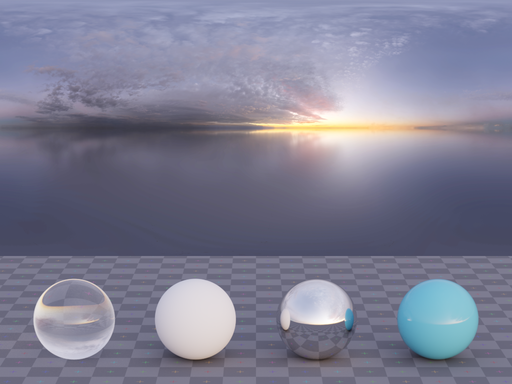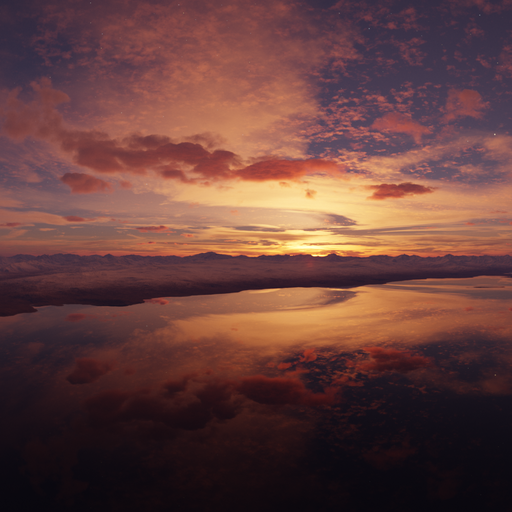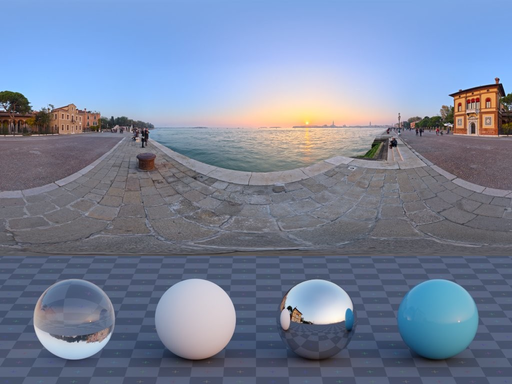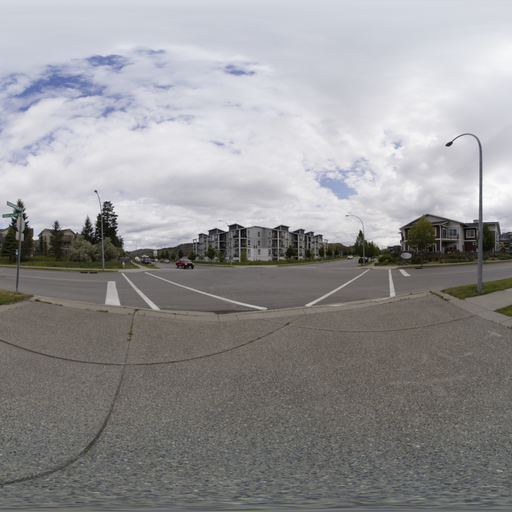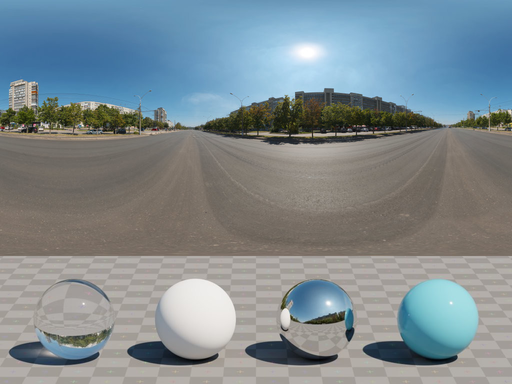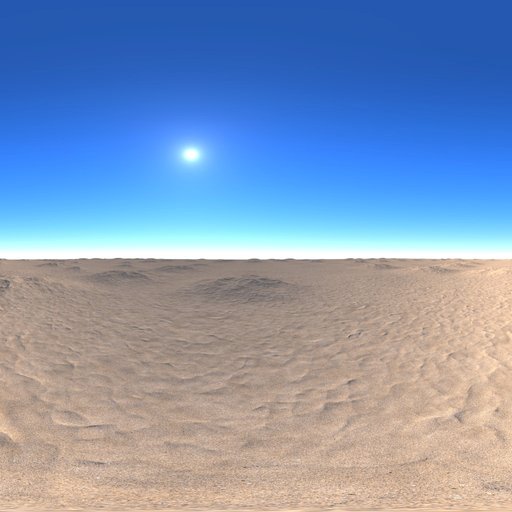
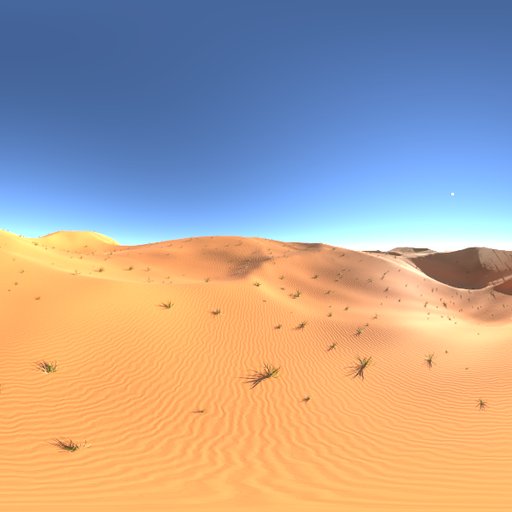
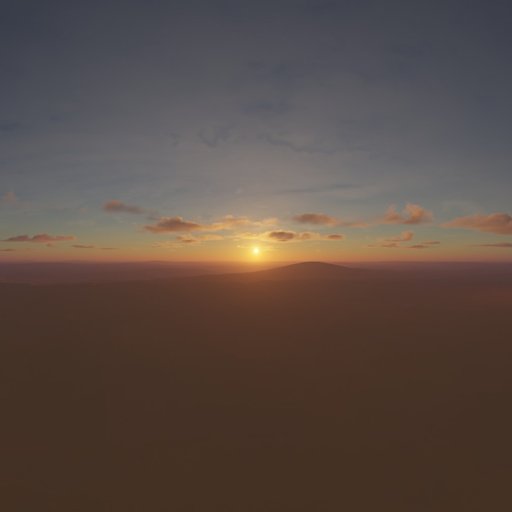
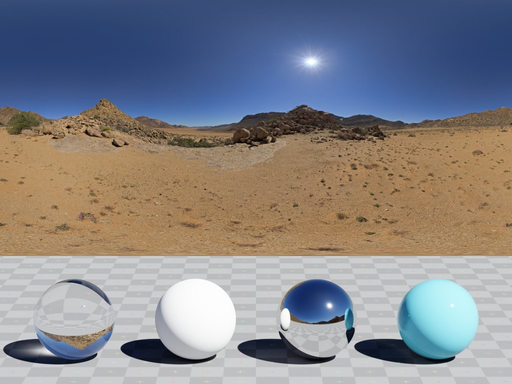
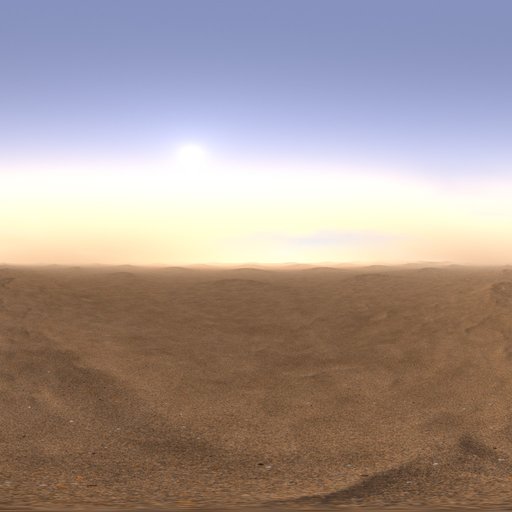
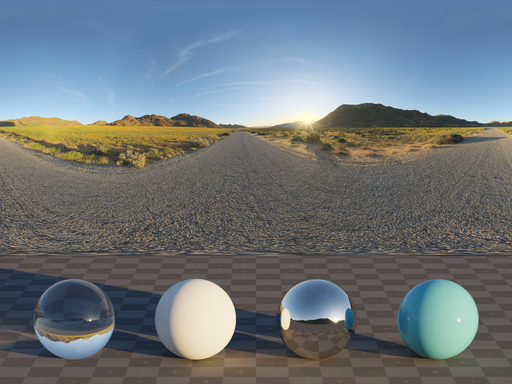
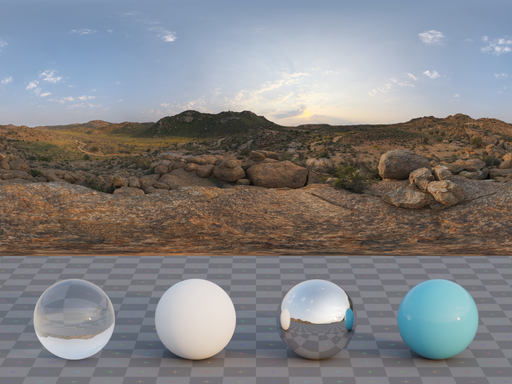
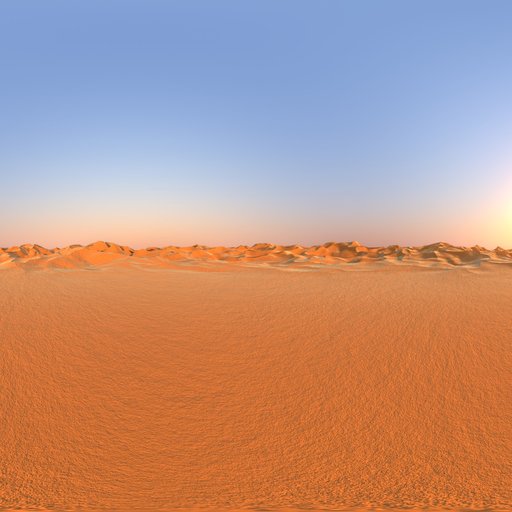
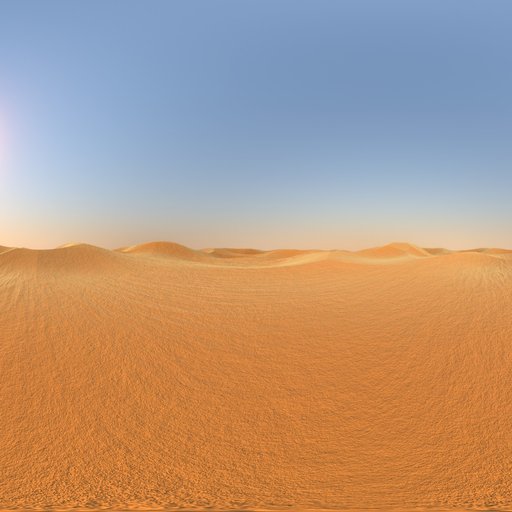
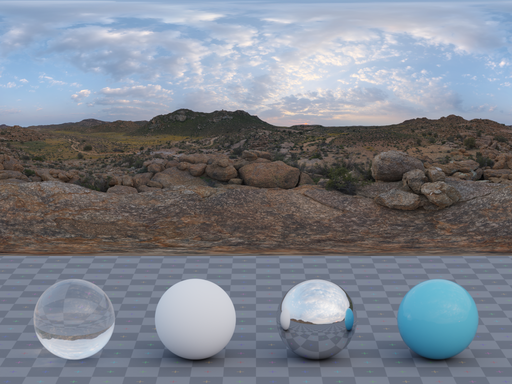
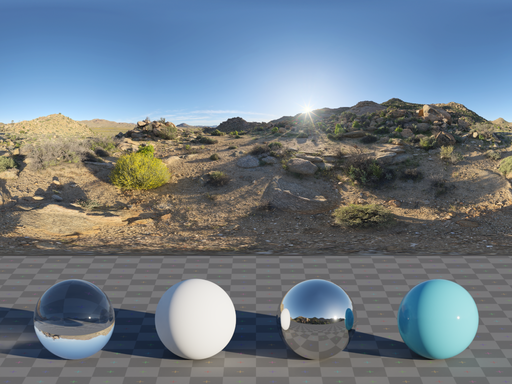
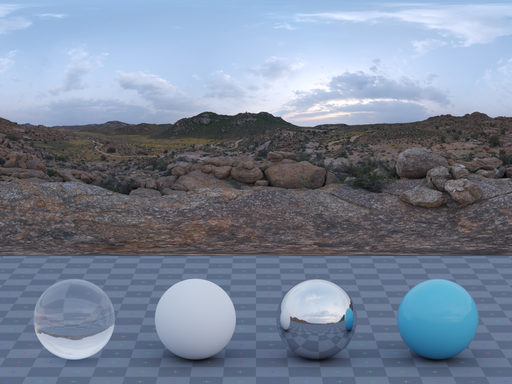
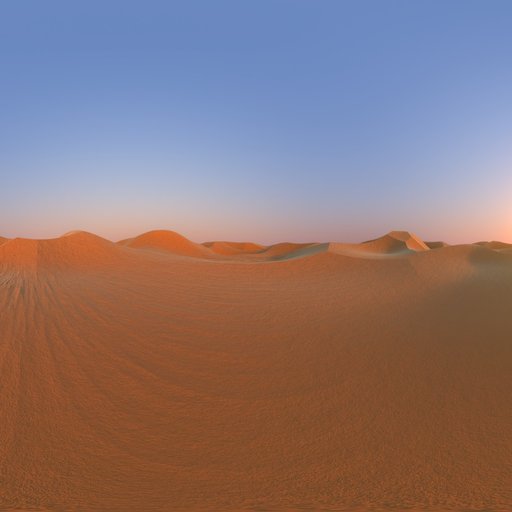

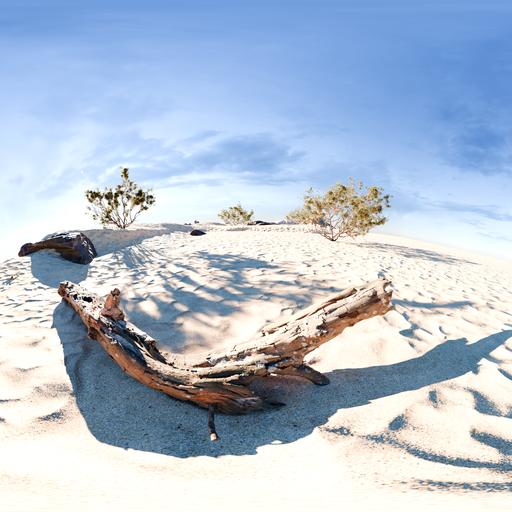
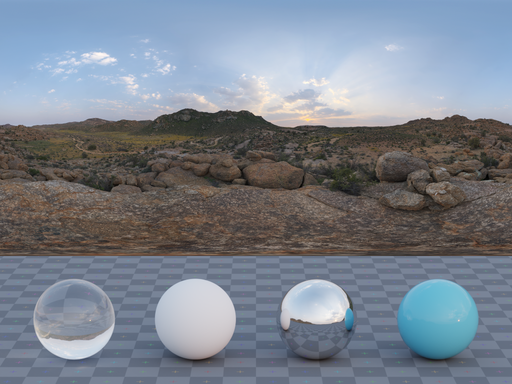
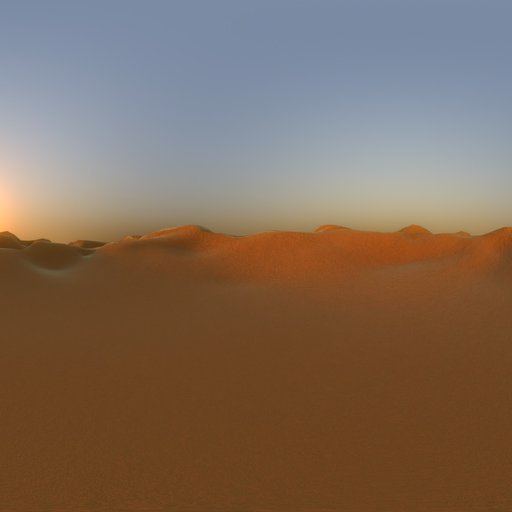
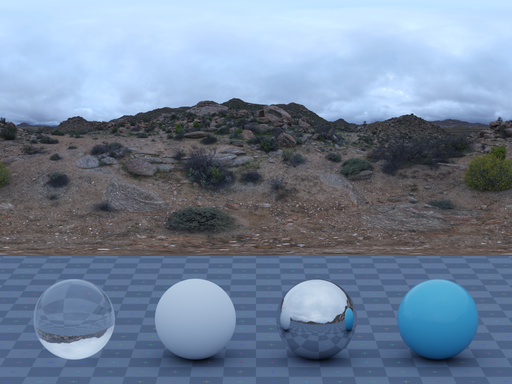
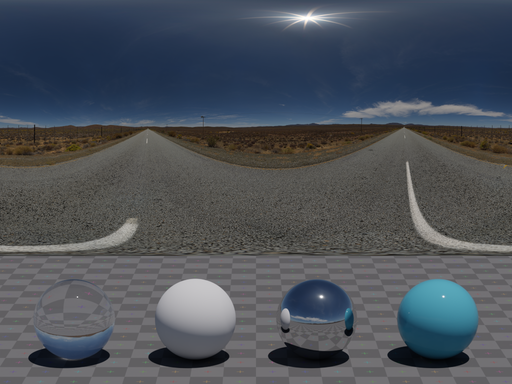
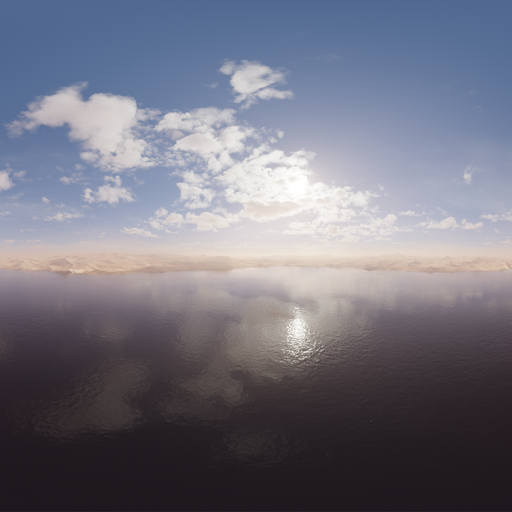
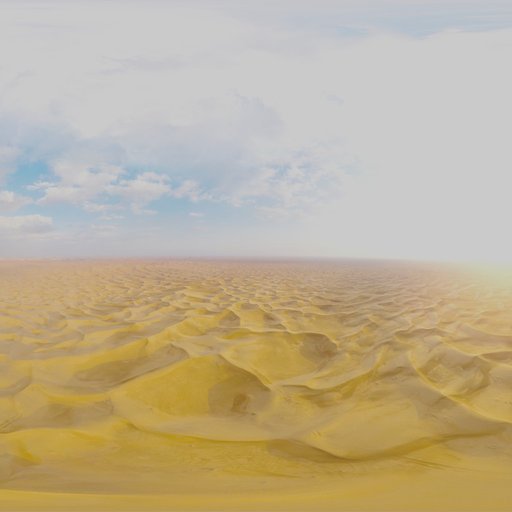
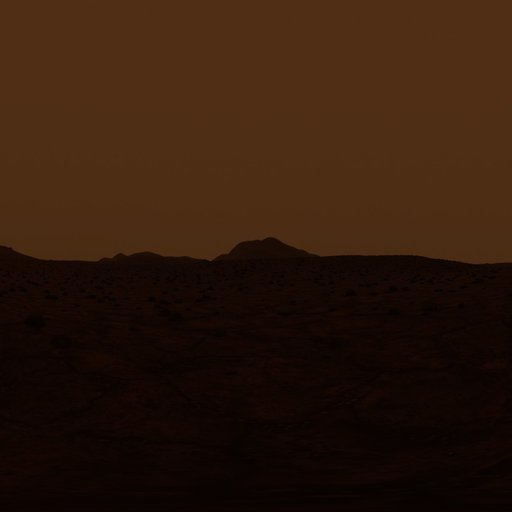
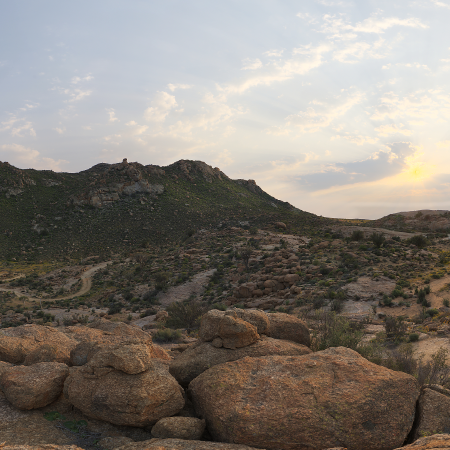
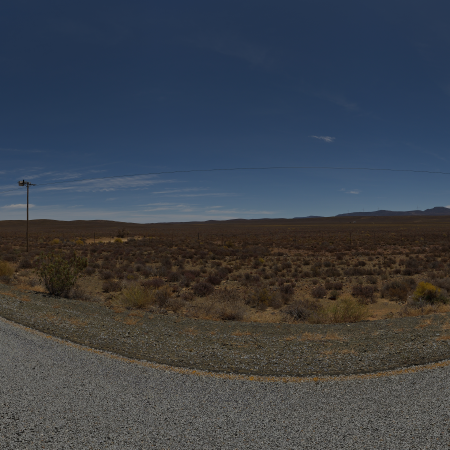
Desert HDRIs give a scene bright, directional sunlight under a wide, empty sky, with sand, dunes, dry scrub or rocky badlands on the horizon. They suit vehicle renders, western and post-apocalyptic scenes, sci-fi planets and any shot that needs hard shadows and warm, dusty light.
The HDRIs on this page come from Poly Haven and BlenderKit, searched at once and refreshed automatically. Each card shows its source and licence. Poly Haven files are CC0, which means you can use them in commercial work without credit; check the BlenderKit licence on each card.
Choosing a desert HDRI
- Sun position. A high midday sun gives short, hard shadows; a low sun near dawn or dusk gives long shadows and a warm orange cast.
- Horizon. Flat horizons suit a ground plane or a car on a road. Dunes and rocks work better as a visible background.
- Format. Use HDR or EXR for lighting. In Three.js load HDR files with RGBELoader and EXR files with EXRLoader, and set the result as
scene.environment. - Resolution. 1K or 2K is enough for lighting only; use 4K or more for backgrounds.
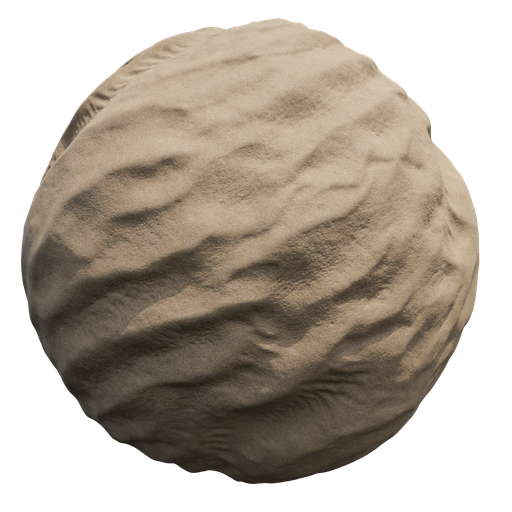
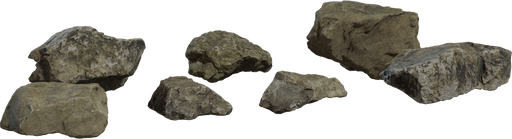
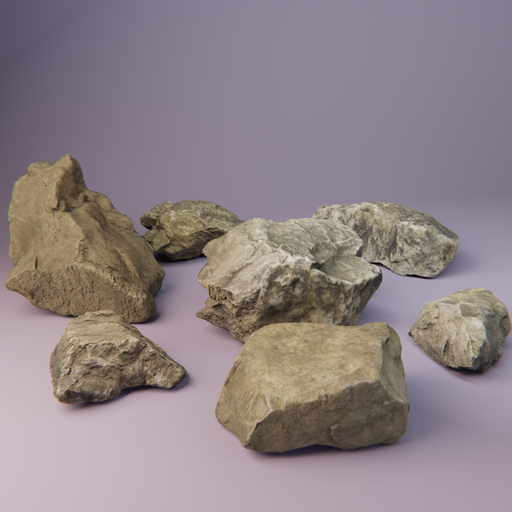
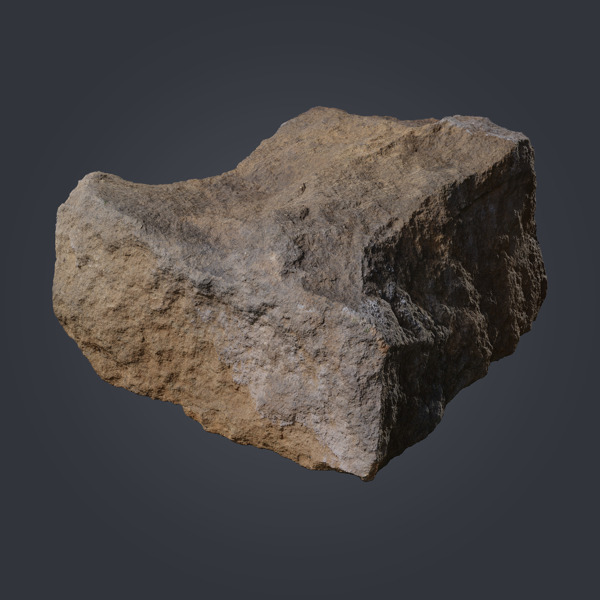
Pair a desert HDRI with sand textures and rock models from the related collections.