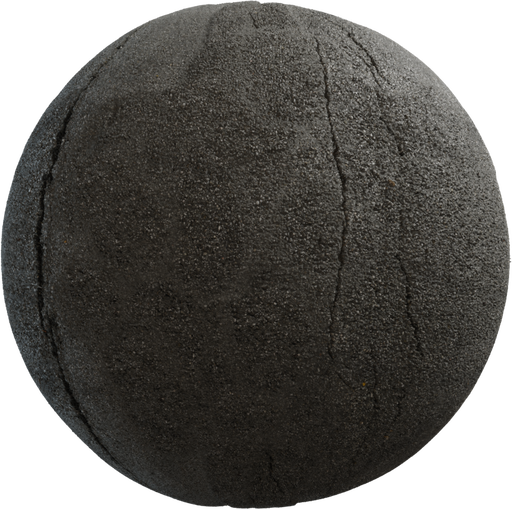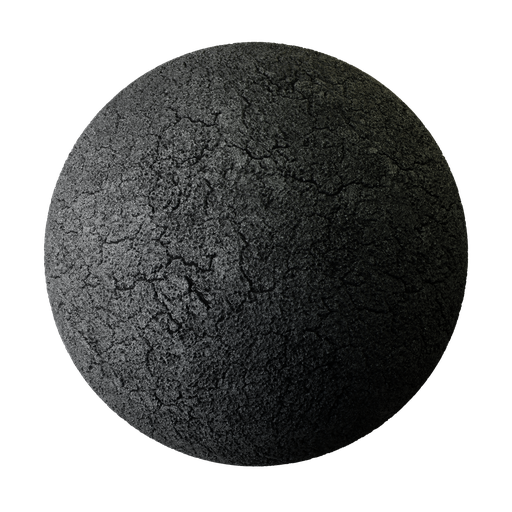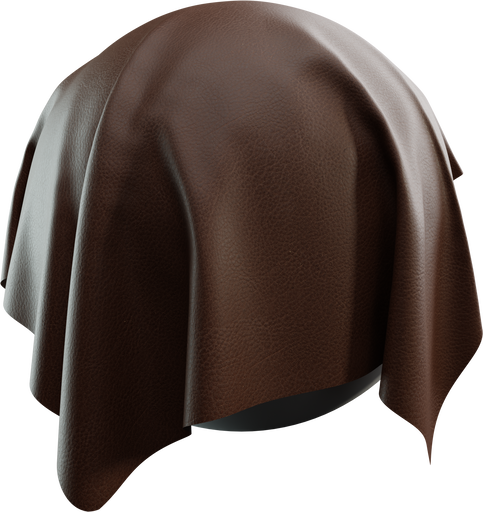


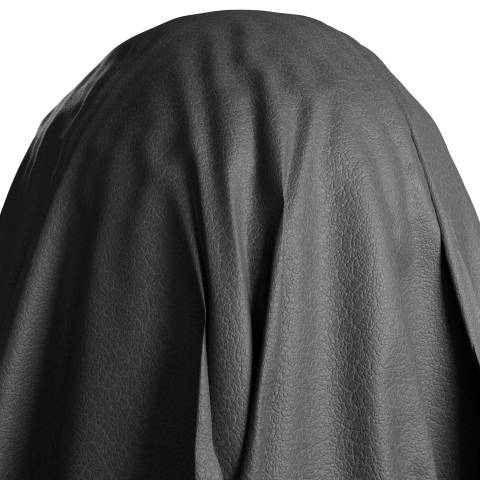
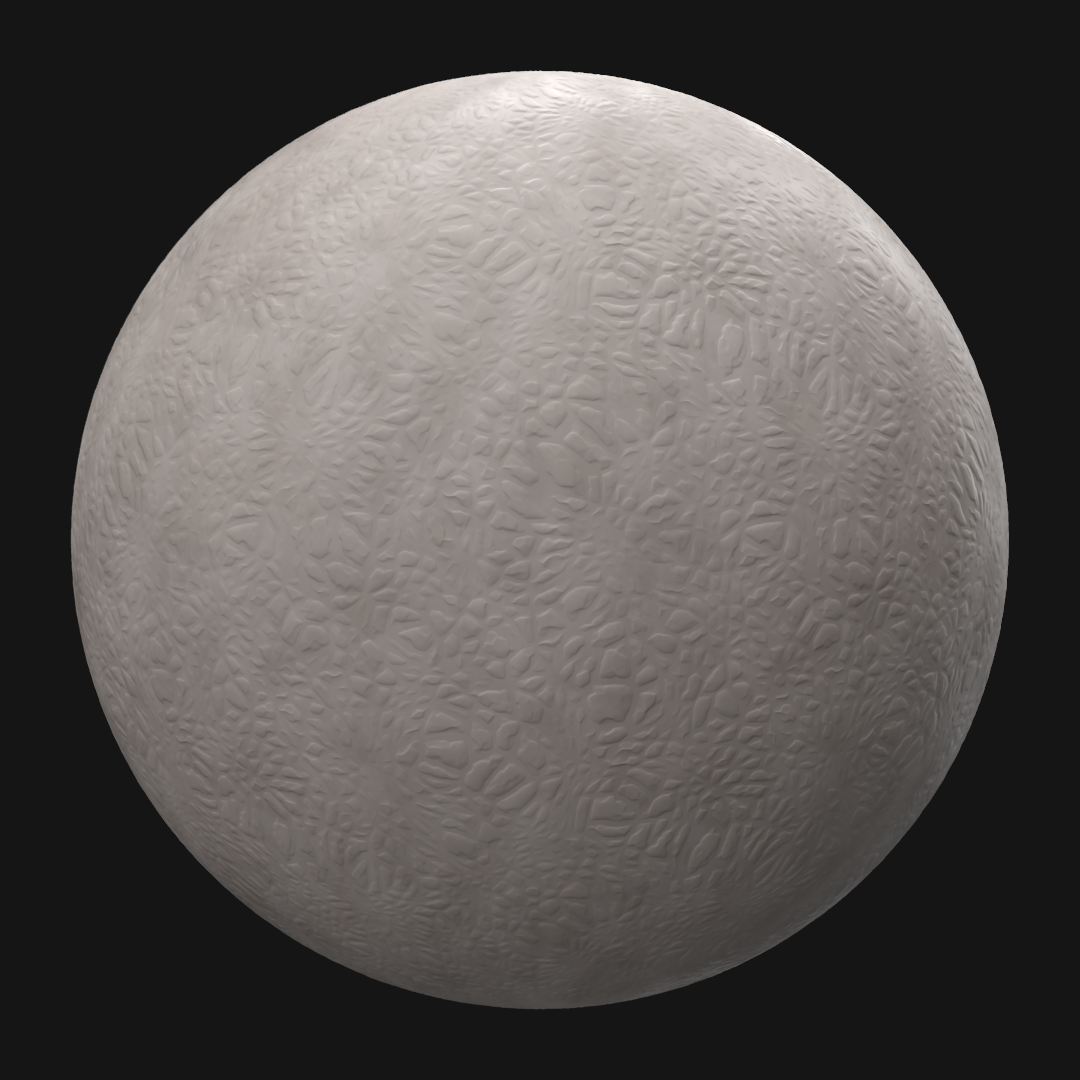
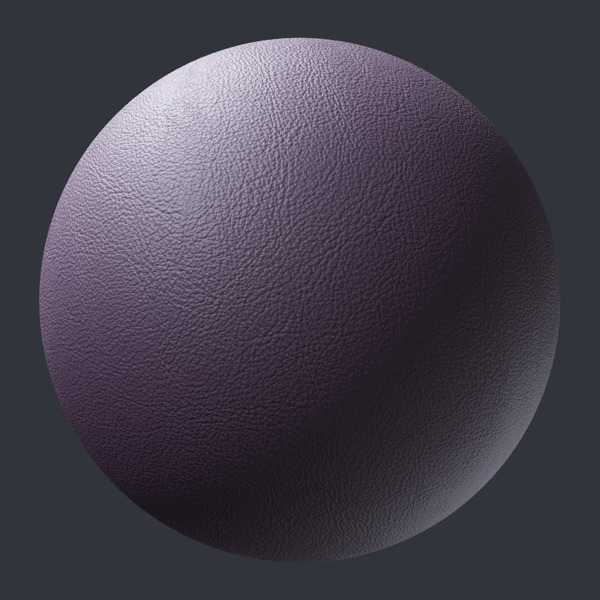


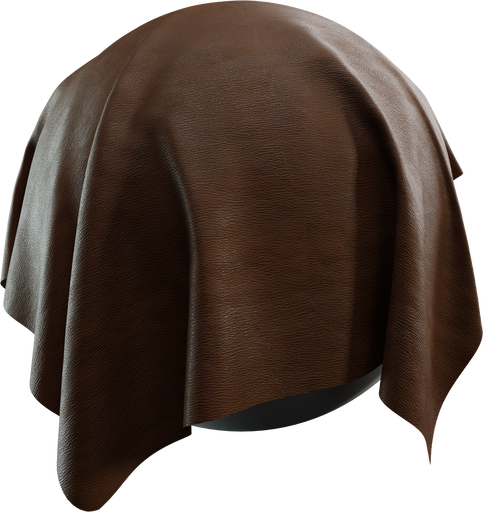
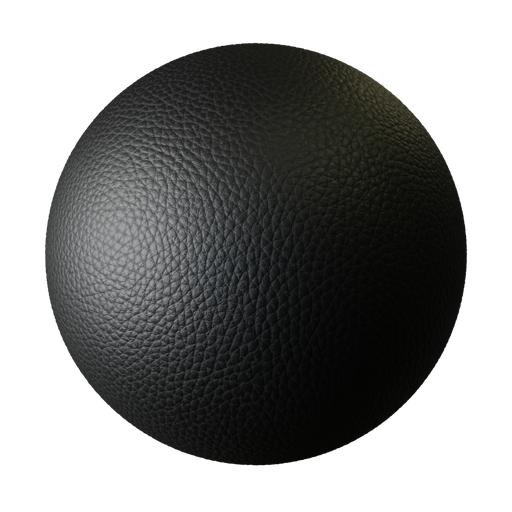


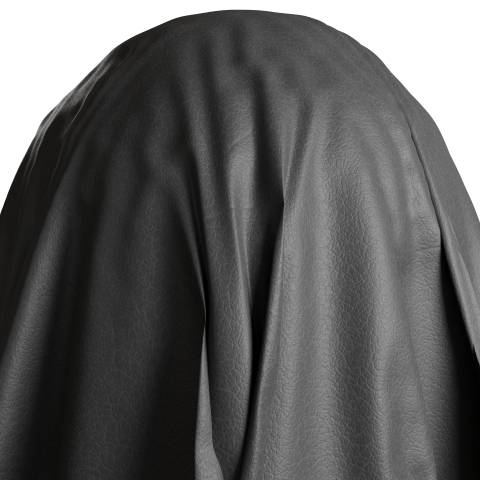




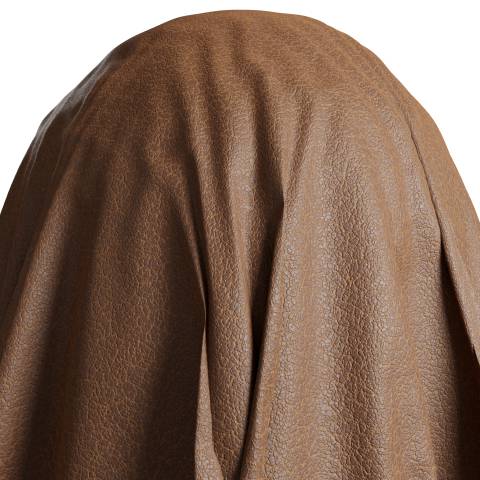


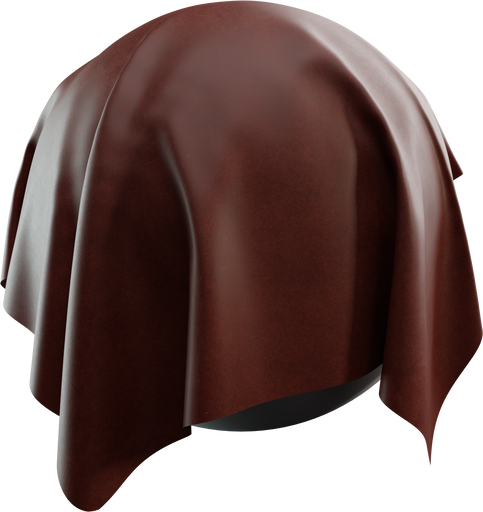


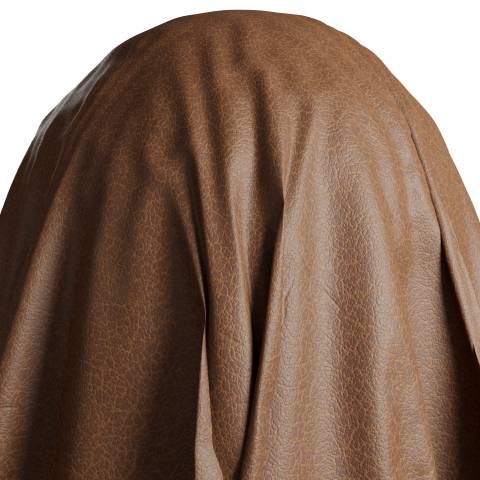


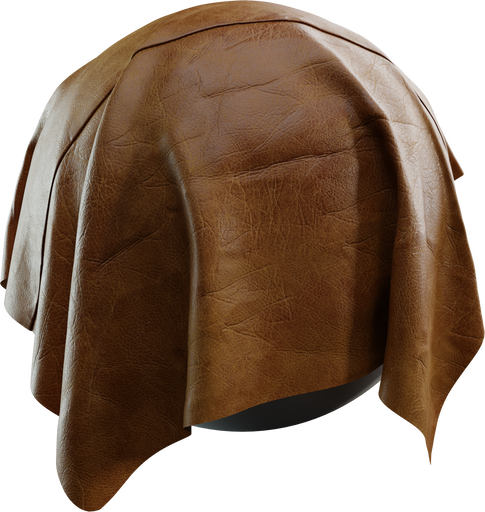

Leather is the surface behind sofas and armchairs, car seats, jackets, boots, bags, belts, book covers and fantasy armour. A good leather material needs a fine grain in the normal map, soft variation in the colour, and a roughness map that makes creases and worn edges shine slightly differently from the flat areas.
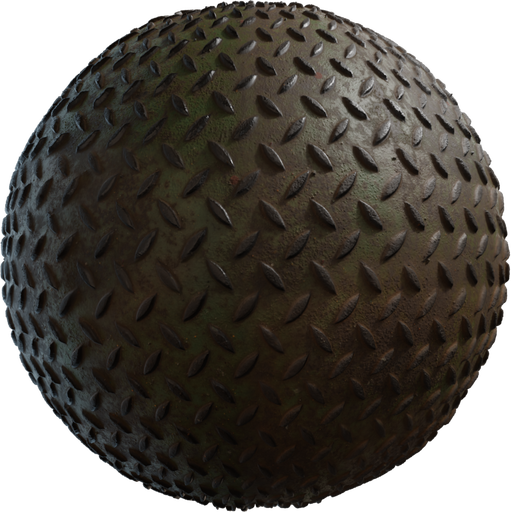
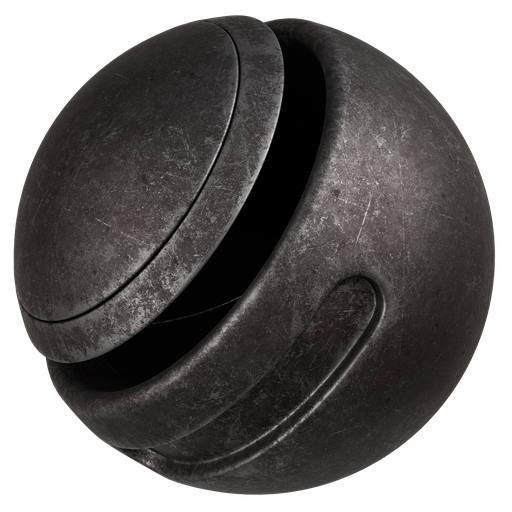
The materials on this page come from several texture sites searched at once and refreshed automatically. Each card shows its source and licence; most are CC0, so you can use them in commercial work without credit, but always check the card.
Choosing a leather material
- Grain scale. Leather grain is small. If the material covers a large surface at the wrong scale, the grain turns into a visible pattern; scale the UVs until the grain looks right against a known object such as a hand or a book.
- Maps. Colour, normal and roughness are the essential three. Ambient occlusion and displacement help in close-up renders of stitched seams and folds.
- Resolution. 1K or 2K is plenty for a game prop. Go to 4K for hero shots of furniture or products.
- Normal map format. Blender, Three.js, Godot and Unity use OpenGL-style normals; Unreal uses DirectX-style, so flip the green channel if the grain looks inverted.
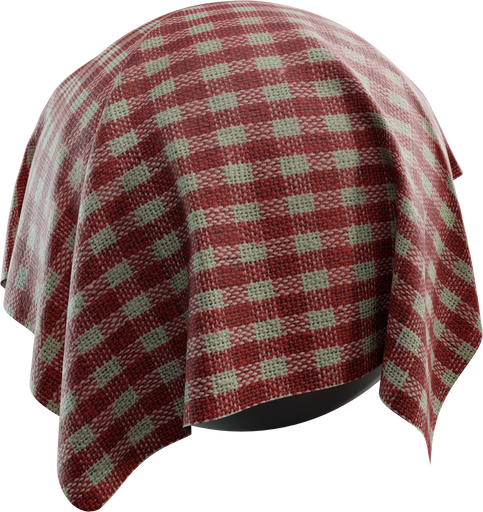
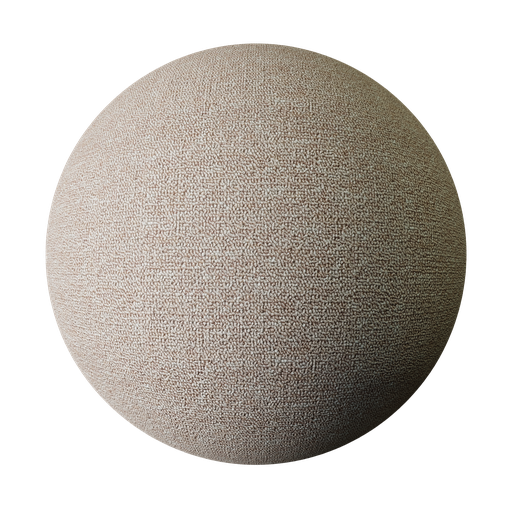
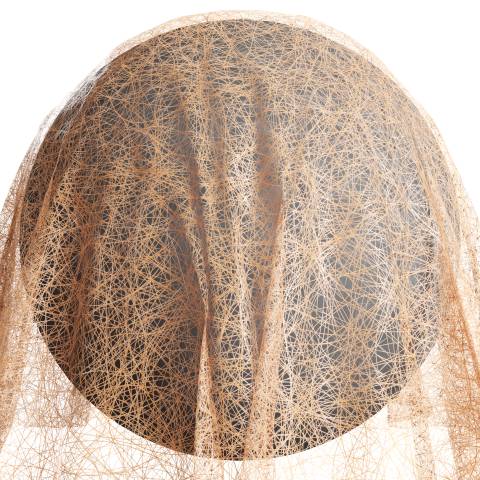
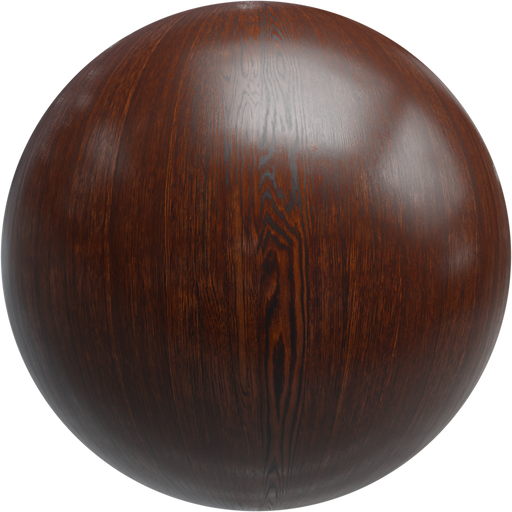
Pair leather with the fabric and wood materials in the related collections to dress a full interior.