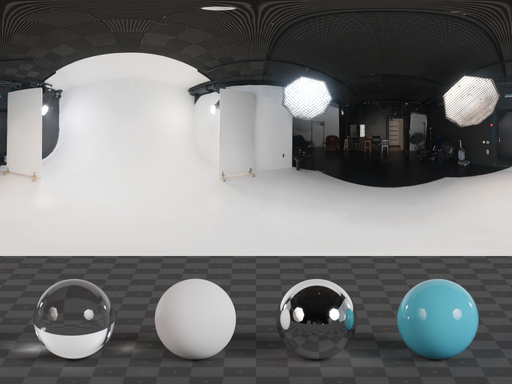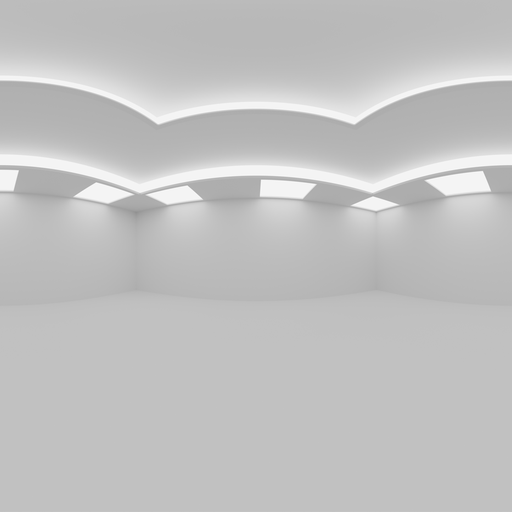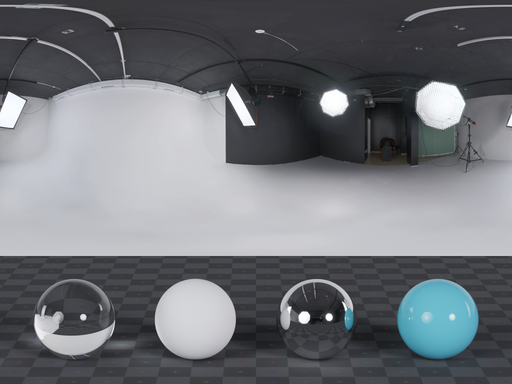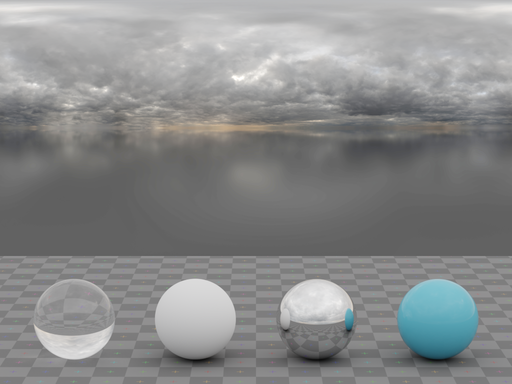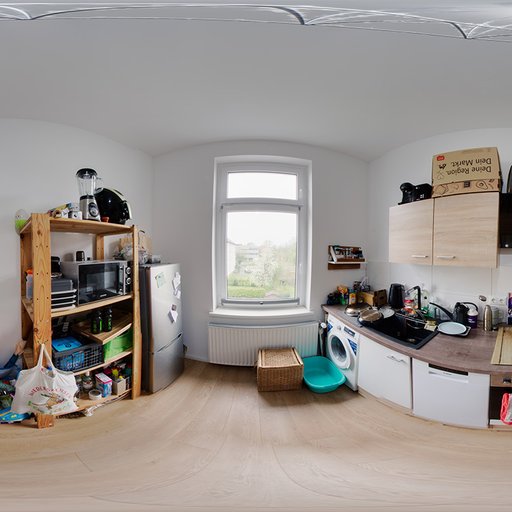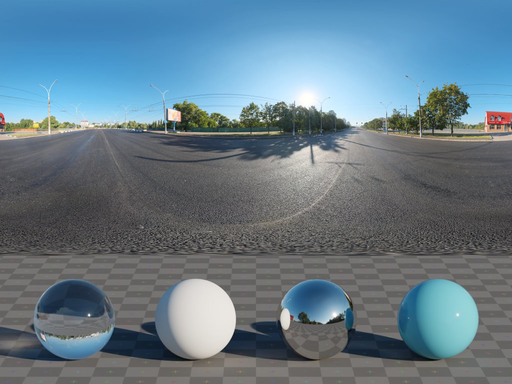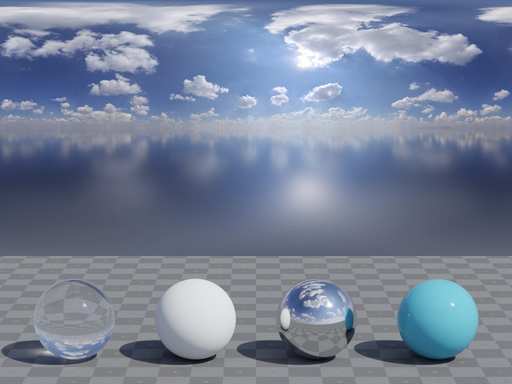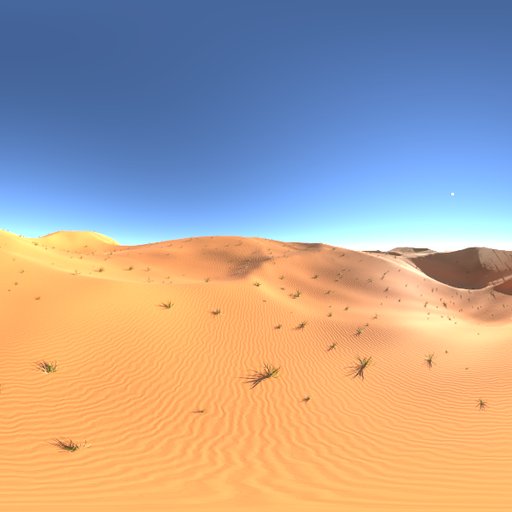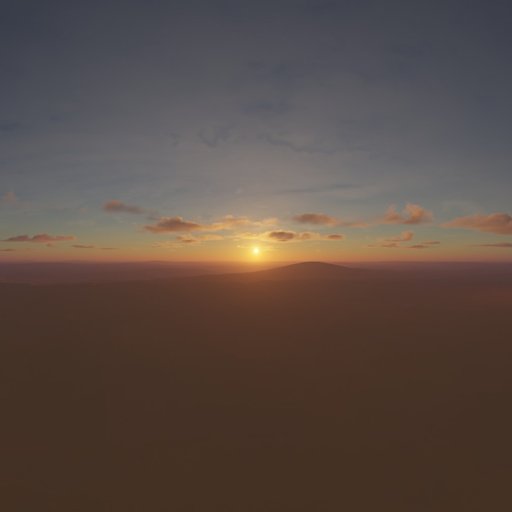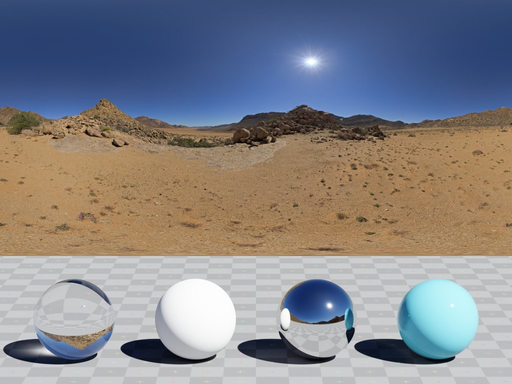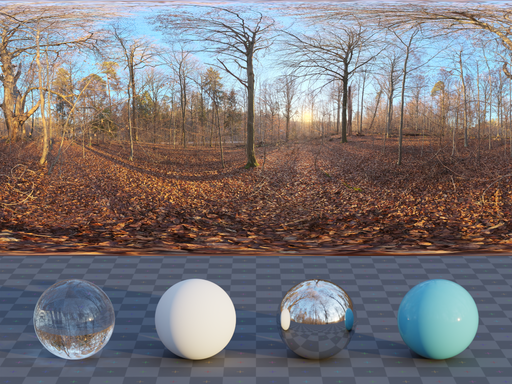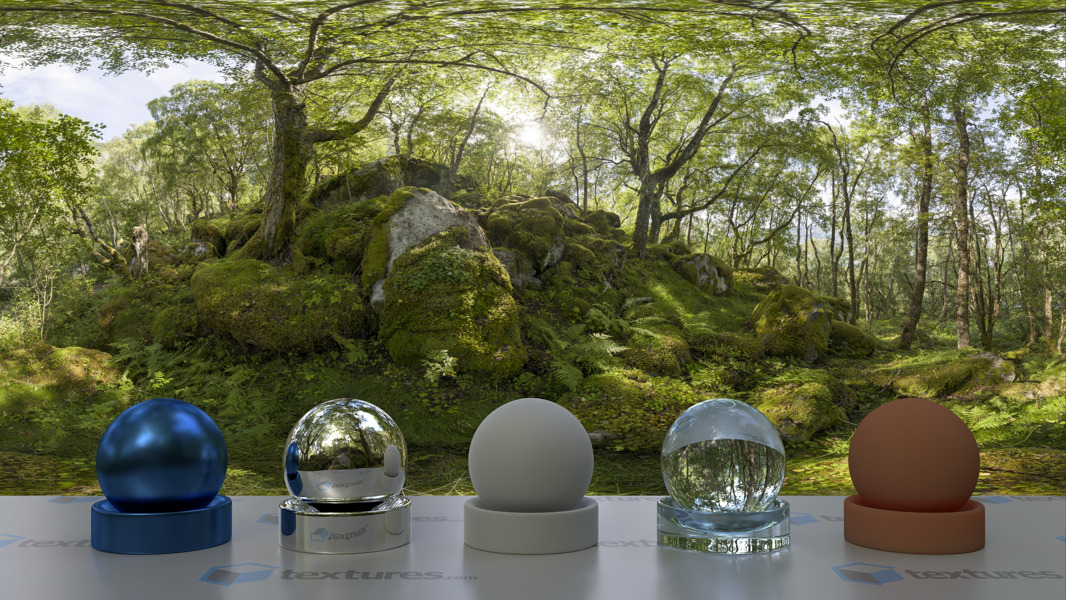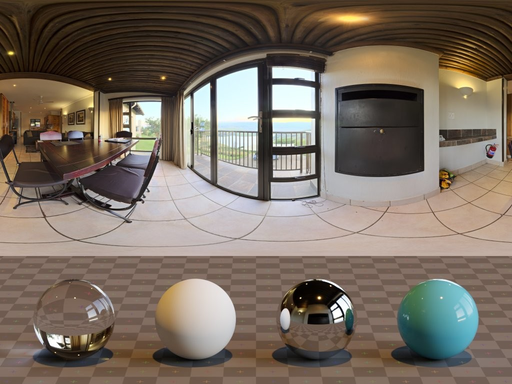


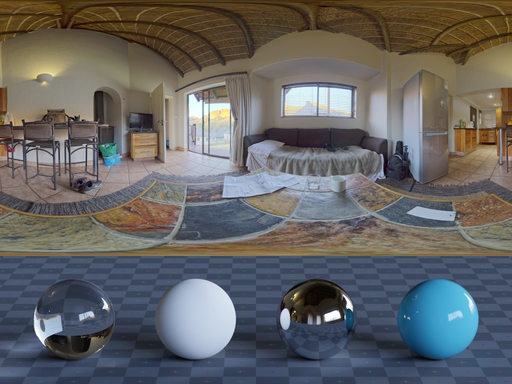
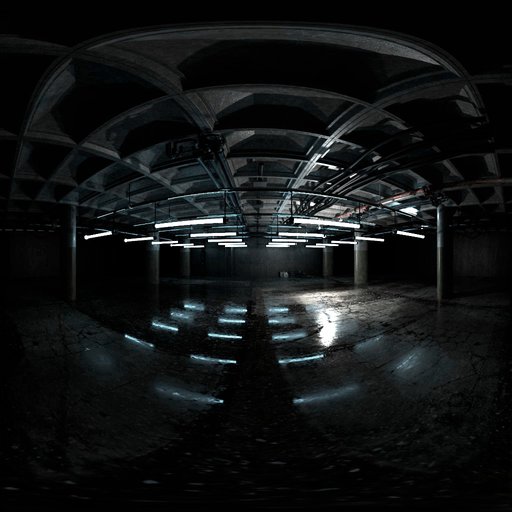

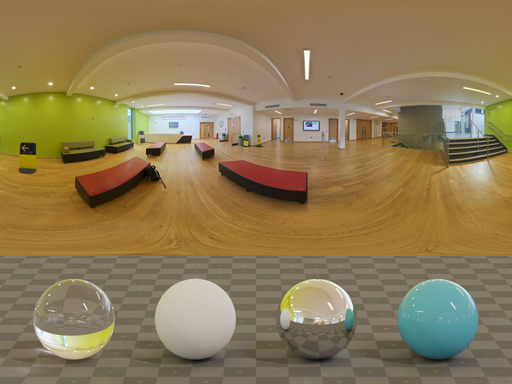
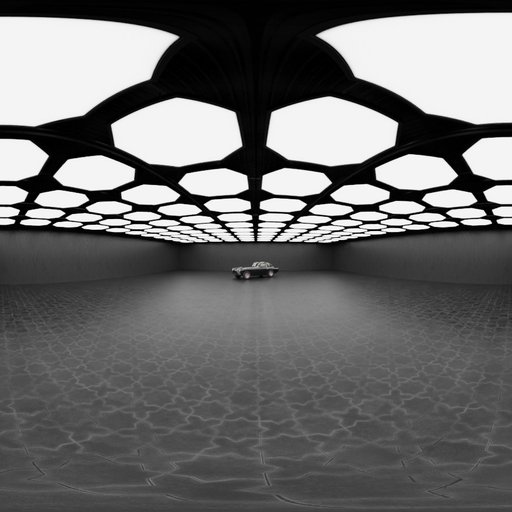


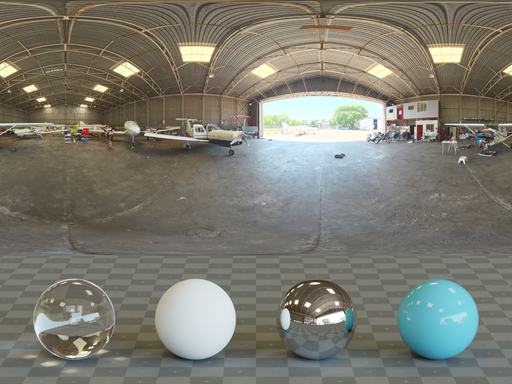
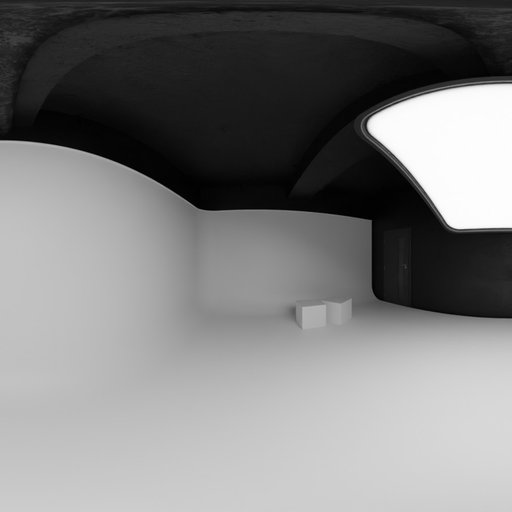


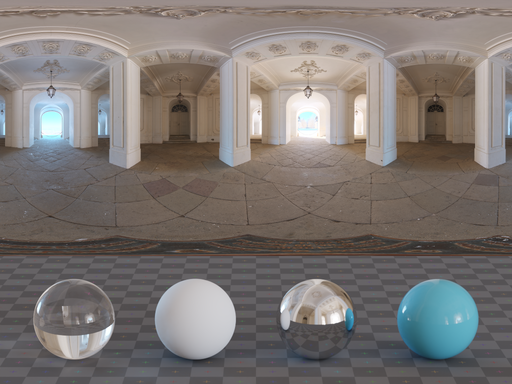


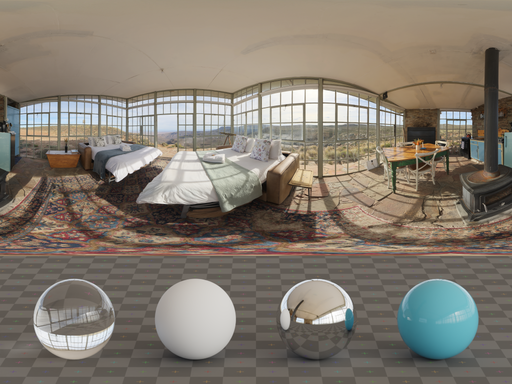
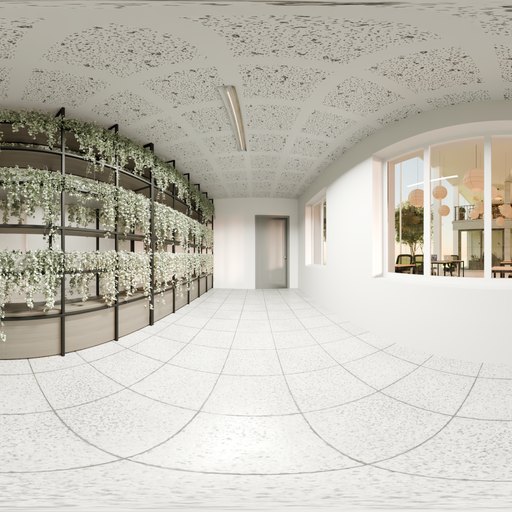

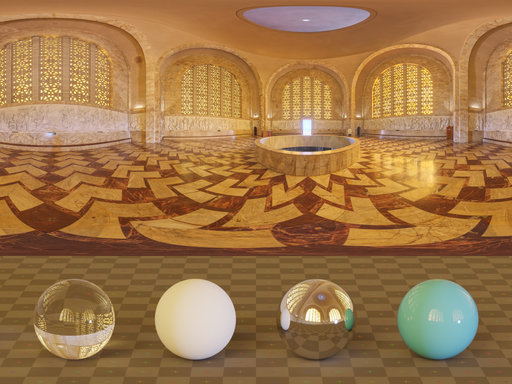
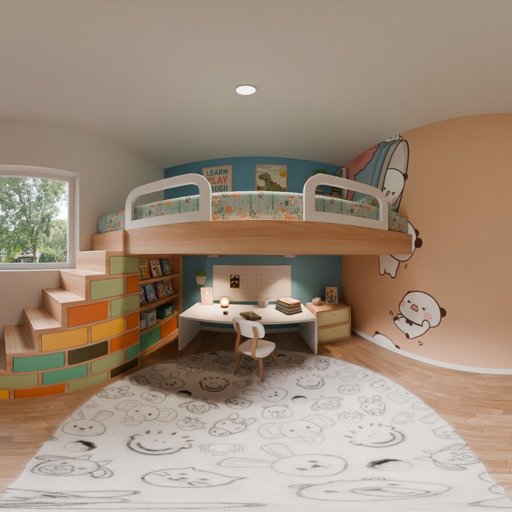
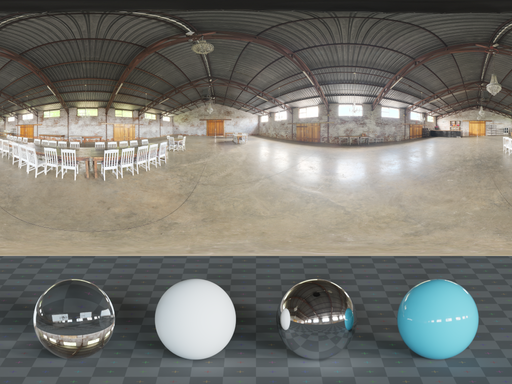
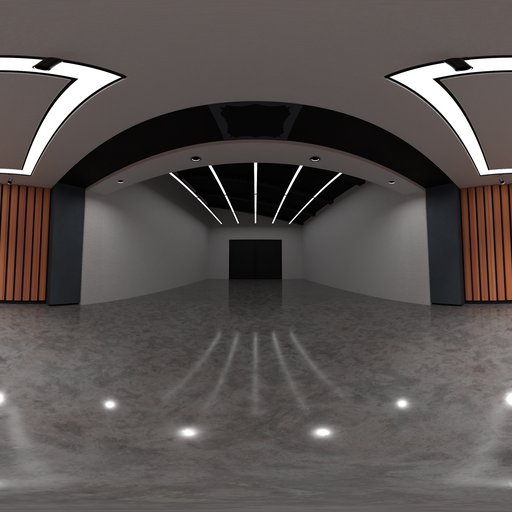
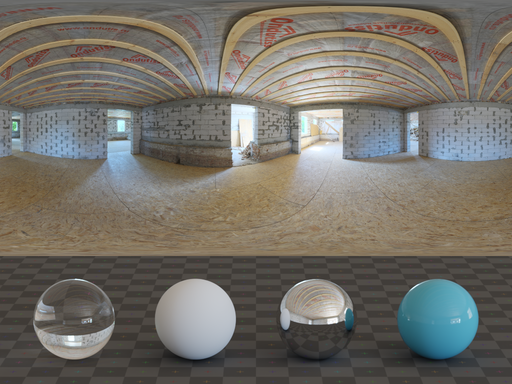
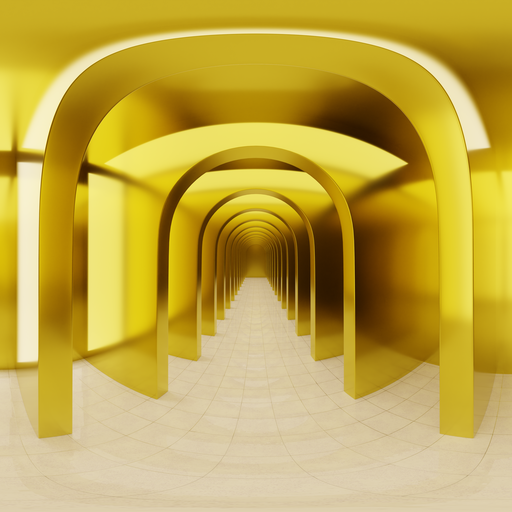
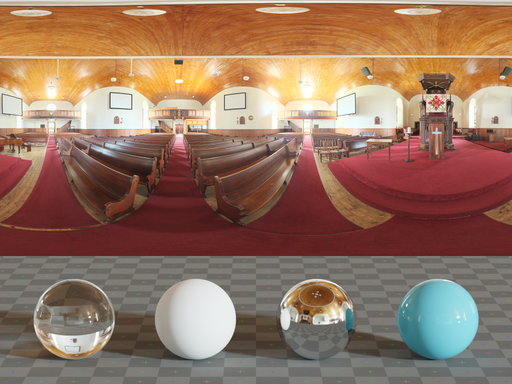
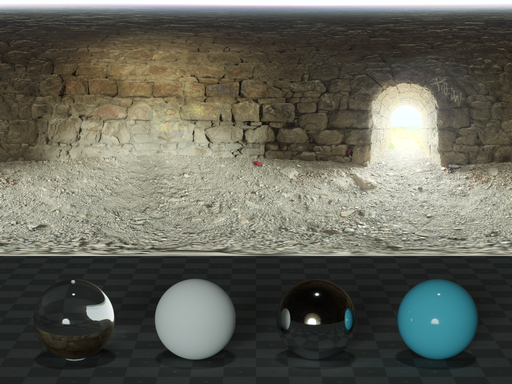
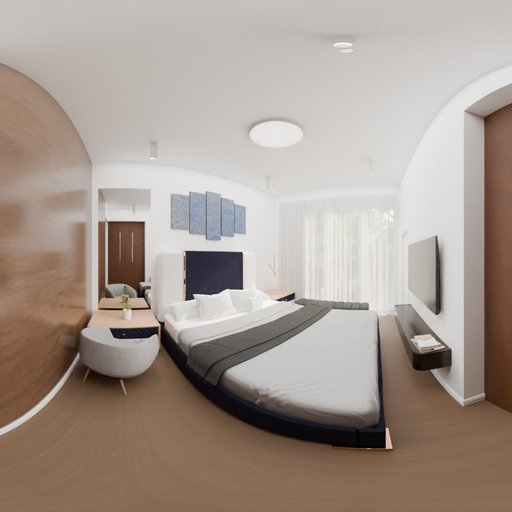
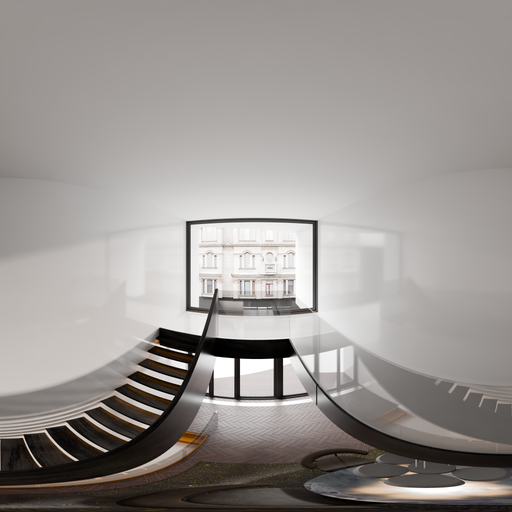
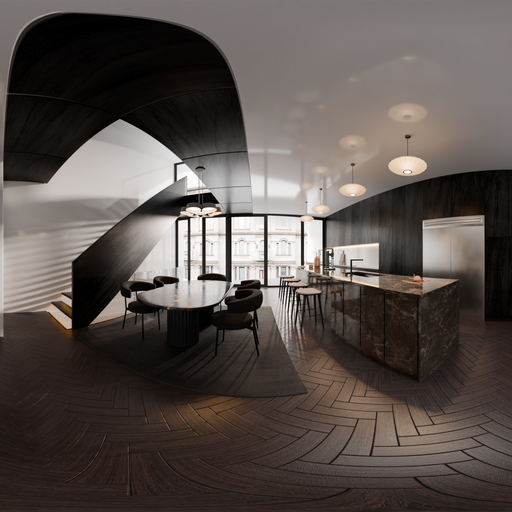
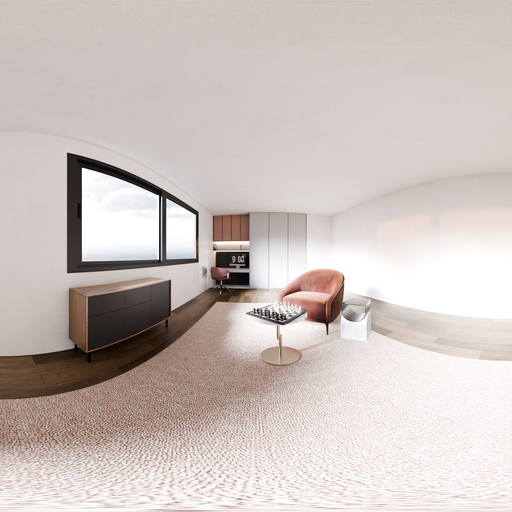
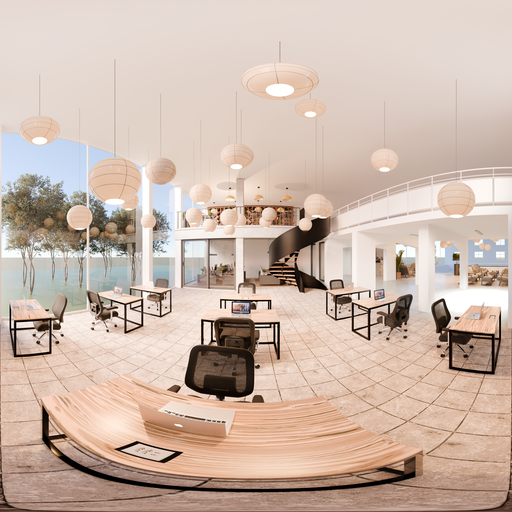
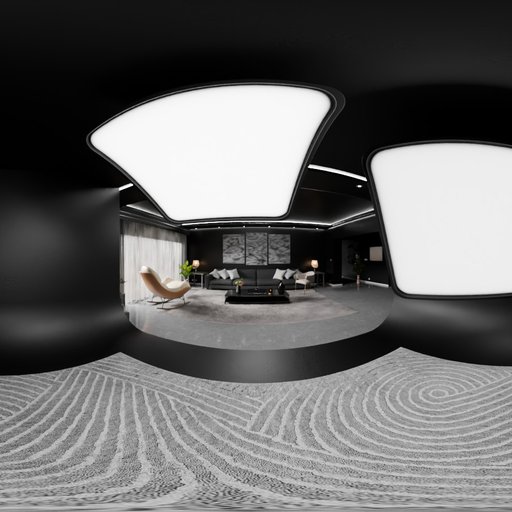
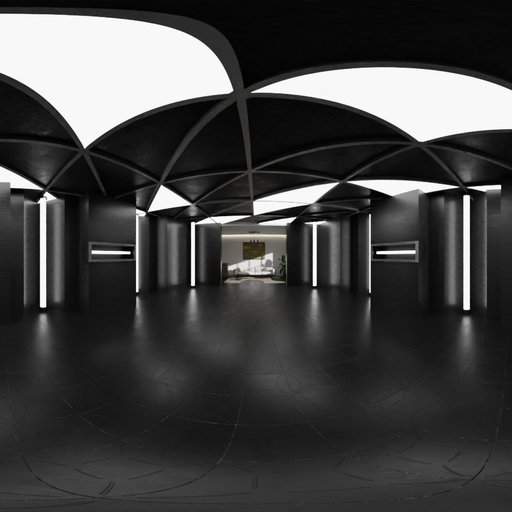
An indoor HDRI captures the light inside a real space: a living room with a bright window, an empty warehouse, a church or a workshop. Unlike an outdoor sky, the light comes from a few strong sources and bounces off nearby walls, which gives objects soft, believable reflections and a sense of place.
These HDRIs are used to light and reflect in product renders, character turntables, car shots and architectural scenes, and as a background when the camera should feel indoors. The files on this page come from the HDRI libraries searched at once; each card shows its source and licence, and many are CC0.
Choosing an indoor HDRI
- Look at the light sources. A big window gives soft directional light; several lamps give warmer, more varied reflections.
- Pick the resolution to suit the use. 1K or 2K is fine for lighting only; use 4K or higher when the HDRI is visible as the background.
- Formats. HDR files are compact and widely supported; EXR keeps more precision. Both load in Blender, Three.js, Unity, Unreal and Godot.
- Check reflections. Shiny materials show the whole room, so choose a space that suits your subject.
In Blender, load the file in an Environment Texture node on the World. In Three.js, use RGBELoader or EXRLoader and set it as the scene environment.