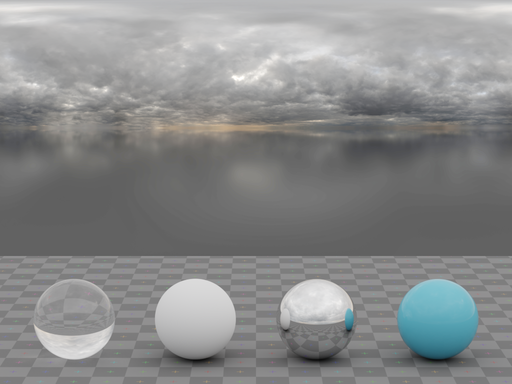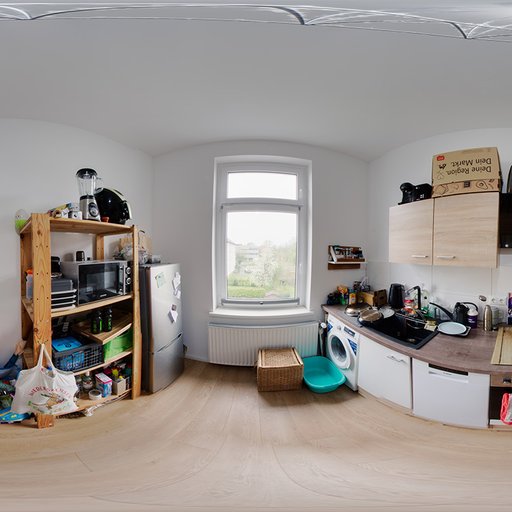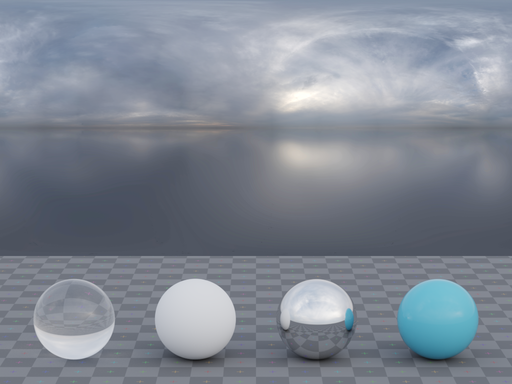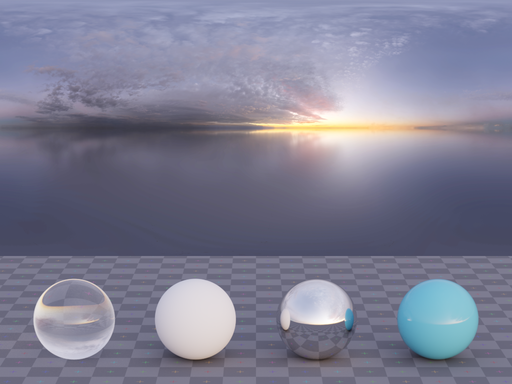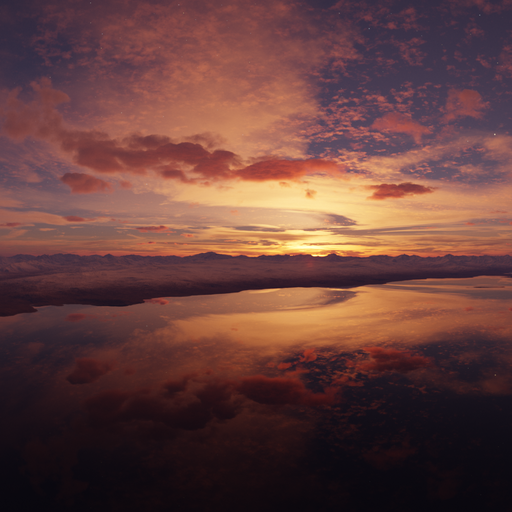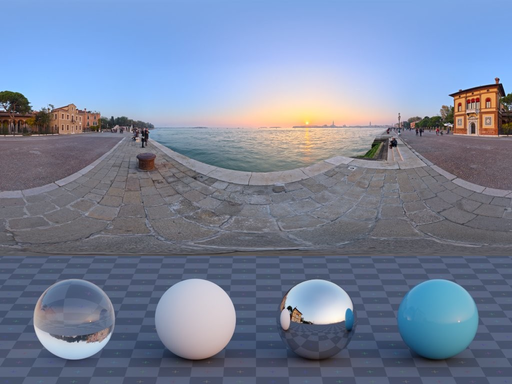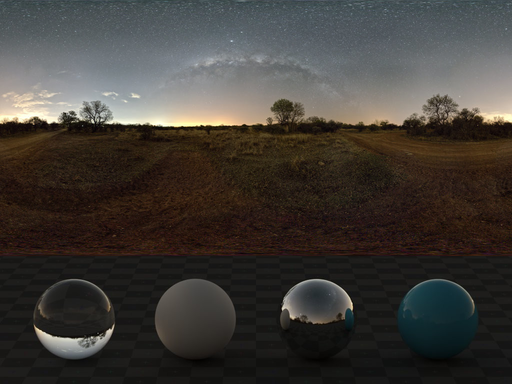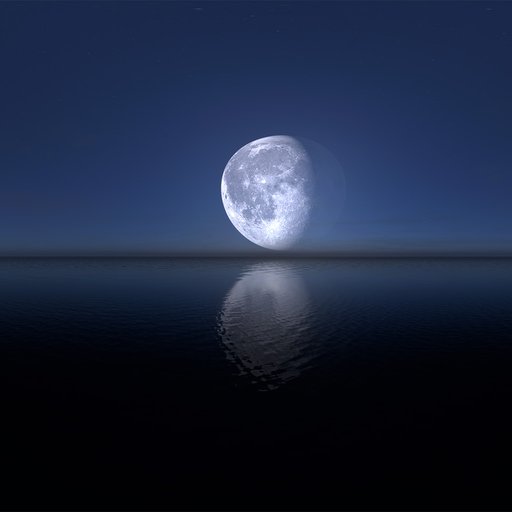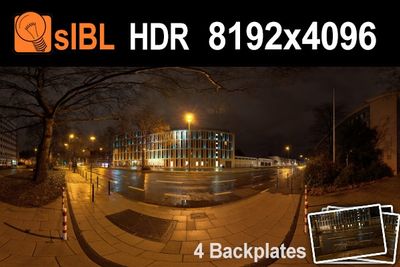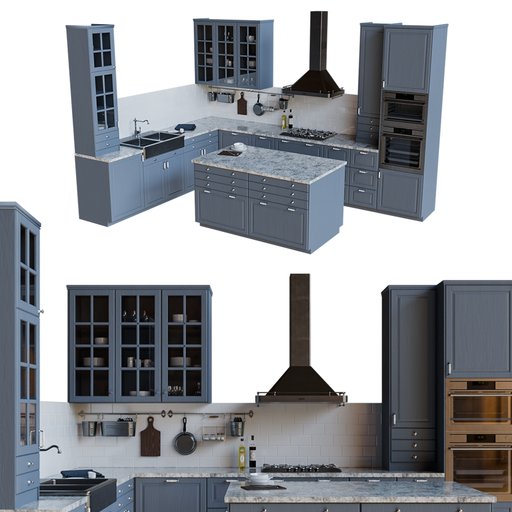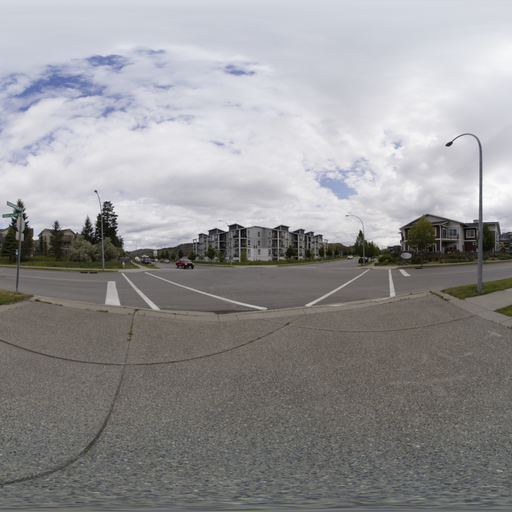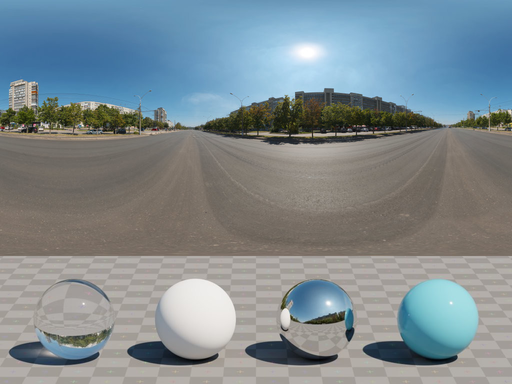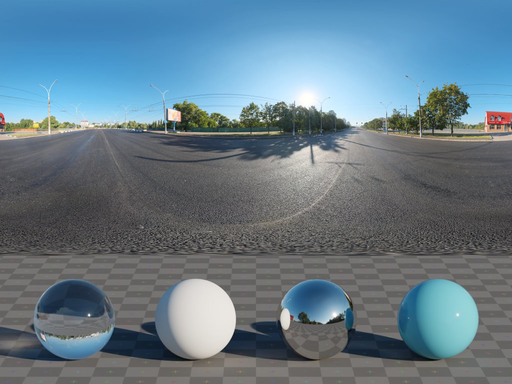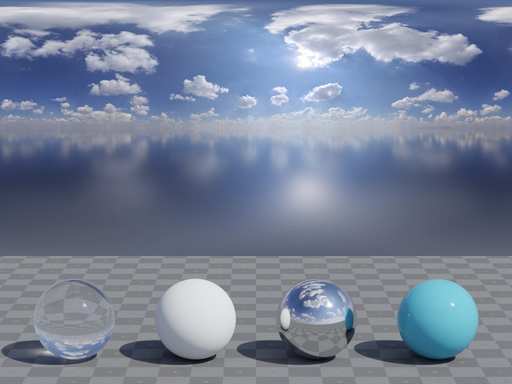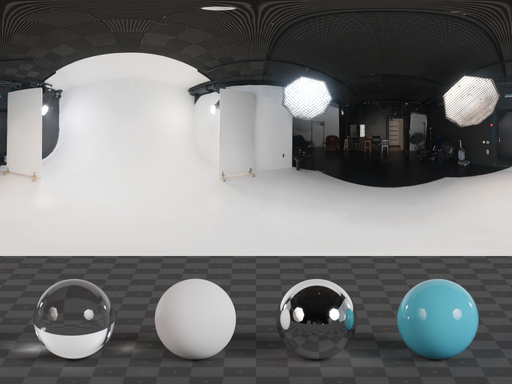
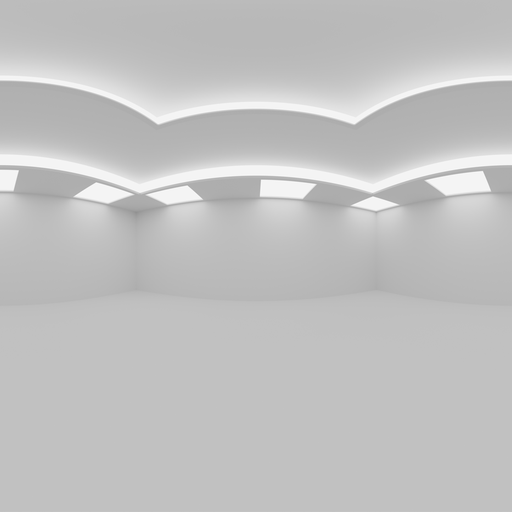
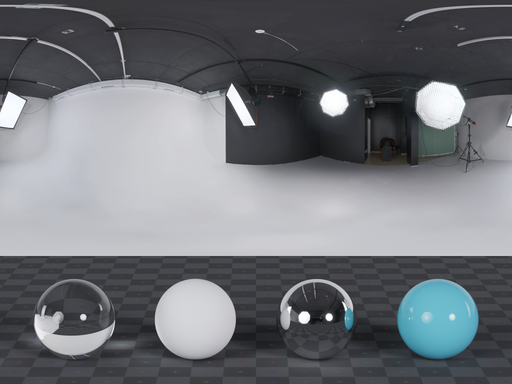
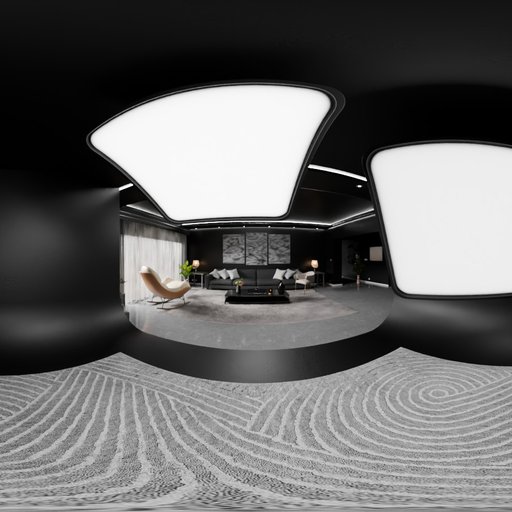
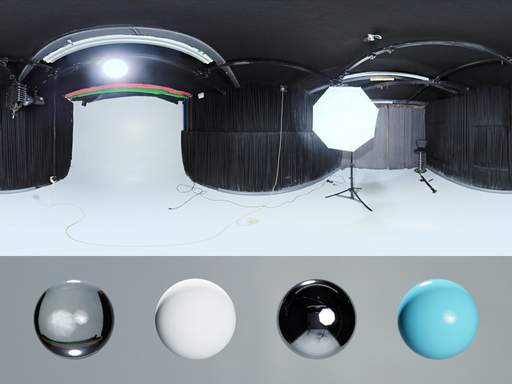
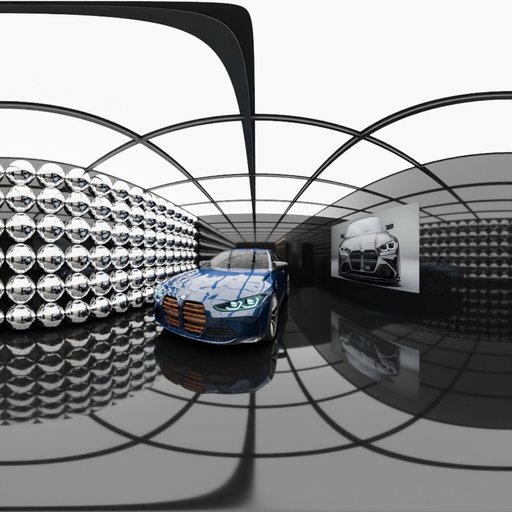
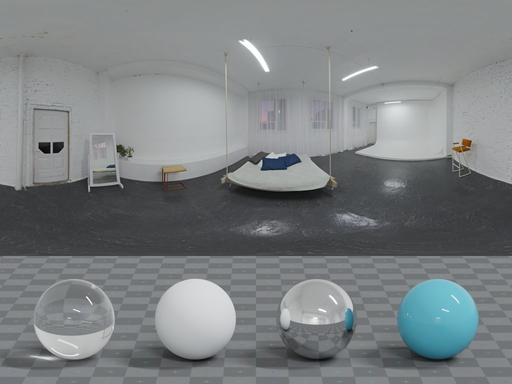
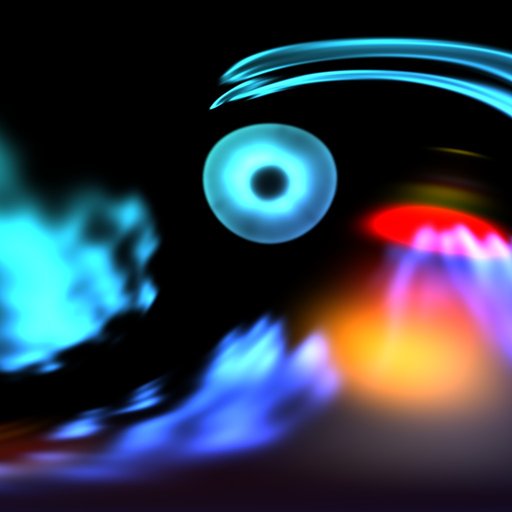
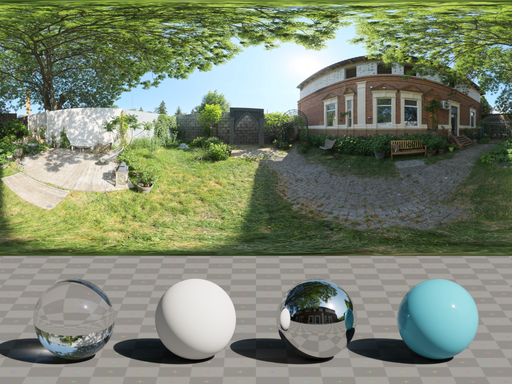
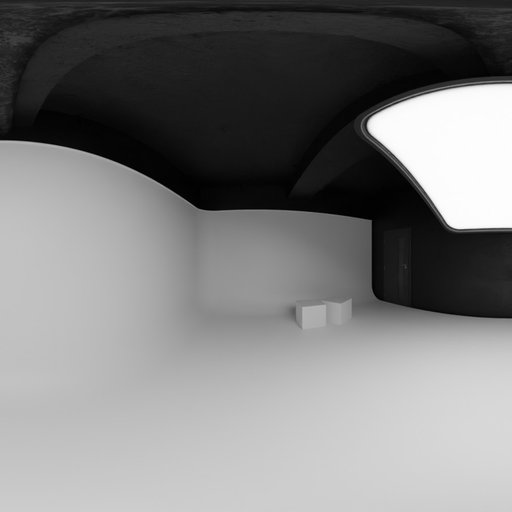
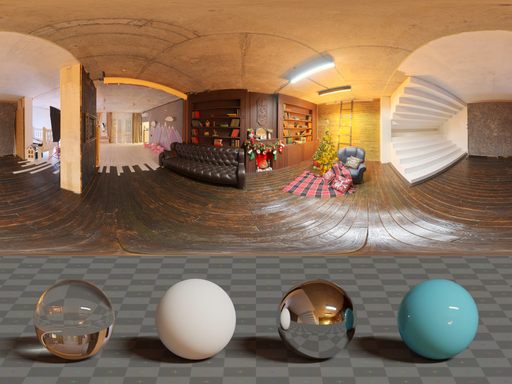
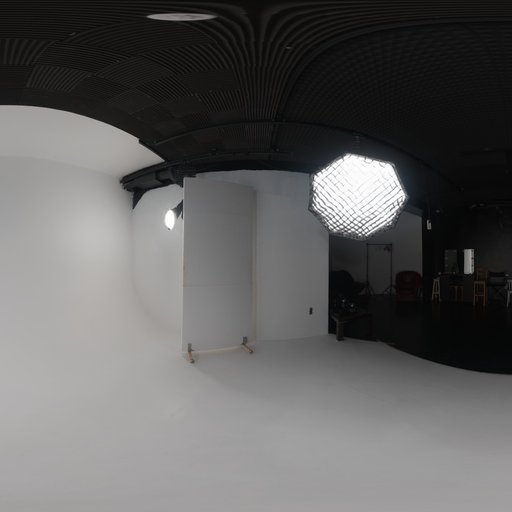
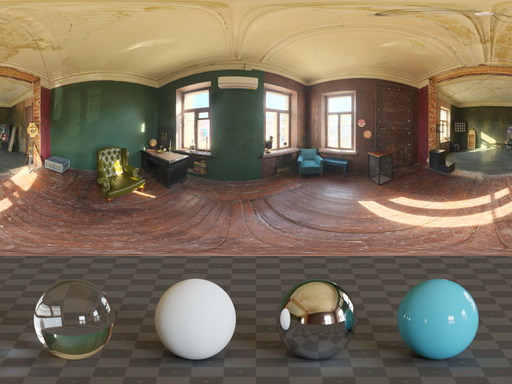
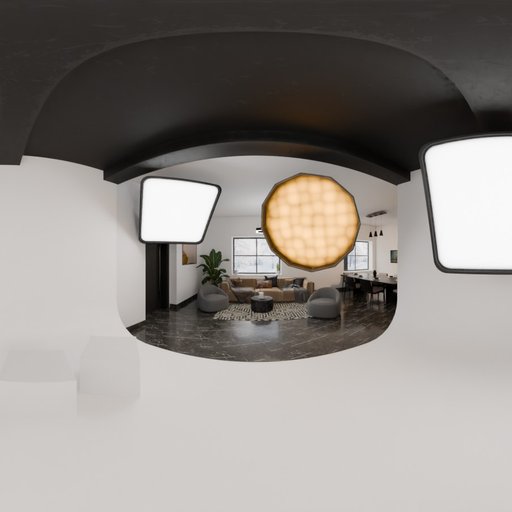
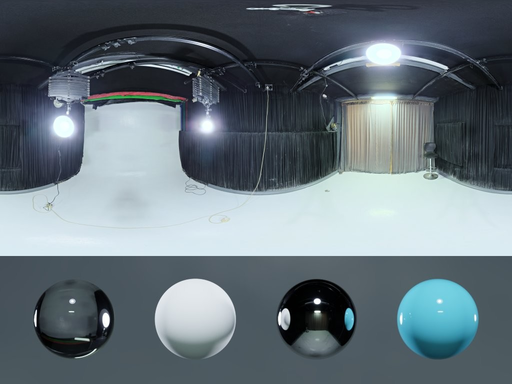
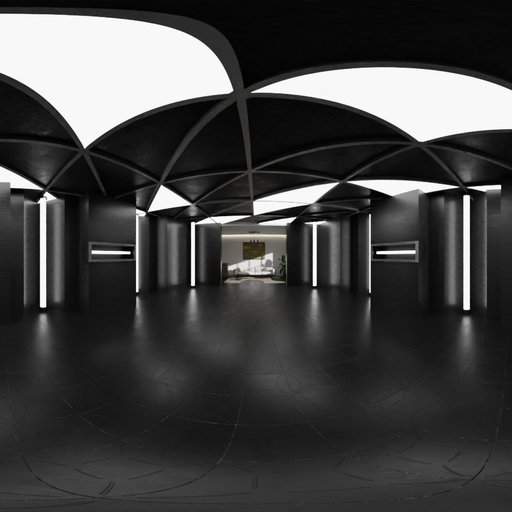
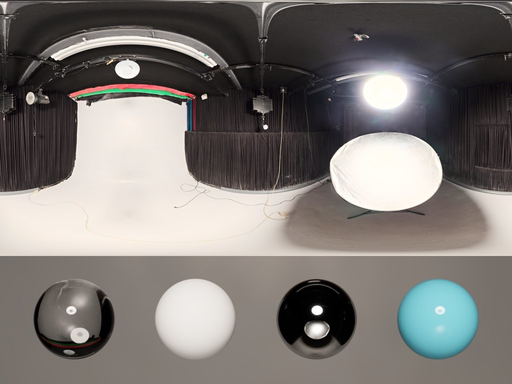
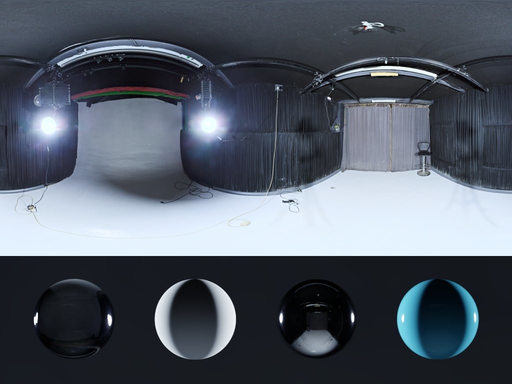
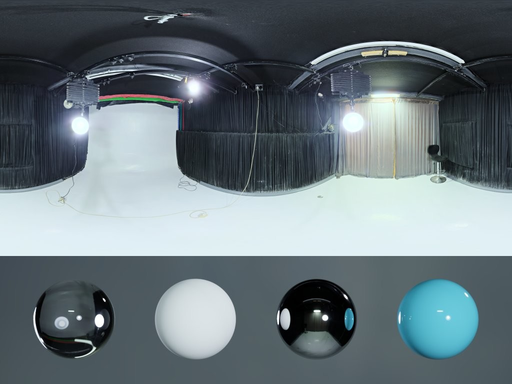
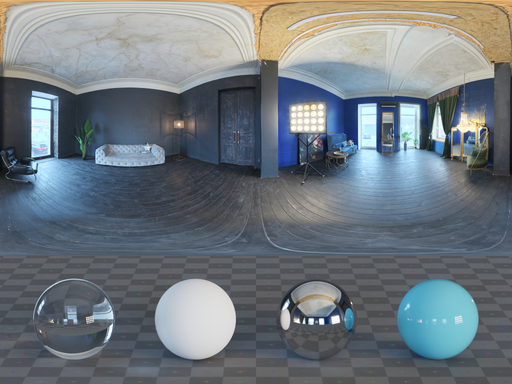
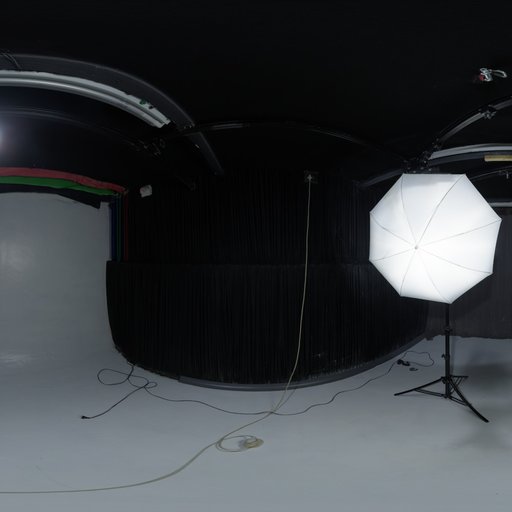
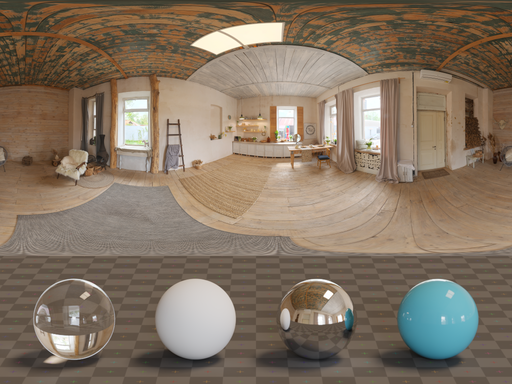
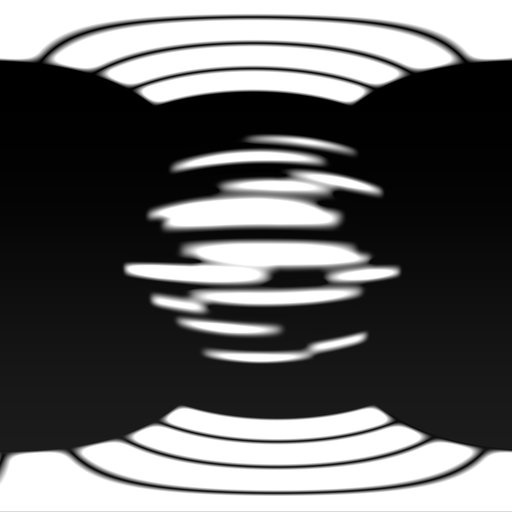
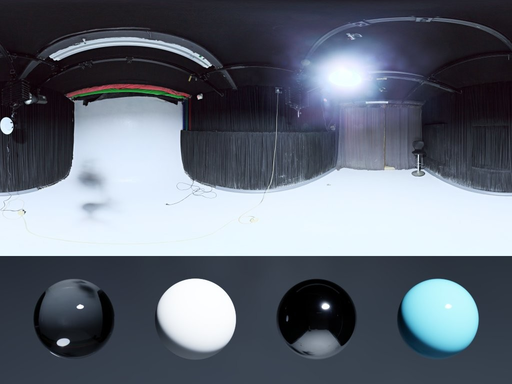


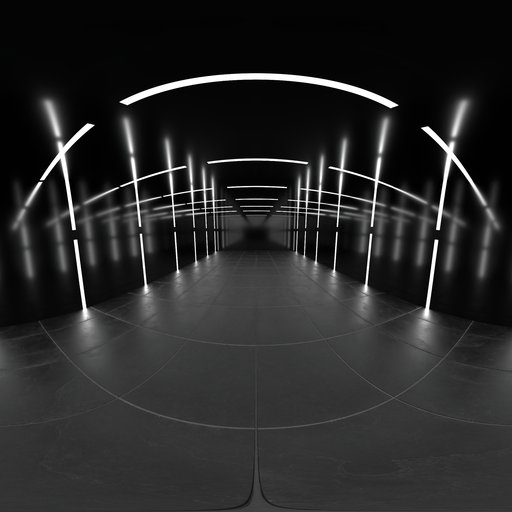
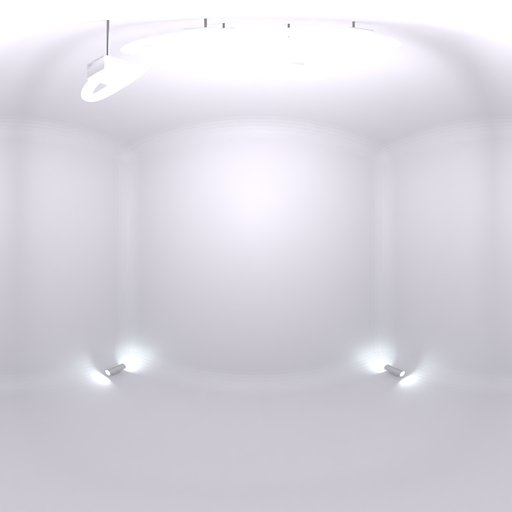
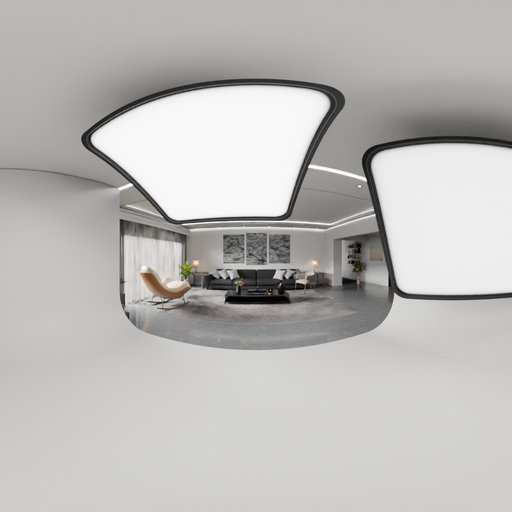
A studio HDRI is a 360° photograph of a photo studio: large softboxes, strip lights and a neutral room. It gives clean, controlled light with soft shadows and long, smooth highlights, which is why it is the default for product renders, turntables, character look development and 3D viewers on the web.
The HDRIs on this page come from Poly Haven, BlenderKit and other libraries, gathered by one live search and refreshed automatically. Most are CC0, so they can be used in client work without credit.
What to look for
- Where the softboxes sit. The bright panels become the highlights on glossy materials. Rotate the HDRI until a highlight runs along the edge of your product instead of across its face.
- Neutral or tinted. Grey studios keep colours true for e-commerce shots; warm or coloured studios add mood.
- Contrast. One large light with a dark room gives dramatic falloff; several panels in a white room give even, almost shadowless light.
For real-time viewers such as <model-viewer>, Three.js or Babylon.js, a 1K or 2K file is enough: the environment is blurred for lighting anyway. Offline renders that show sharp reflections of the softboxes benefit from 4K.